Notes and Word to slides
Turn your notes into slides.
Paste rough notes into the prompt or attach a Word document, a text file or Markdown. Slicess gives them a structure, writes the slides and designs every one.
Free to start · Word, text and Markdown files cost nothing extra to read
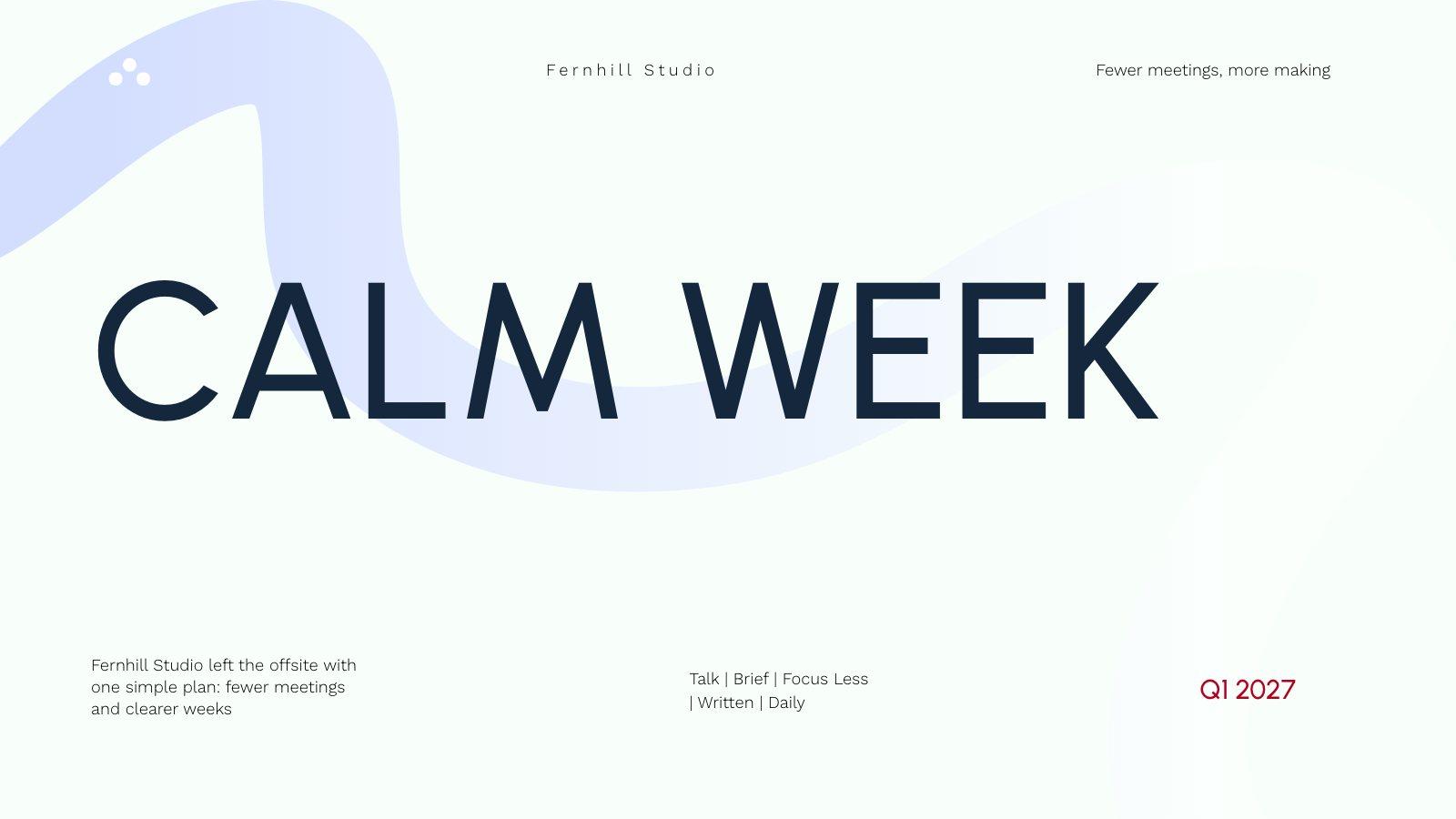
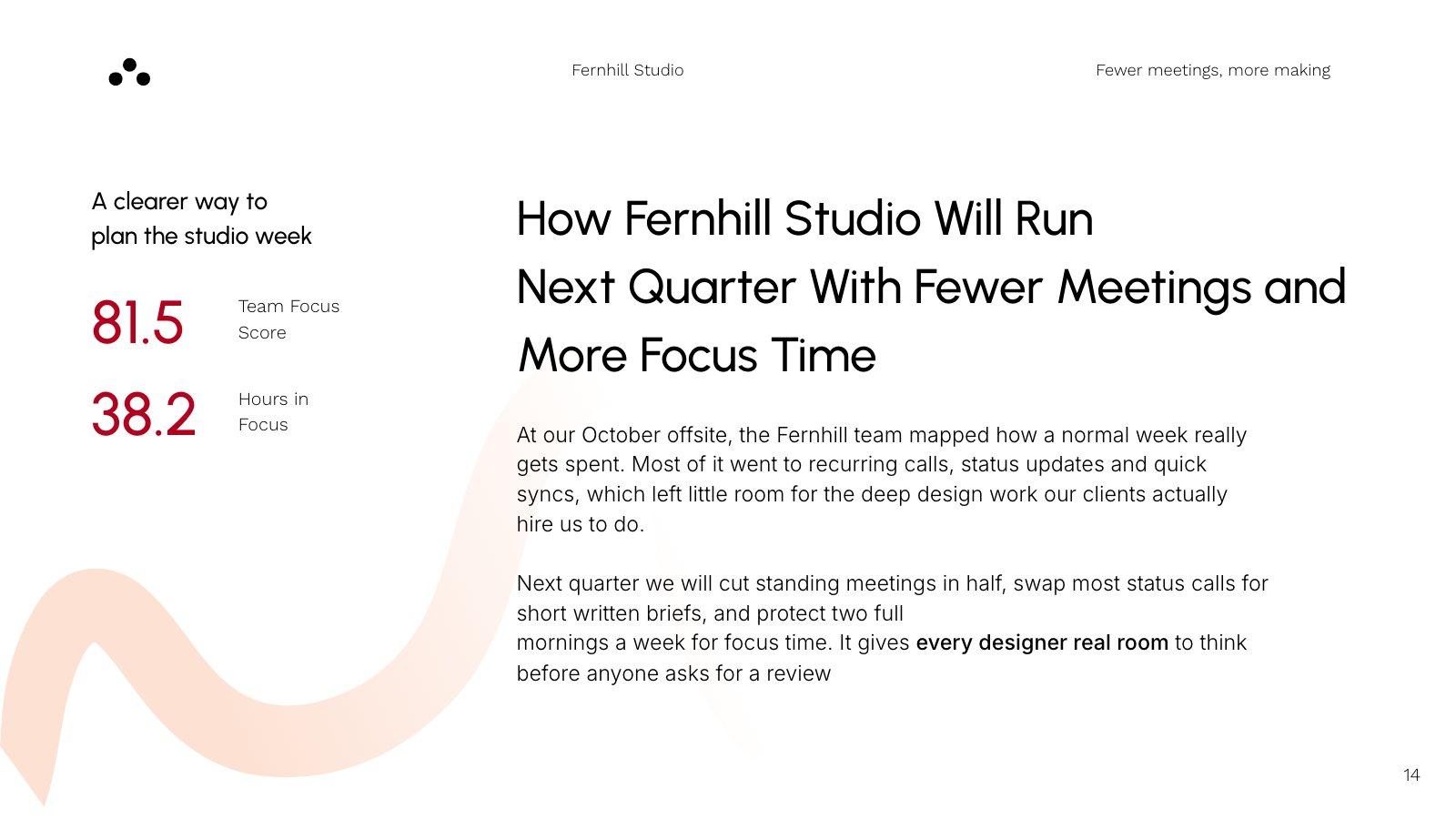
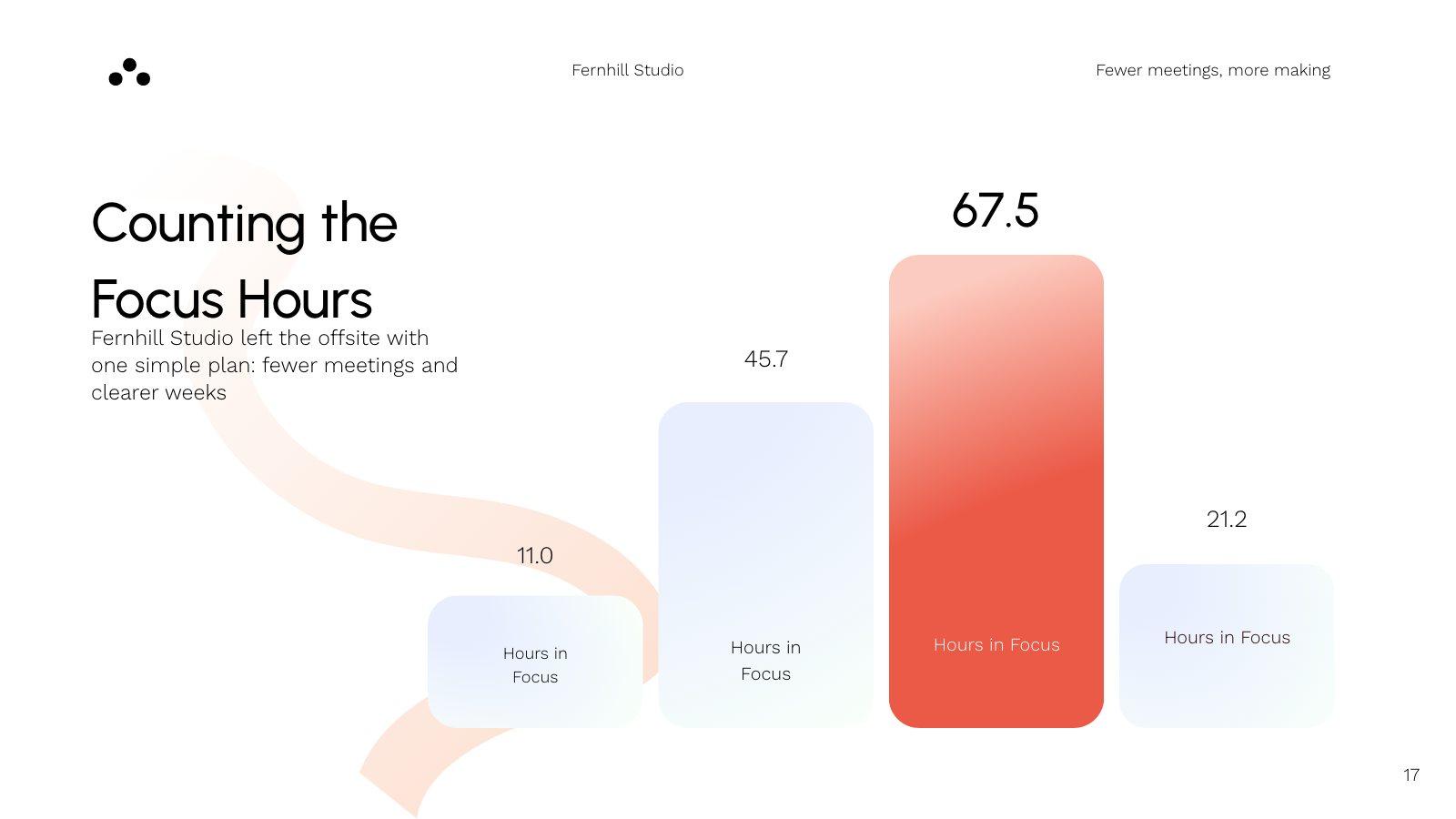
Slides from an example deck built from a design team’s offsite notes
How it works
From notes to a deck in three steps.
Bring your notes
Paste them into the prompt box, or attach DOCX, TXT or MD files — up to 8 files, each up to 15 MB.
Say what you need
Who it’s for and how long it should be: “a 6-slide team update” or “a workshop for new managers”.
Shape it on the canvas
Every slide is editable. Switch a slide’s layout in one click, or ask the AI to make it shorter, clearer or more formal.
What you get
A structure, not just bullets.
Slicess groups your notes into a story: an opening, the points that matter and a close, each on a slide designed for it.
- Messy notes become a clear order of slides
- Titles and text sized to fit every slide
- 18 smart layouts you can switch between in one click
- Your Brand Kit’s voice on every plan; colors, fonts and logos on bigger plans
- Speaker notes, present mode and share links included
| Files | DOCX, TXT and MD, plus PDFs and images |
| Files per deck | Up to 8 |
| Word, text and Markdown | Up to 15 MB each, no extra credits |
| Deck cost | 15 credits, plus 3 per slide |
| Deck length | Up to 8 on Free, 15 on Pro, 25 on Plus, 40 on Ultra slides |
Questions
Notes to slides, answered.
Which files can I use?
Can I just paste my notes?
Does it keep everything I wrote?
How much does it cost?
More with Slicess
Other ways to start a deck.
Your notes are one click from a deck.
Describe it, drop in your sources, and get a real canvas back in about a minute. Free to start.
100 free credits every month · No card needed