PDF to presentation
Turn any PDF into a presentation.
Attach a report, a research paper or a long brief. Slicess reads it, picks out what matters and builds an editable deck from it in about a minute.
Free to start · PDFs up to 5 MB on Free, 10 MB on Pro, Plus and Ultra
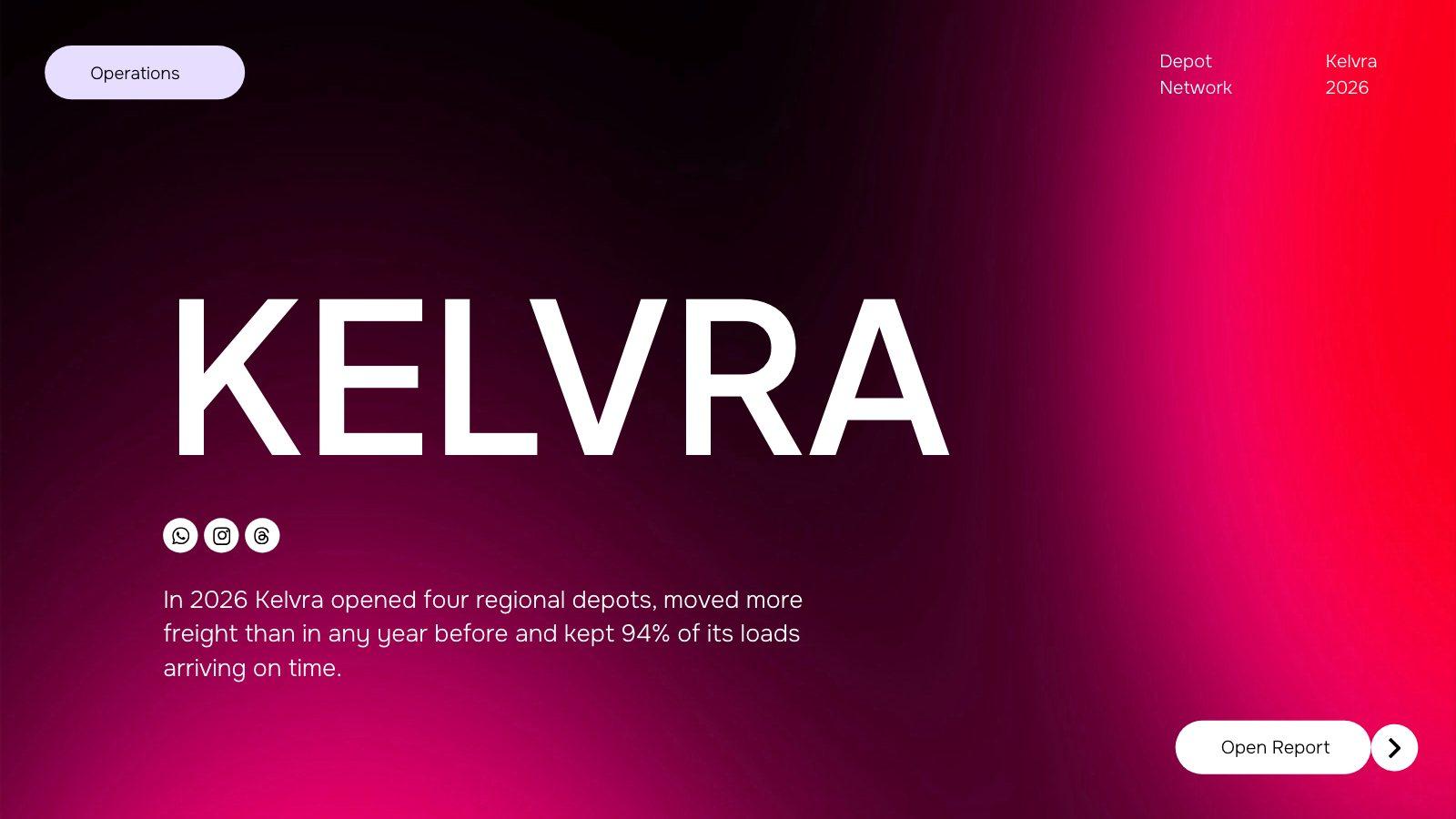
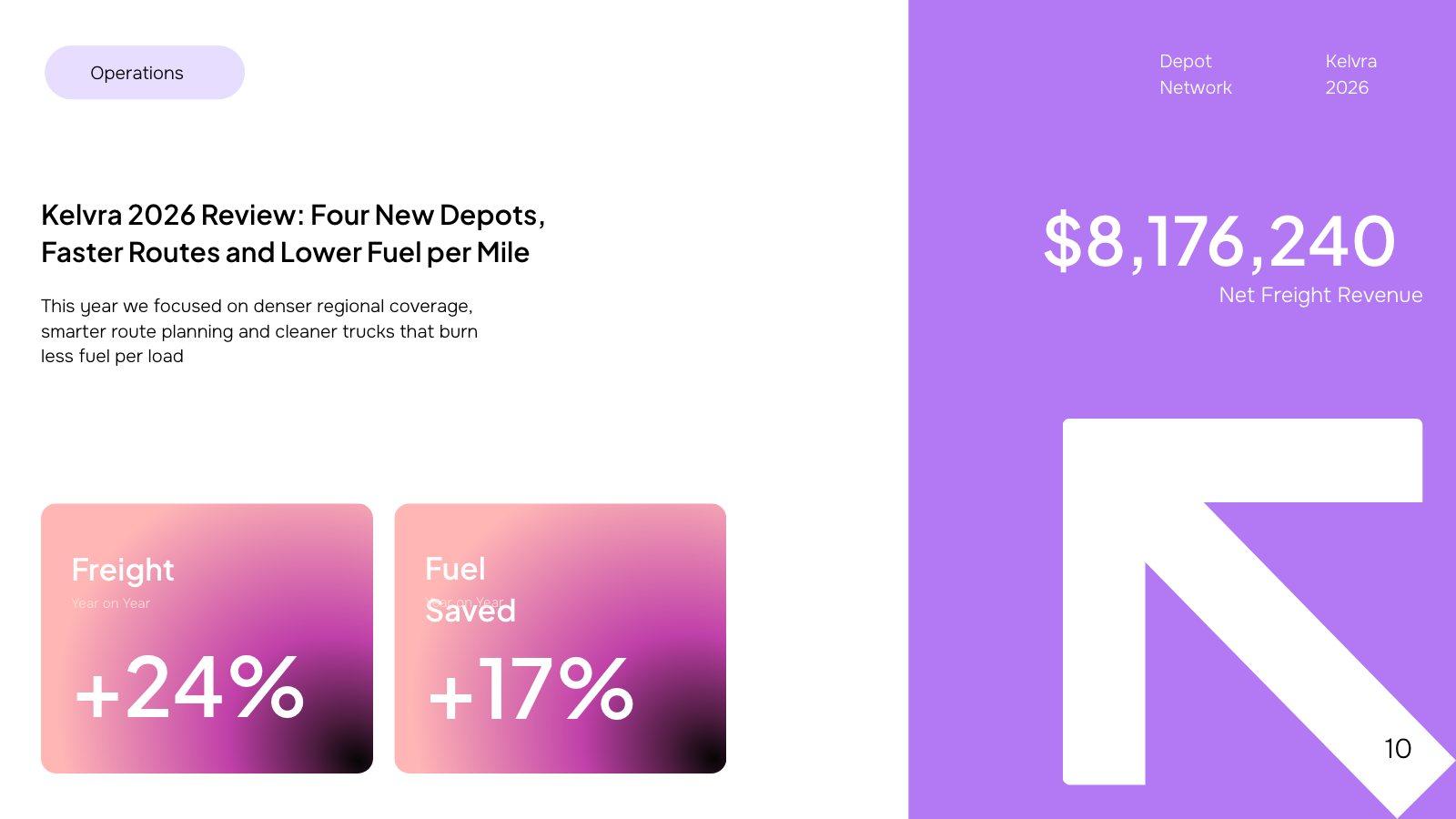
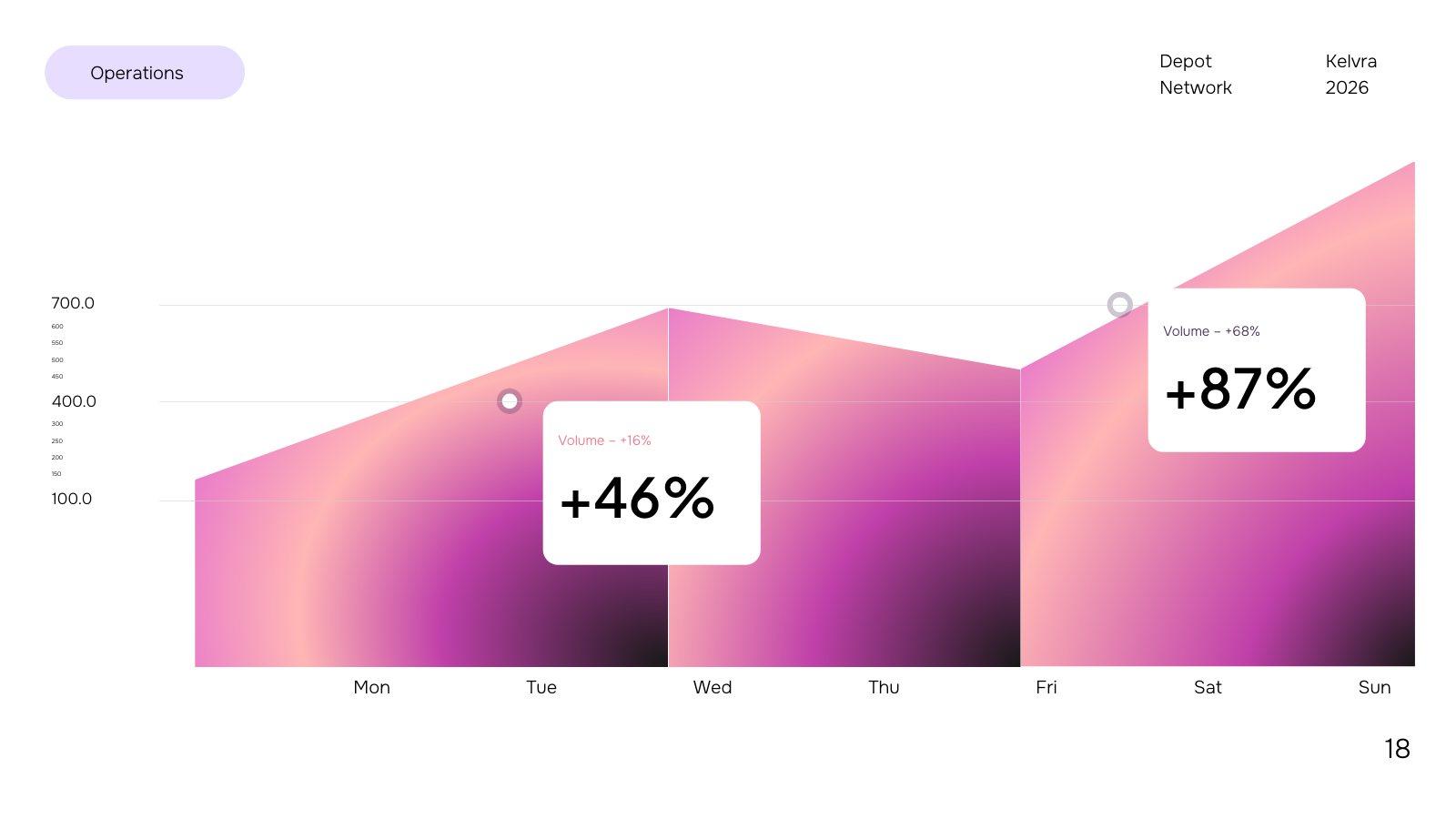
Slides from an example annual report, built from a freight company’s report PDF
How it works
From file to deck in three steps.
Attach your PDF
Drop in up to 8 files. PDFs can be up to 5 MB on Free, 10 MB on Pro, Plus and Ultra; you see each PDF’s page count as soon as it’s attached.
Say what it’s for
“A 10-slide board update” or “a lecture for first-year students”. A short prompt is fine: Slicess works out the rest from your files.
Edit the deck
You get real slides on a canvas — text, shapes, charts and images you can change. Figures come from your file.
What you get
Your document, as slides you can edit.
Not a summary pasted into boxes. Slicess plans a deck around what your document says and designs every slide.
- Numbers, names and claims come from your file, not invented
- A design picked to fit your topic and your Brand Kit
- Every slide editable: text, shapes, charts and images
- Mix PDFs with Word, text and Markdown files and images
- Present, share a link, or export to PDF or PowerPoint
| Files per deck | Up to 8 |
| PDF size | 5 MB on Free, 10 MB on Pro, Plus and Ultra |
| Other files | DOCX, TXT, MD, PNG, JPG, SVG, WebP · up to 15 MB |
| Cost | 55 credits for every 25 pages, plus the deck |
| Deck length | Up to 8 on Free, 15 on Pro, 25 on Plus, 40 on Ultra slides |
Questions
PDF to slides, answered.
How long can my PDF be?
Will it change my numbers?
Can I attach more than one file?
Can I edit the result?
More with Slicess
Other ways to start a deck.
Turn your next PDF into a deck today.
Describe it, drop in your sources, and get a real canvas back in about a minute. Free to start.
100 free credits every month · No card needed