Animations
Build your slide click by click.
Bring a chart in bar by bar, reveal a number when you’re ready to talk about it, and let each slide move at your pace in present mode.
Every plan · PowerPoint export on Plus and Ultra
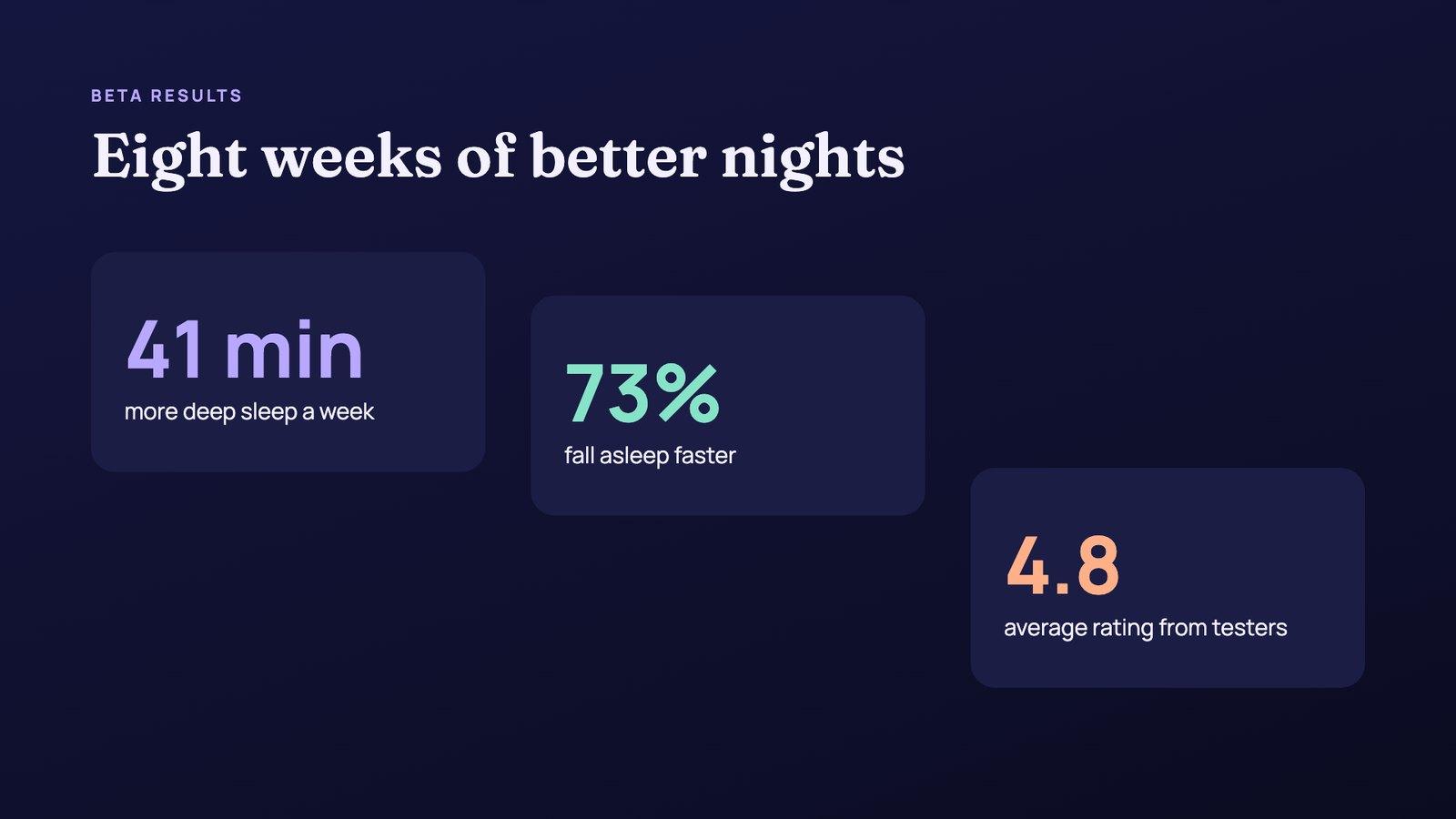
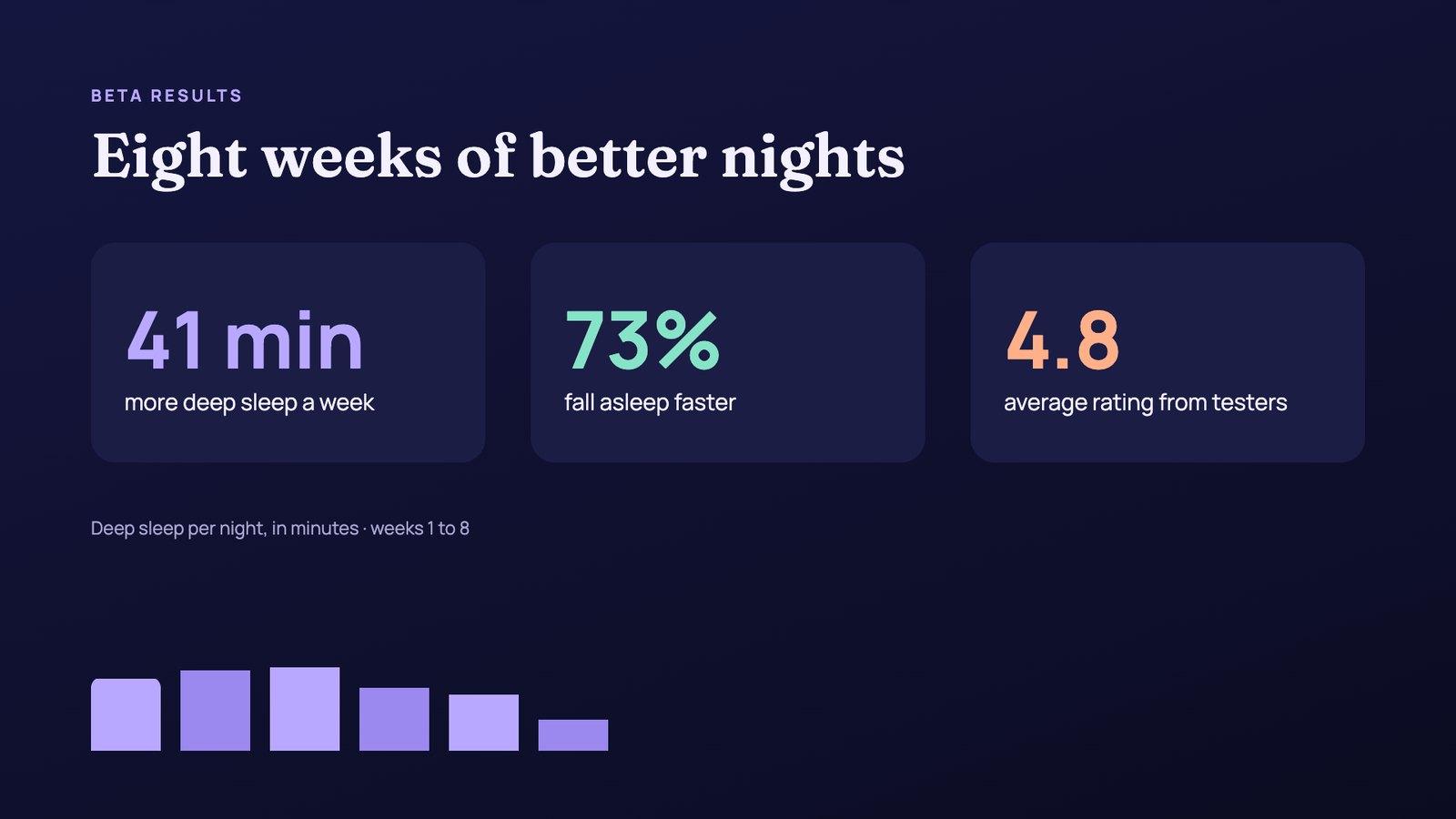
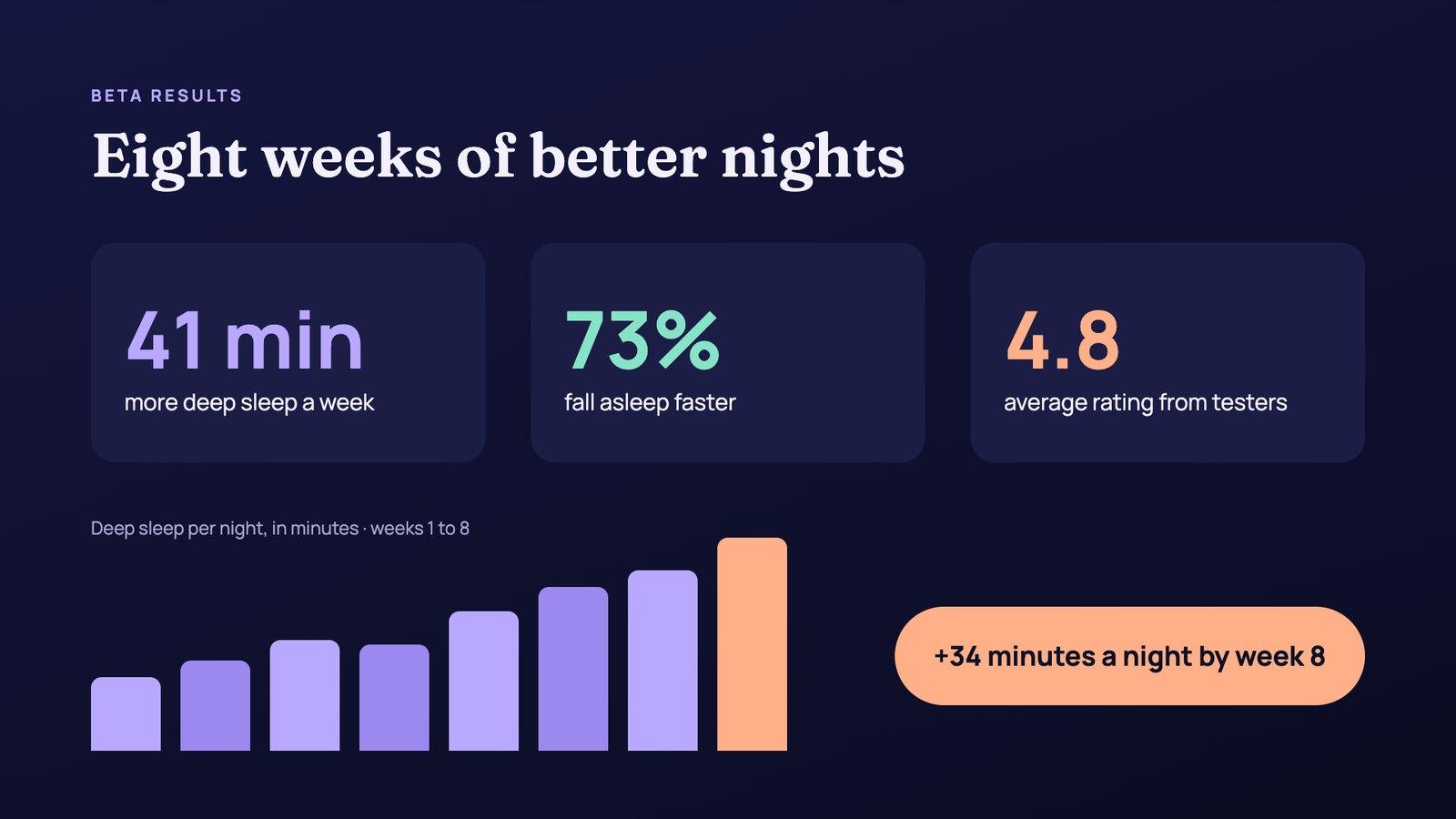
One slide from an example results deck, caught at each click in present mode
In the editor
All the motion in one tab.
How it works
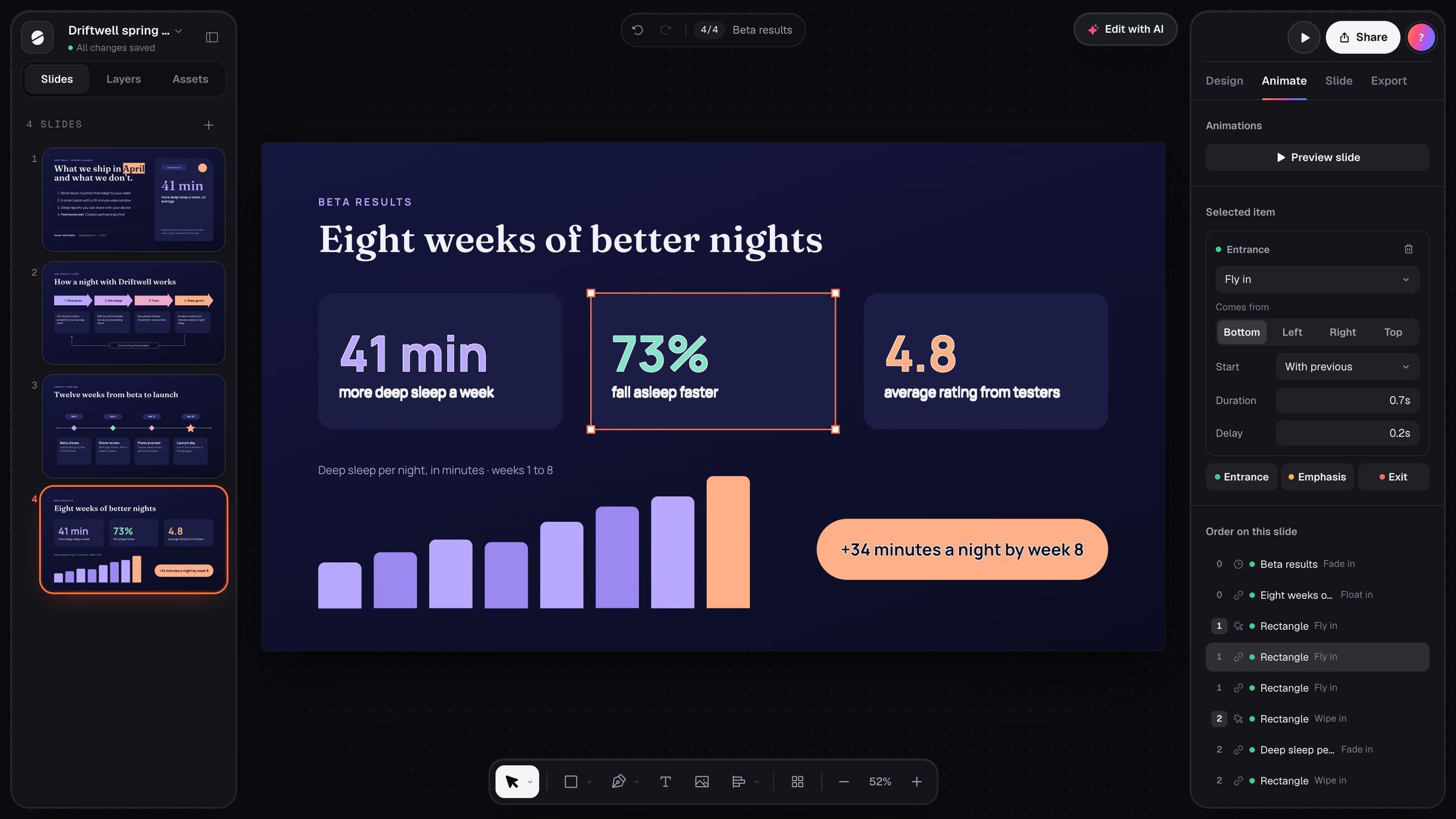
Animate a slide in three steps.
Pick an item
Select a text box, shape, line, image or chart, open the Animate tab and add an entrance, an emphasis or an exit.
Set the timing
Start it on a click, with the previous animation or after it. Give it a duration and a delay, and move it earlier or later in the slide’s order.
Preview and present
Preview the slide right in the editor. In present mode each click plays the next step, and the slide moves on when they’re done.
What you get
Motion with a purpose.
Animations that help you make one point at a time, not effects for their own sake.
- Entrances: fade, float, fly, zoom or wipe in, or simply appear
- Emphasis: pulse, grow or spin what you want people to notice
- Exits that take an item away once you’ve moved on
- On click, with previous or after previous, each with its own duration and delay
- Going back undoes the last step, so you can make a point again
- Kept as PowerPoint animations when you export, on Plus and Ultra
| Plans | Every plan; PowerPoint export on Plus and Ultra |
| Effects | 6 entrances, 3 emphasis effects and 6 exits |
| Directions | Float in from above or below; fly and wipe from any side |
| Timing | On click, with previous or after previous; duration and delay up to 20 seconds |
| Present mode | A click, → or Space plays the next step; ← takes it back |
Questions
Animations, answered.
What can I animate?
Do animations play in share links?
Do they come with the PowerPoint export?
What about people who prefer less motion?
Do they cost credits?
More with Slicess
More you can do with a deck.
Present it one point at a time.
Describe it, drop in your sources, and get a real canvas back in about a minute. Free to start.
100 free credits every month · No card needed