PowerPoint export
Export to PowerPoint, still editable.
Download any deck as a .pptx file with real text boxes, shapes and images — ready to keep editing in PowerPoint or Google Slides.
On Plus and Ultra · PDF export on every plan
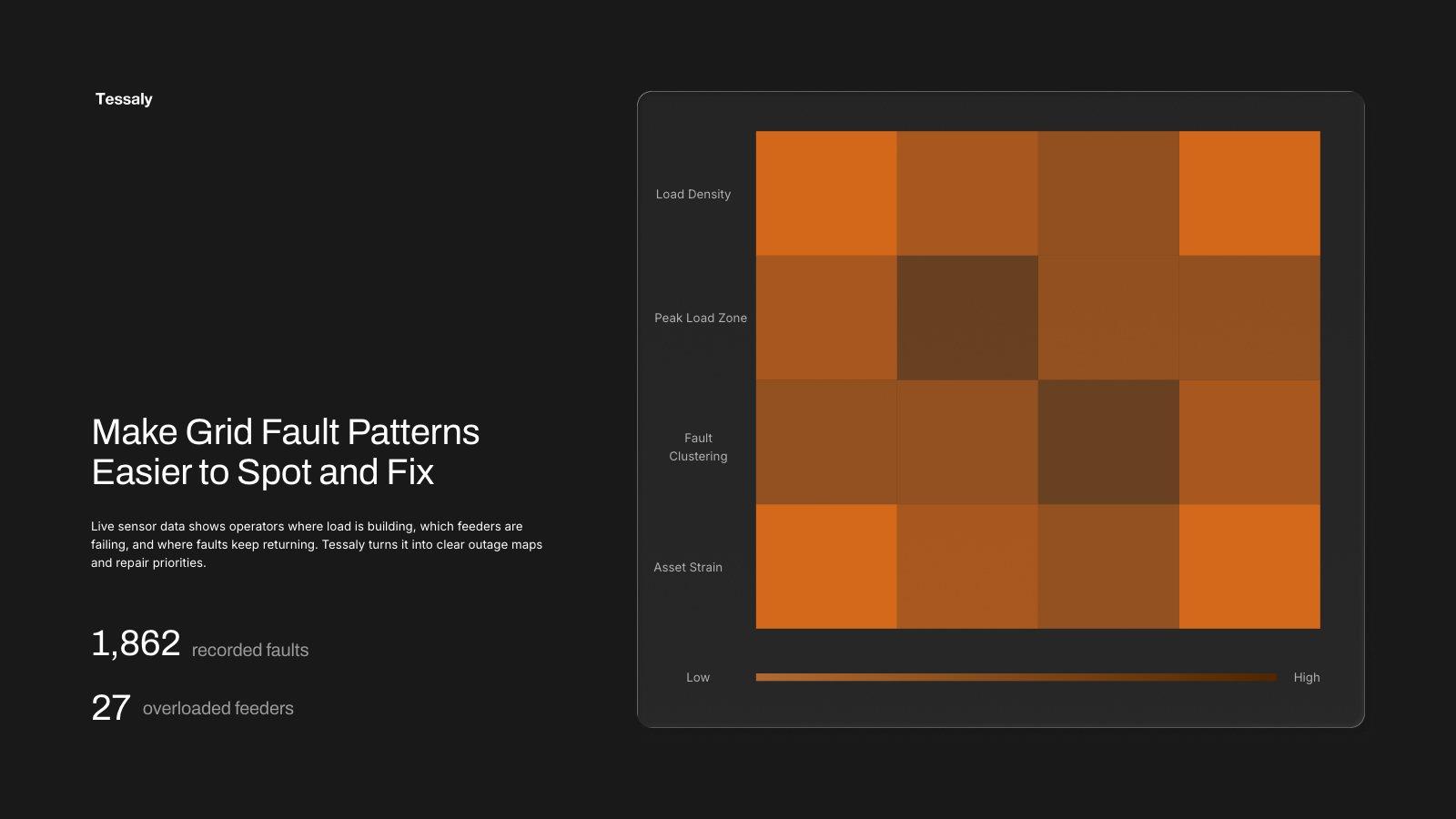
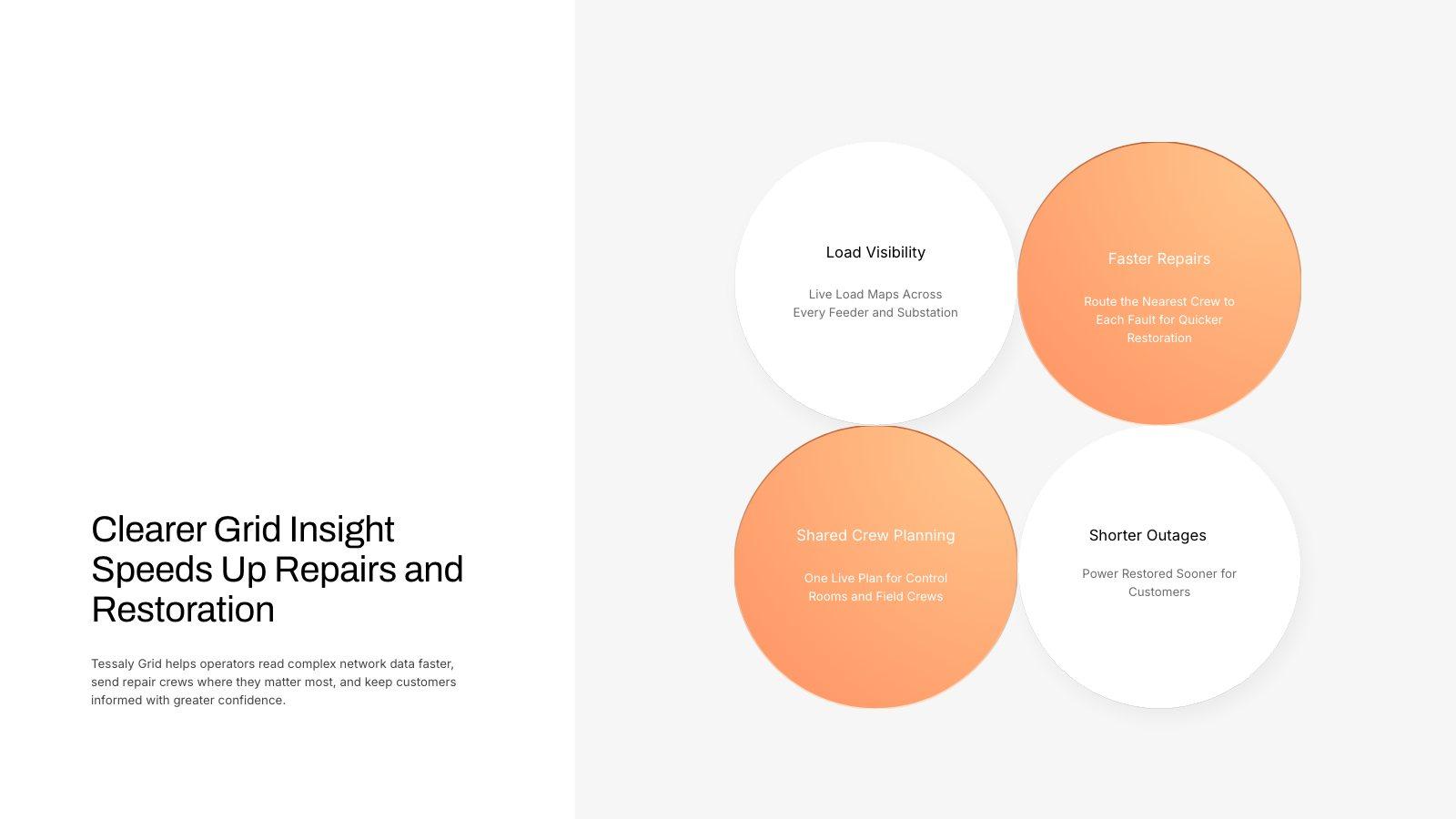
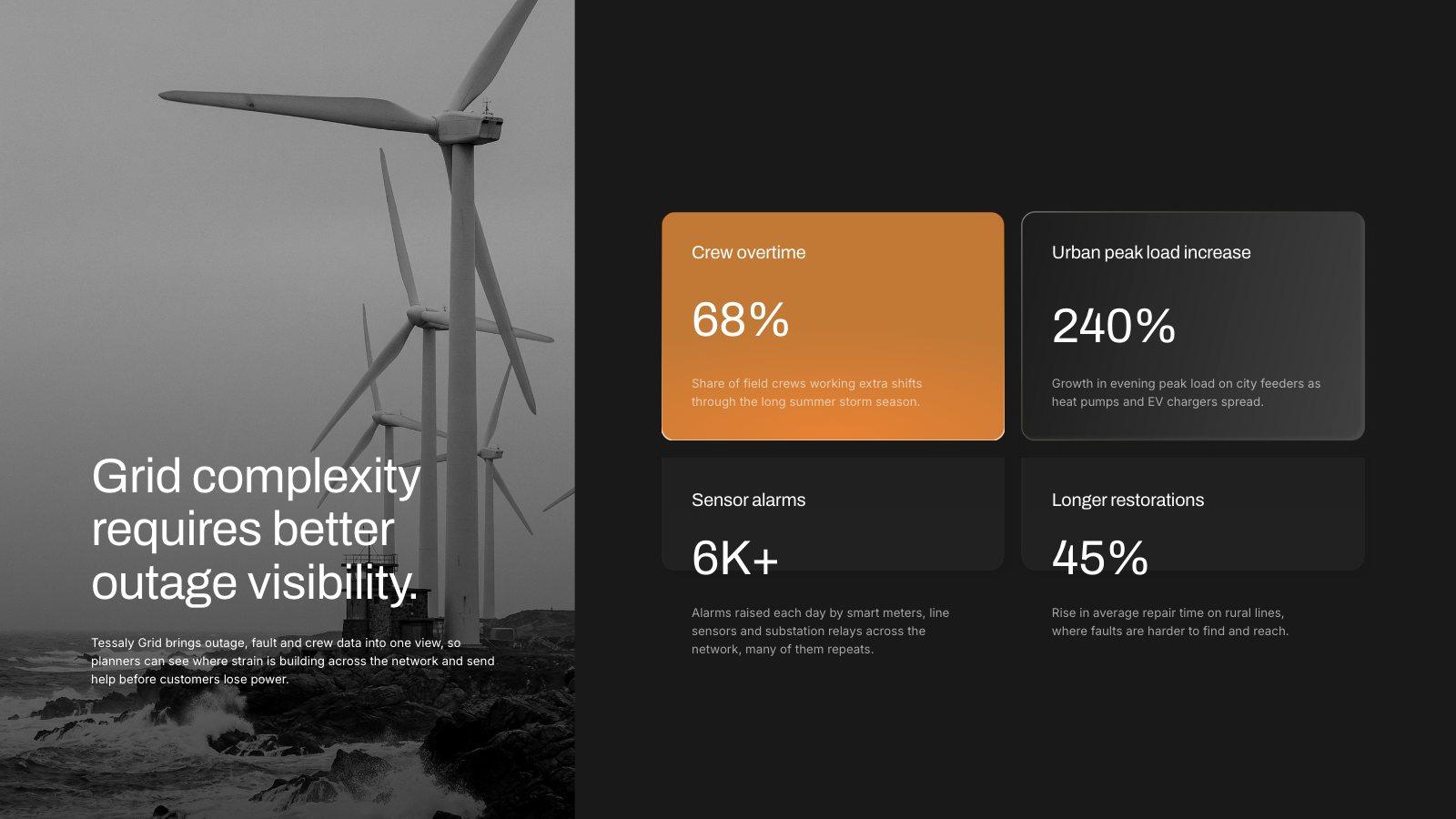
Slides from an example grid-operations deck: shapes, gradients and charts that export as real PowerPoint objects
How it works
Two clicks to a .pptx file.
Open a deck
Any deck you’ve made or generated in Slicess.
Choose PowerPoint
In the editor’s Export tab, or Download PowerPoint from the deck’s menu on your dashboard.
Keep working
Open the file in PowerPoint or upload it to Google Slides. Everything you’d expect to edit is editable.
What you get
Real objects, not pictures of slides.
Text stays text and shapes stay shapes, so the deck keeps working after it leaves Slicess.
- Text boxes with your fonts, sizes, colors, alignment and lists
- Native shapes with fills, gradients, dashed outlines, rounded corners, shadows and the text inside them
- Images cropped exactly as on the slide; SVG graphics stay sharp
- Animations and slide transitions as PowerPoint’s own, in the same order
- Speaker notes in PowerPoint’s notes
- 16:9 widescreen, one PowerPoint slide per Slicess slide
| Plans | Plus and Ultra (from $39 a month) |
| File | .pptx, 16:9 widescreen |
| Opens in | PowerPoint and Google Slides |
| Animations | Exported with their order, start and timing, plus slide transitions |
| Effects PowerPoint can’t draw | Blurs come through as a picture of that one element |
| Fonts | Install the deck’s fonts for an exact match |
Questions
PowerPoint export, answered.
Which plans include it?
Is the file editable?
Do my animations come with it?
Why does my text look slightly different?
Does it cost credits?
More with Slicess
More you can do with a deck.
Build it here, take it anywhere you present.
Describe it, drop in your sources, and get a real canvas back in about a minute. Free to start.
100 free credits every month · No card needed