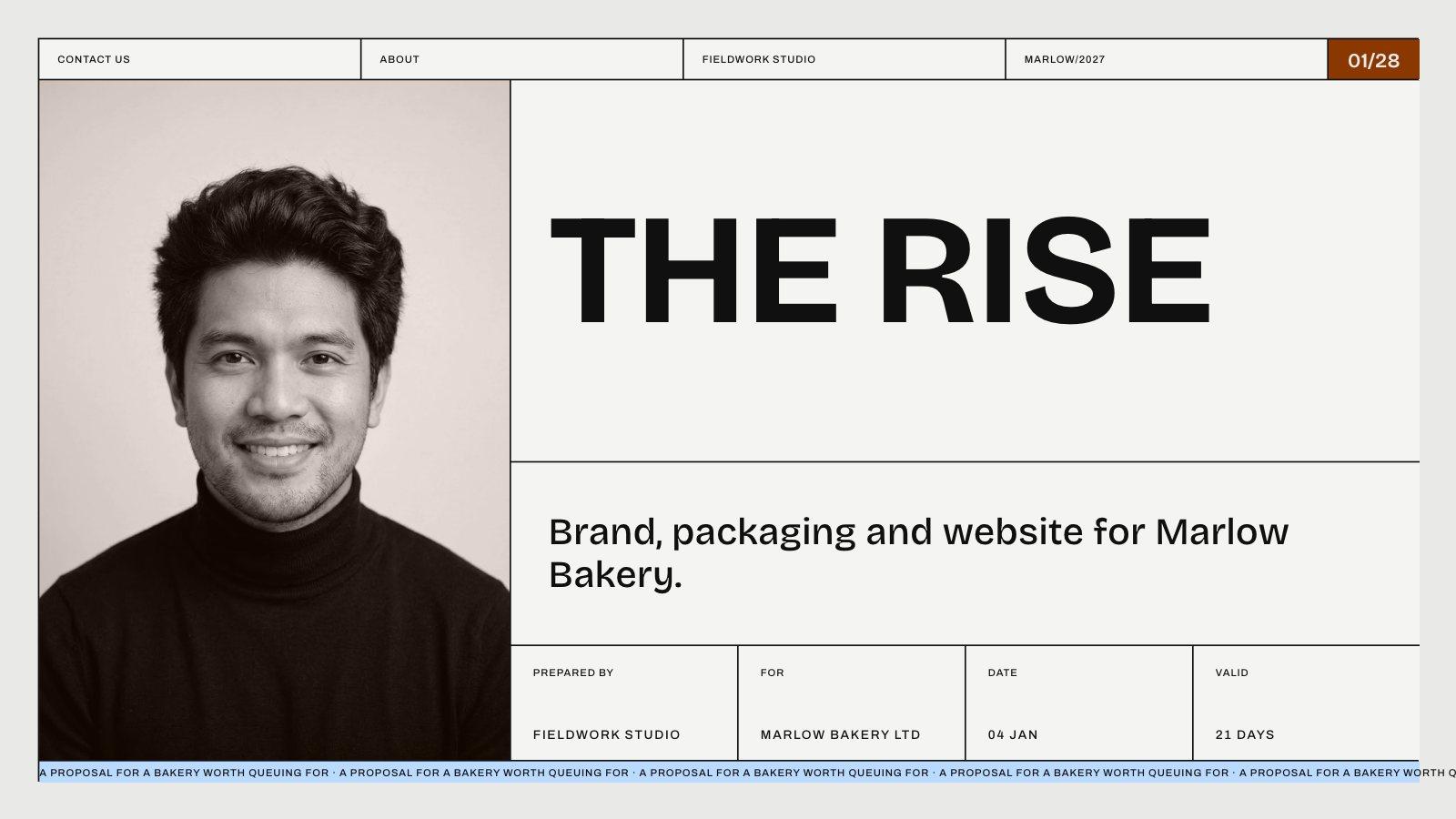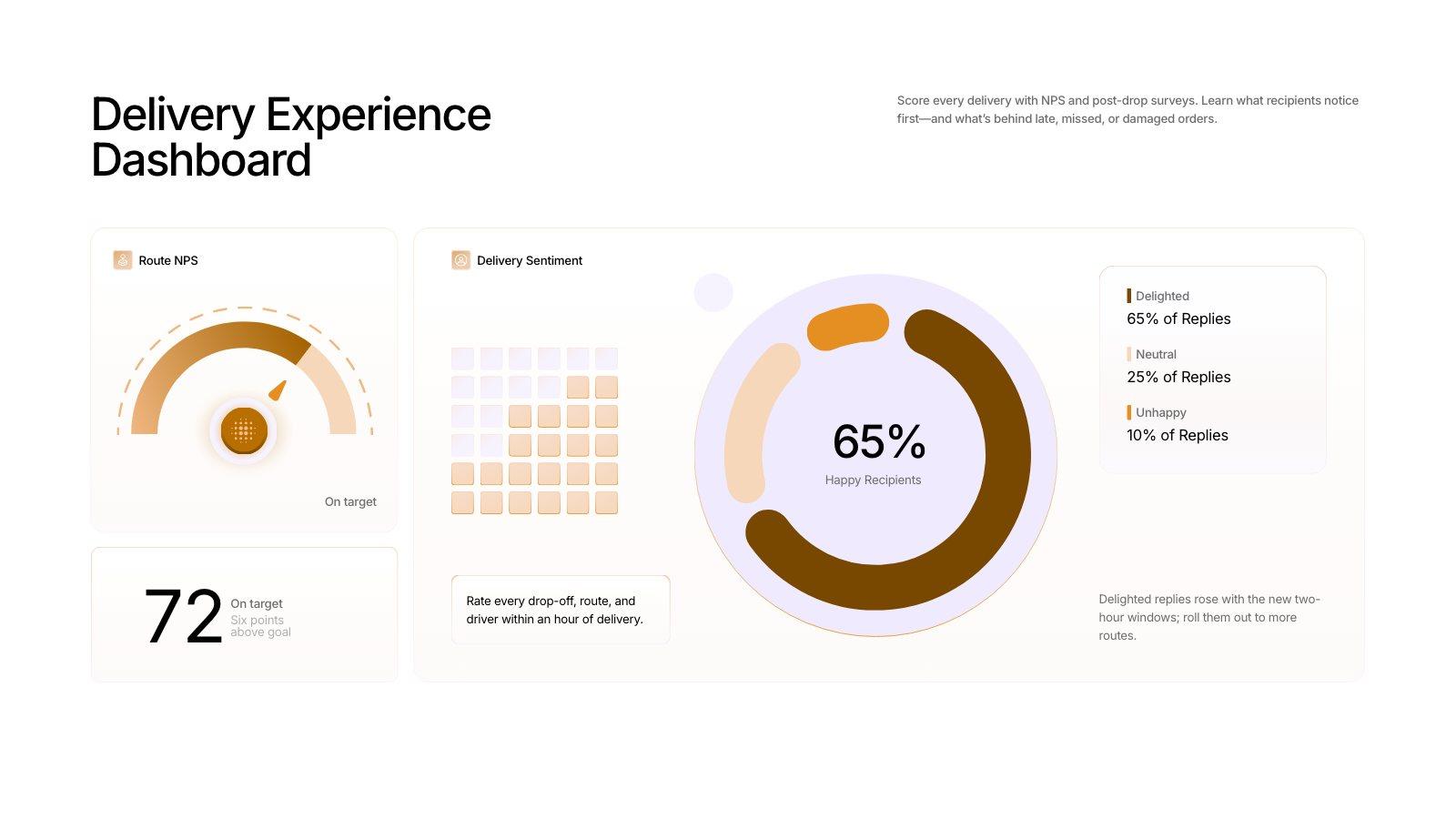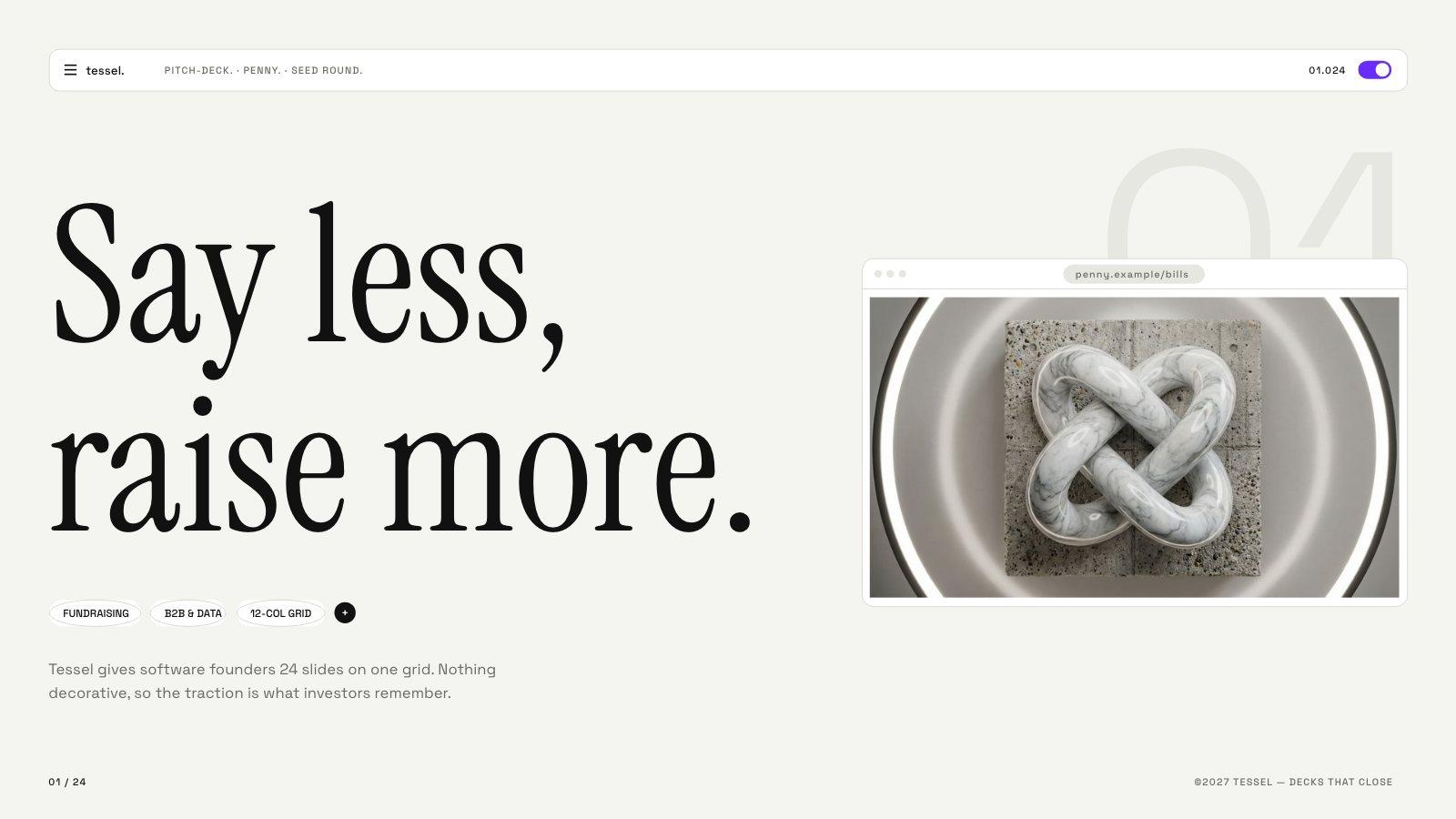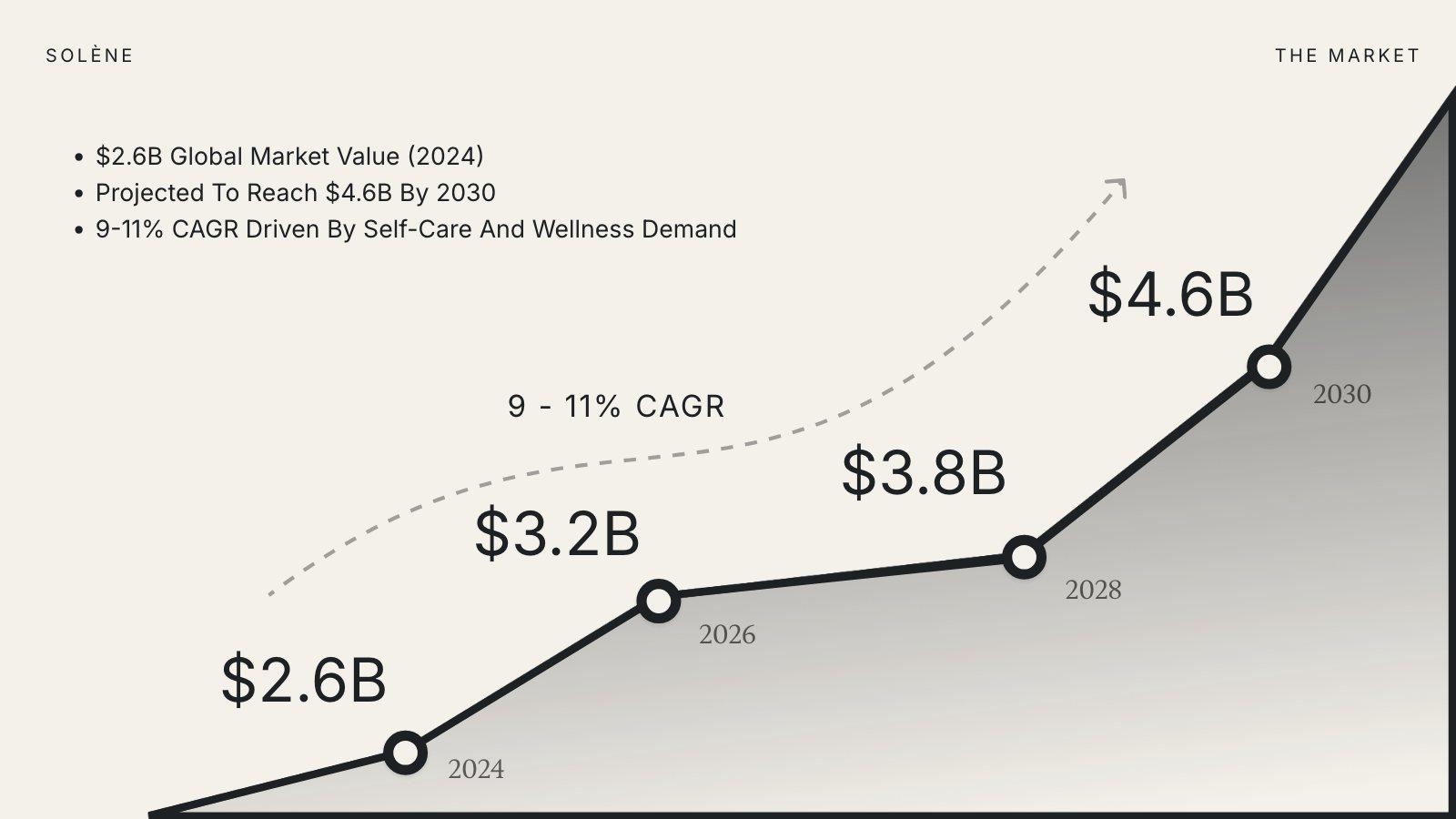
Attach files with the paperclip in the prompt box. The AI reads them while it writes, so the slides use your numbers, names and wording.
What you can attach
| Documents | PDF, DOCX, TXT, MD |
| Images | PNG, JPG, SVG, WebP |
| How many | Up to 8 files per deck |
| Largest PDF | 5 MB on Free, 10 MB on Pro, Plus and Ultra |
What PDFs cost
Reading a PDF is real work for the AI, so PDFs are priced by length: 55 credits for every started 25 pages. A 10-page PDF is 55 credits; a 30-page one is 110. Slicess counts the pages as soon as you attach the file and adds them to the estimate under the prompt box, so you see the cost before you generate.
Your images on the slides
Attach photos — product shots, your team, your space — and the AI can place them on your slides. When you generate from a template, it puts them into the template’s photo boxes instead of painting new pictures, which also saves the image credits.
Attaching your logo? Put logo in the file name (for example acme-logo.png). Slicess then treats it as your logo, not a photo, and a template’s logo spots use it.
If a file is too big
Slicess tells you before anything is charged. Split the PDF, export a smaller version (most PDF tools have a “reduce file size” option), or attach only the pages you need.