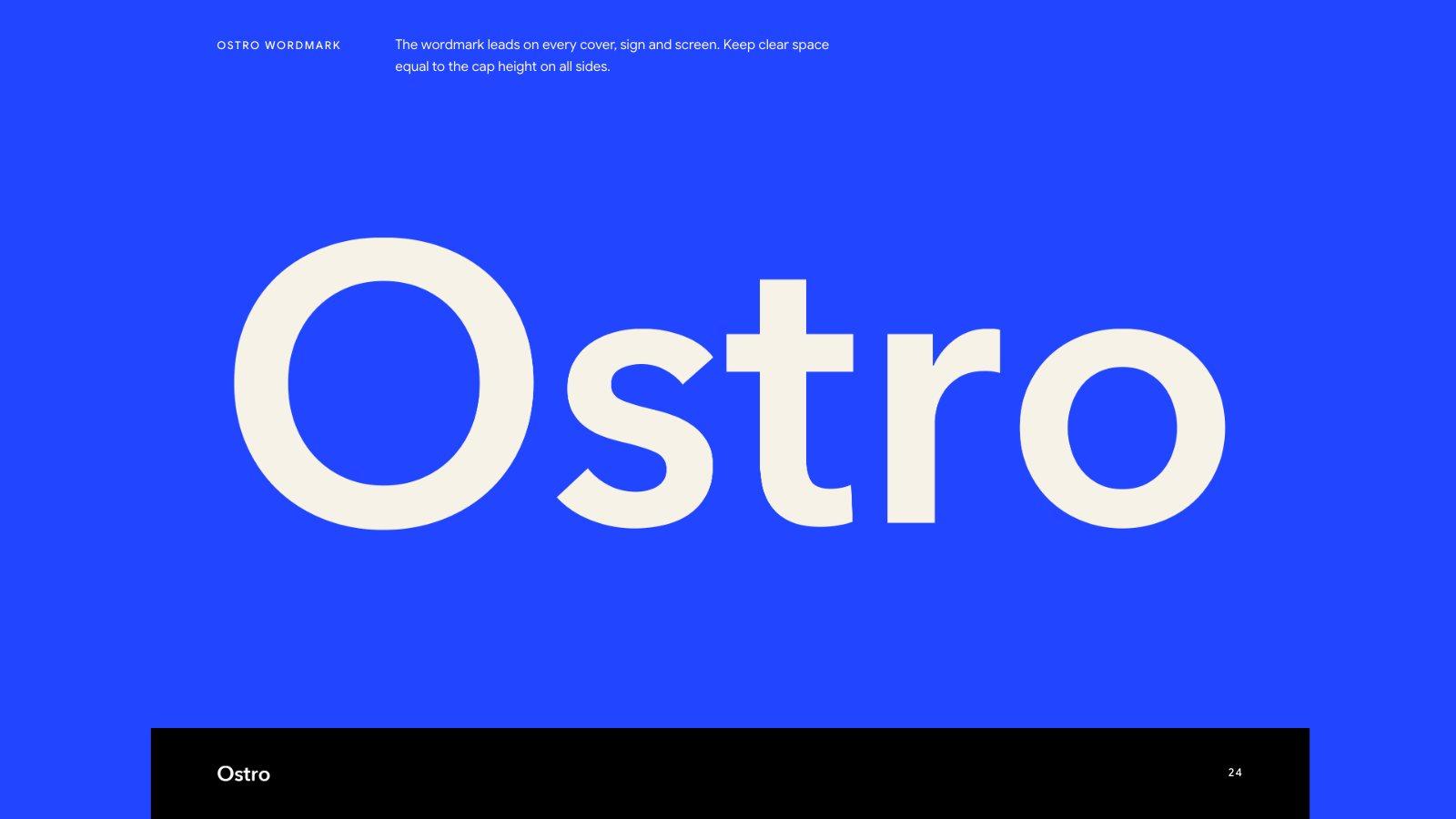
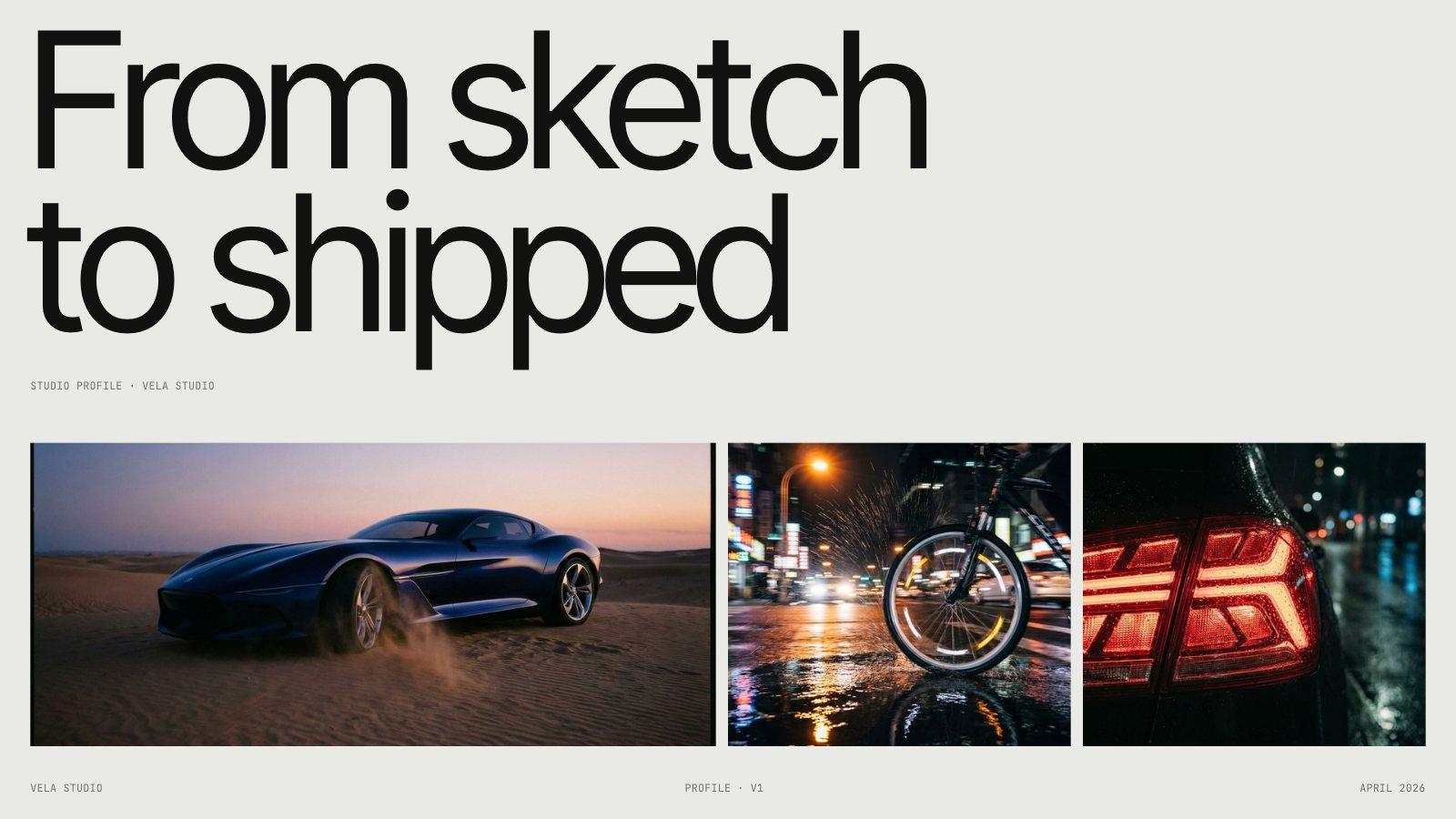
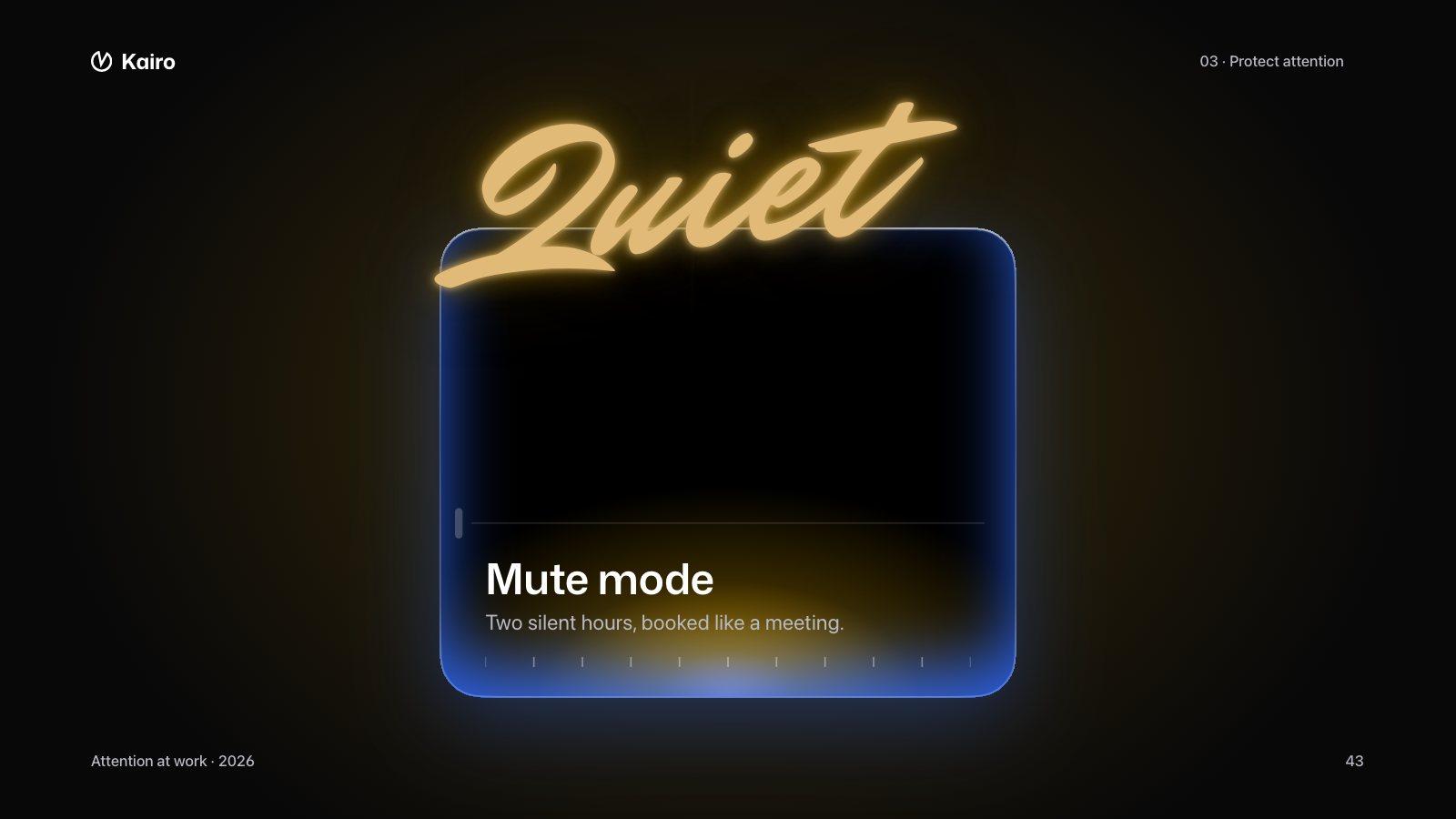
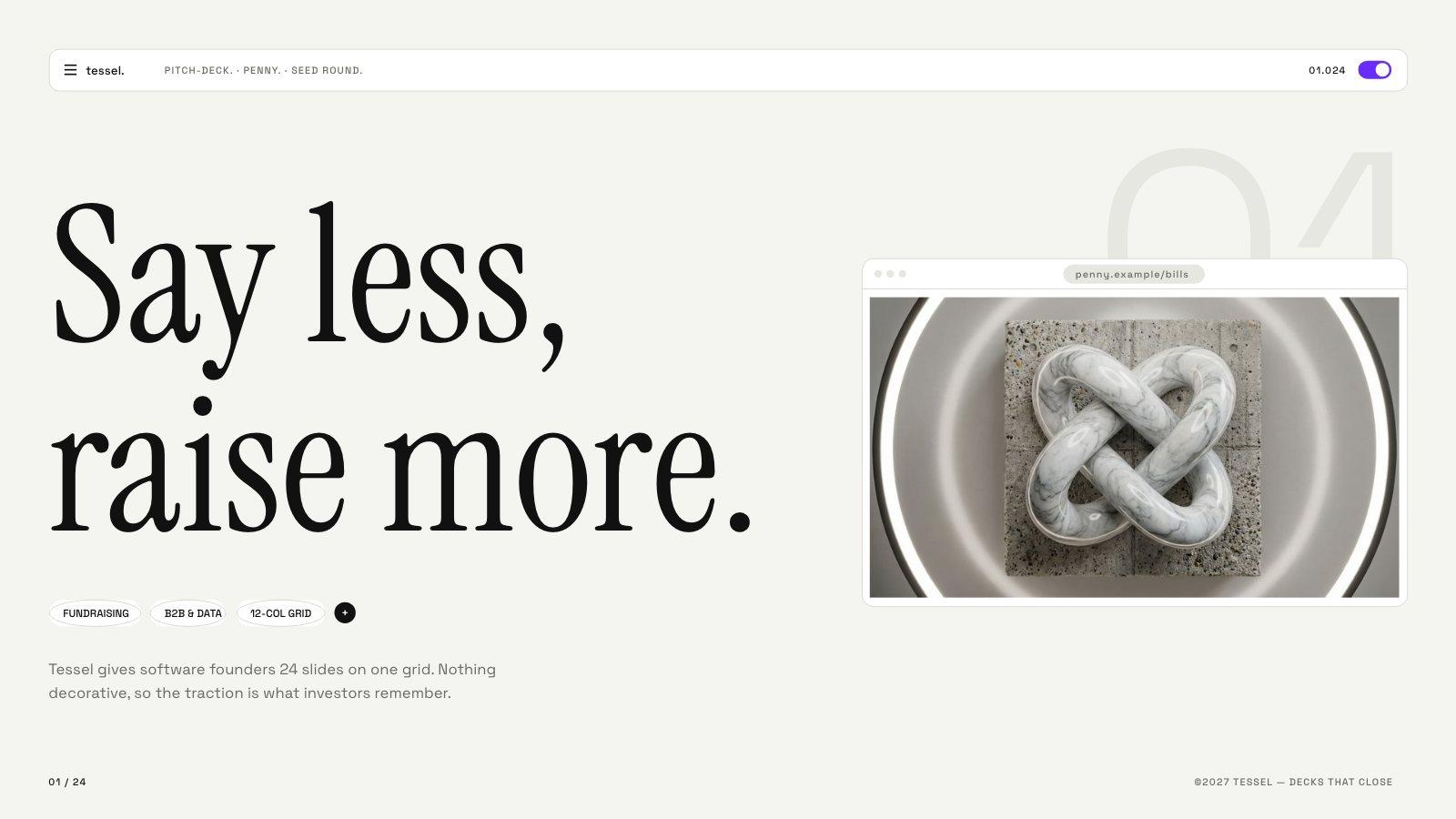
A brand holds what makes a deck look and sound like you. Set it up once, then pick it whenever you generate.
| |
|---|
| Name | So you can tell “Acme — investors” from “Acme — customers” |
| Colors | Your palette, picked with a color picker or pasted as hex |
| Fonts | A heading font and a body font from 60 options |
| Logos | Placed on your slides so you don’t drag them onto every one |
| Photos | Product shots, team photos and places, used where they fit |
| Voice | A few words on how you sound — “warm and direct”. The copy follows it |
- 1Open Brand Kit from the sidebar.
- 2Add a brand and fill in whatever you have. Everything can change later.
- 3Mark one brand as your default if you use it most.
- Pick a brand with the Brand chip in the prompt box before you generate.
- Switch a deck’s brand later from the editor’s Assets panel — or use no brand at all.
| Free | Pro | Plus | Ultra |
|---|
| Brands | 1 | 3 | 10 | Unlimited |
| Name and voice | Yes | Yes | Yes | Yes |
| Colors and fonts | — | Yes | Yes | Yes |
| Logos and photos | — | — | Yes | Yes |