AI presentation generator
Generate a presentation from one sentence.
Say what the presentation is for, attach your sources if you have them and pick a brand. Slicess plans the story, writes every slide, chooses the layouts and makes the images.
Free to start · Usually 20 to 60 seconds
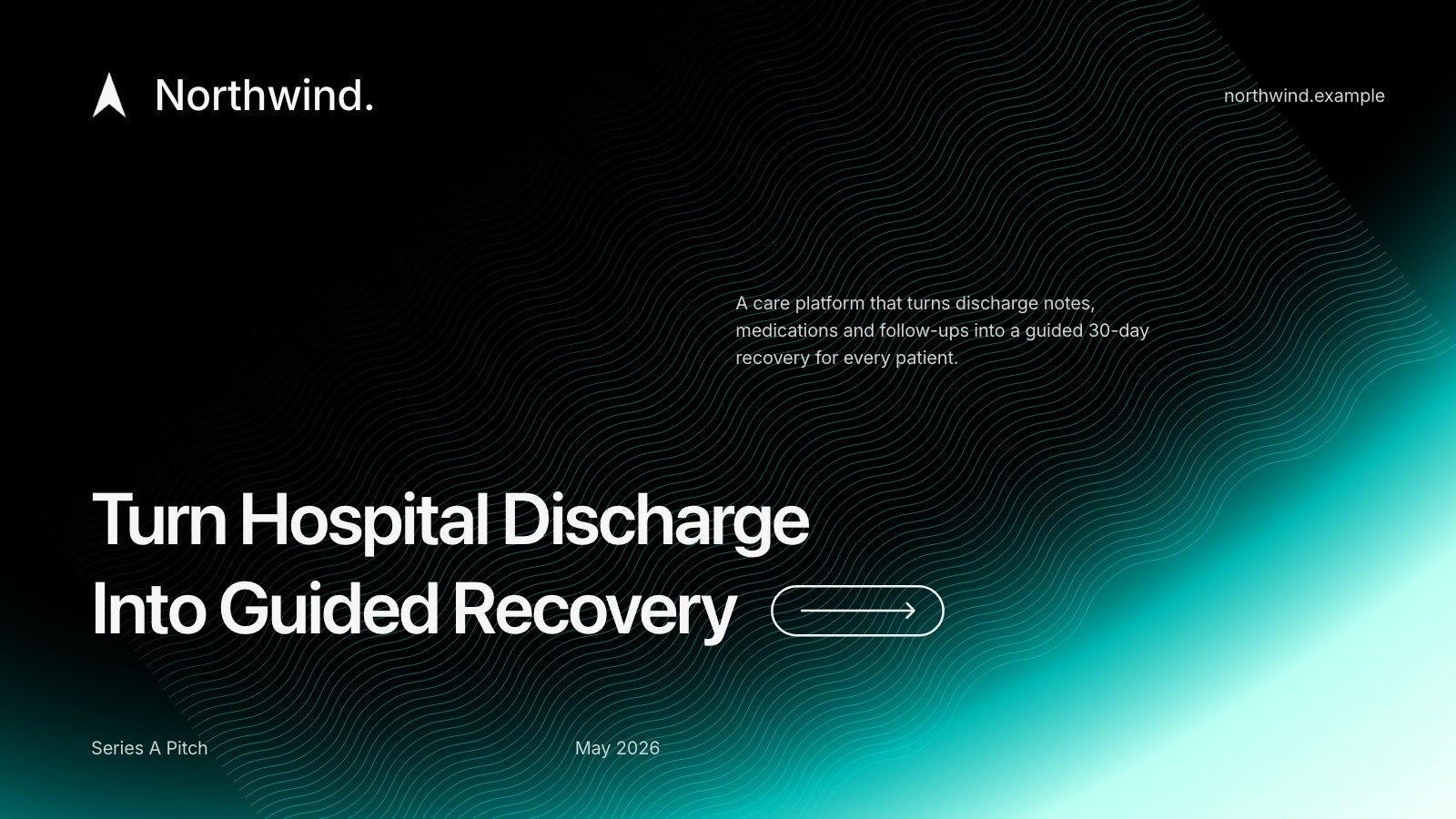
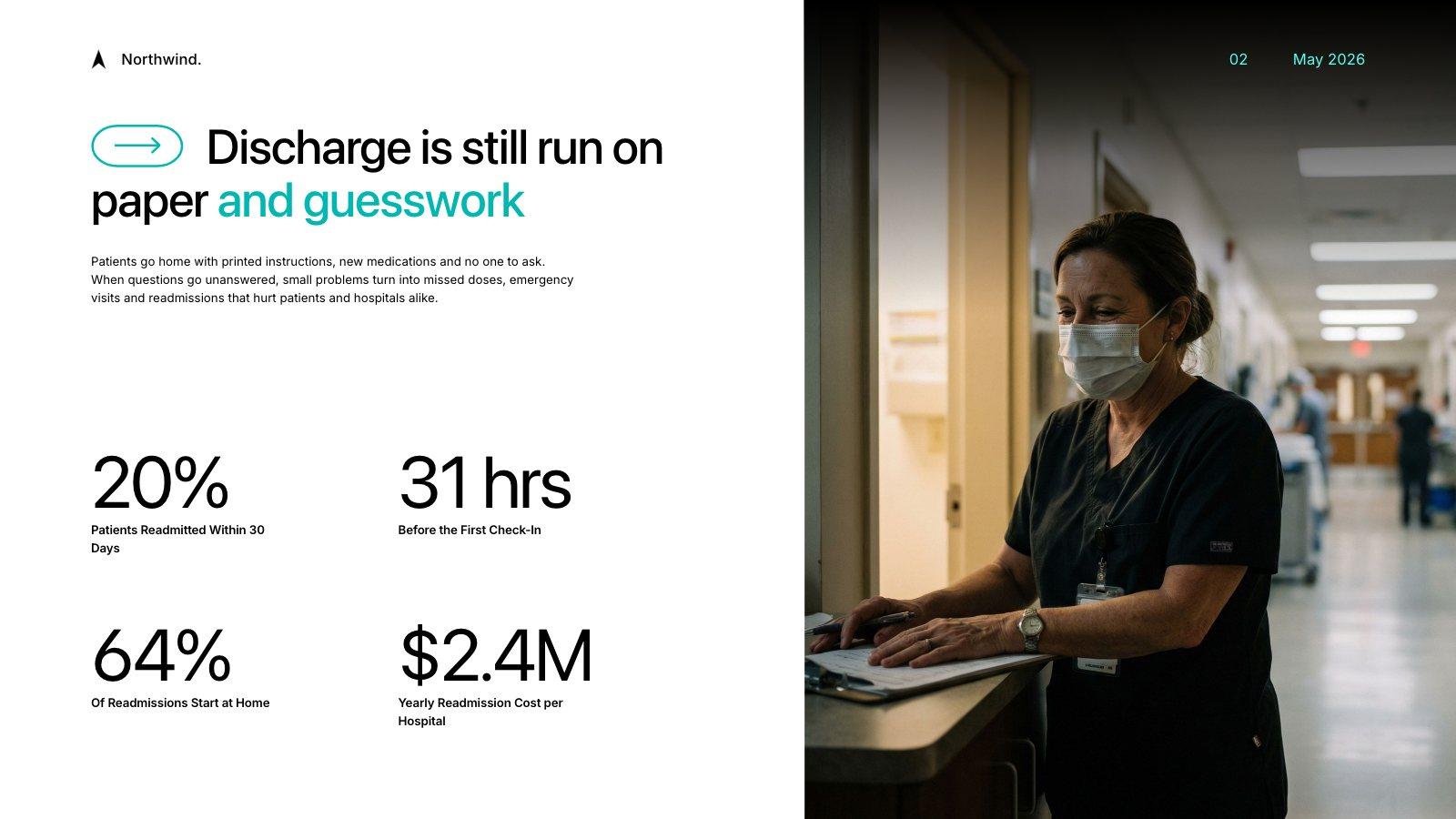
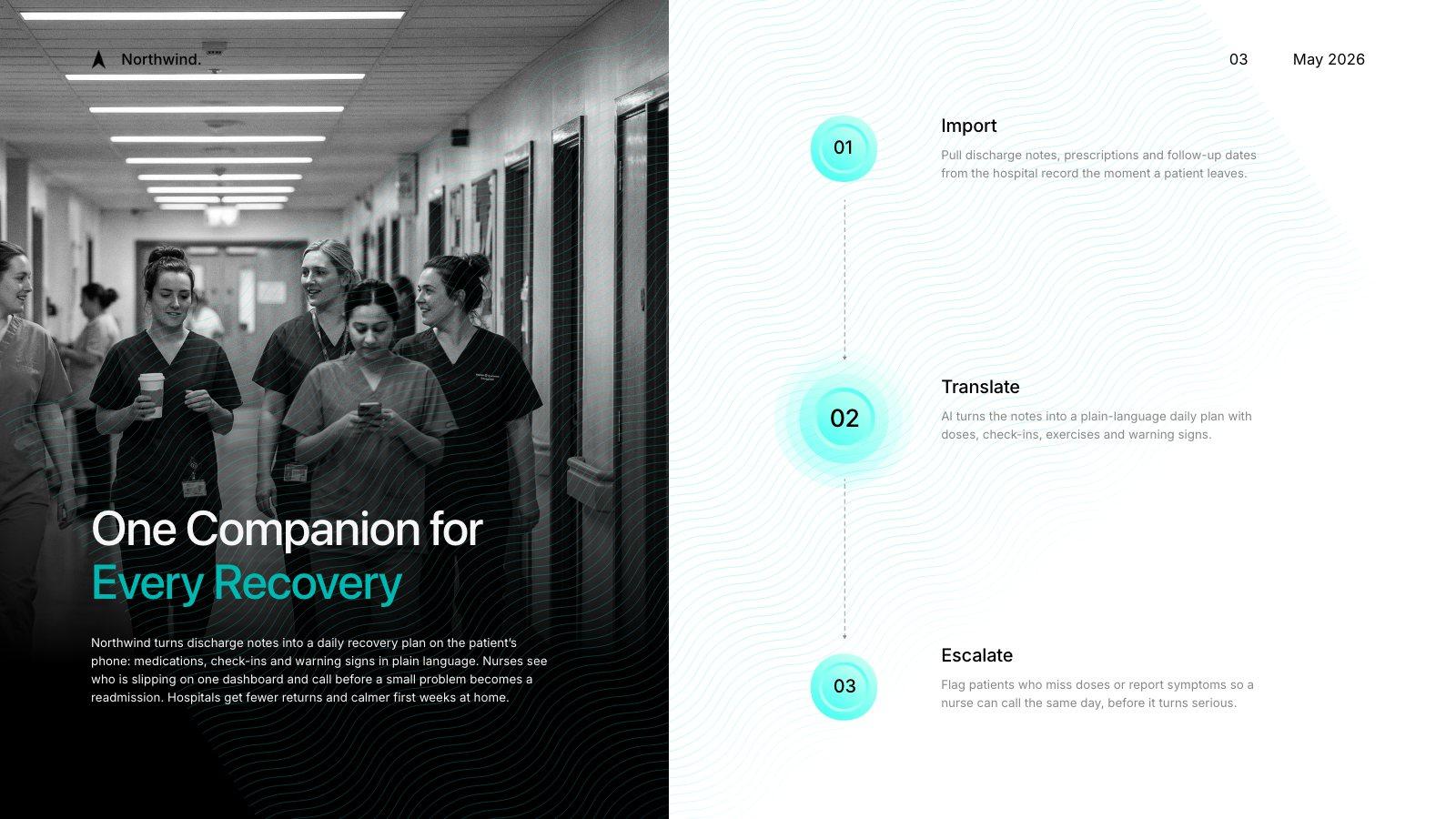
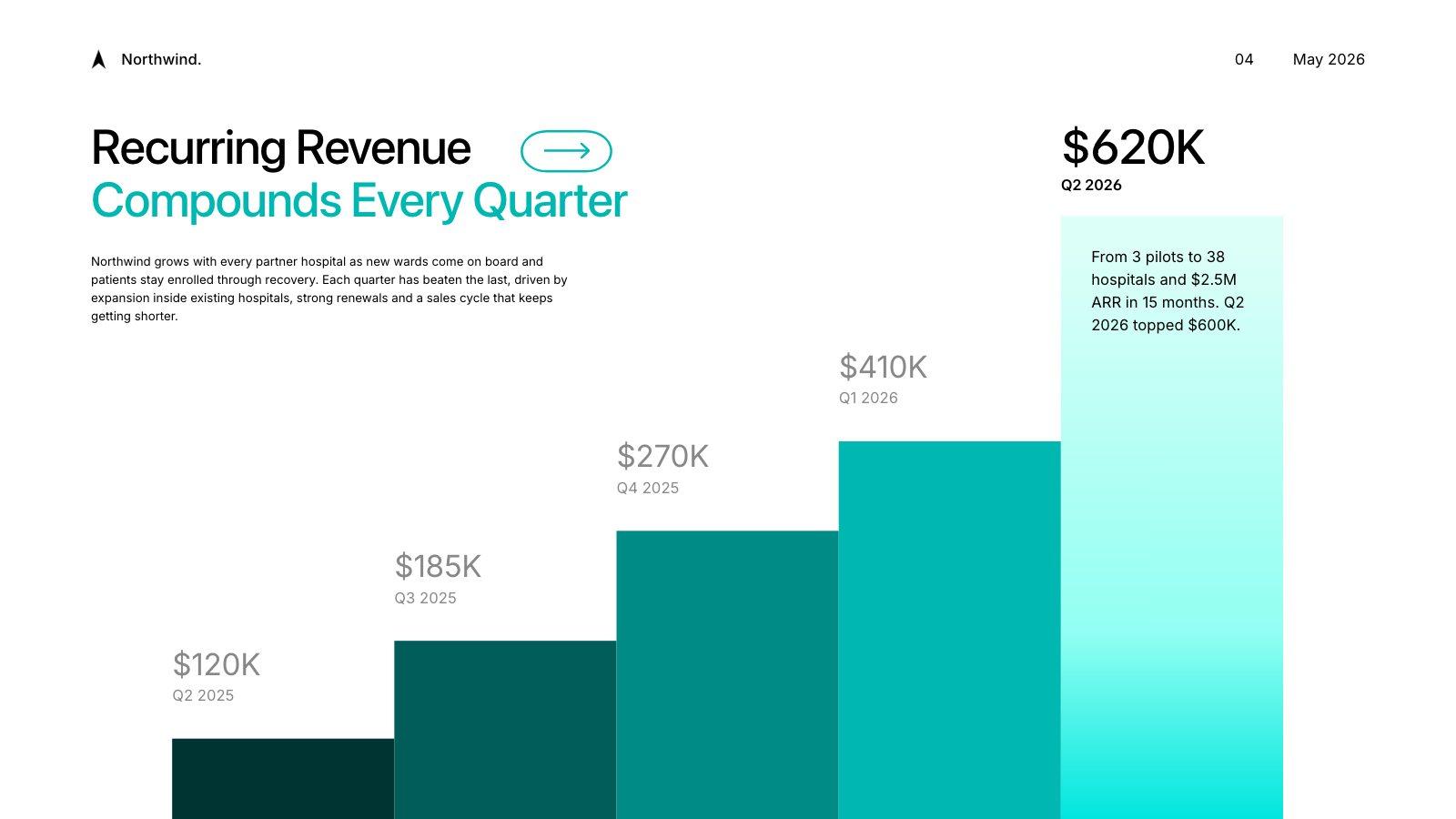
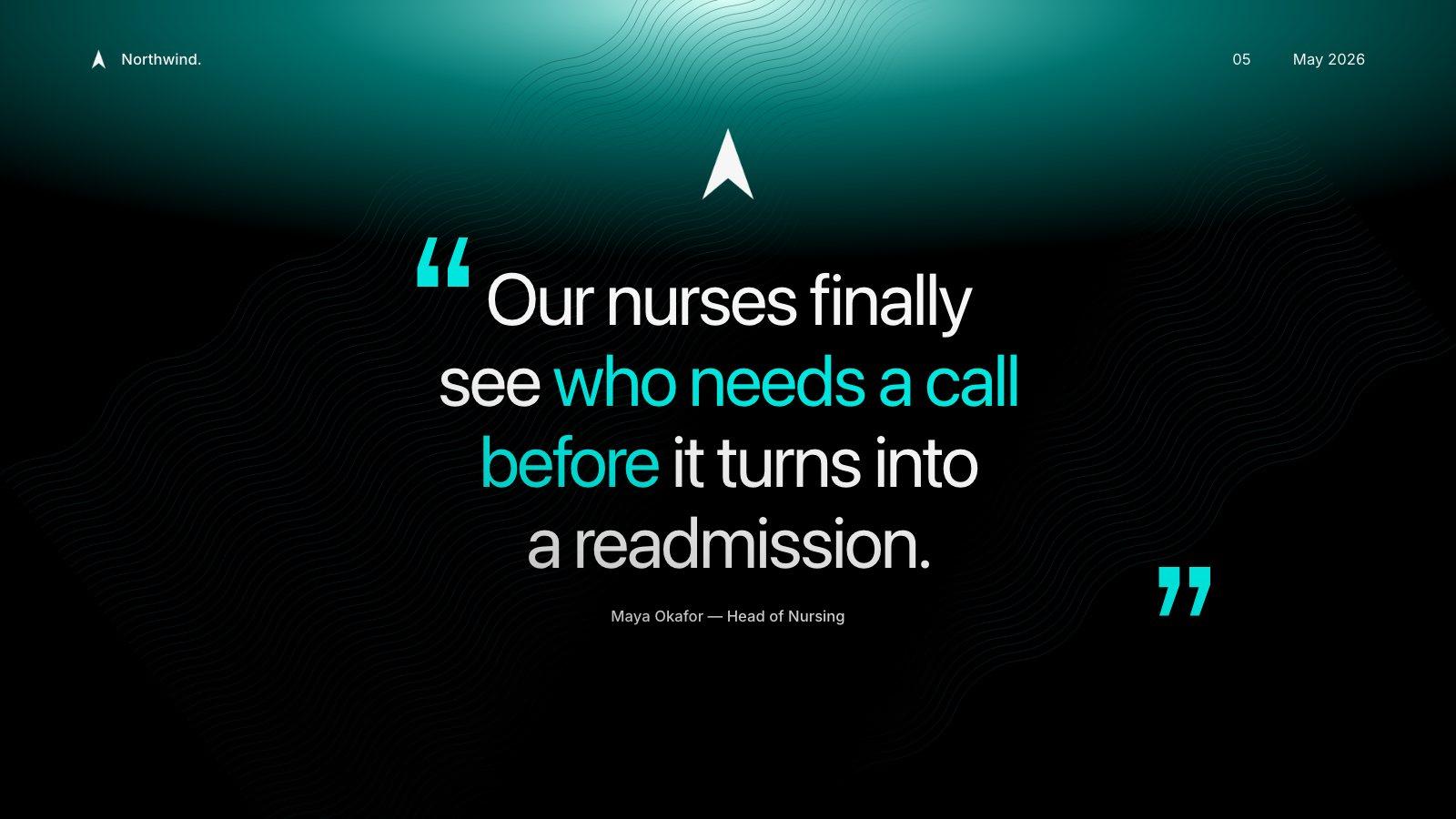
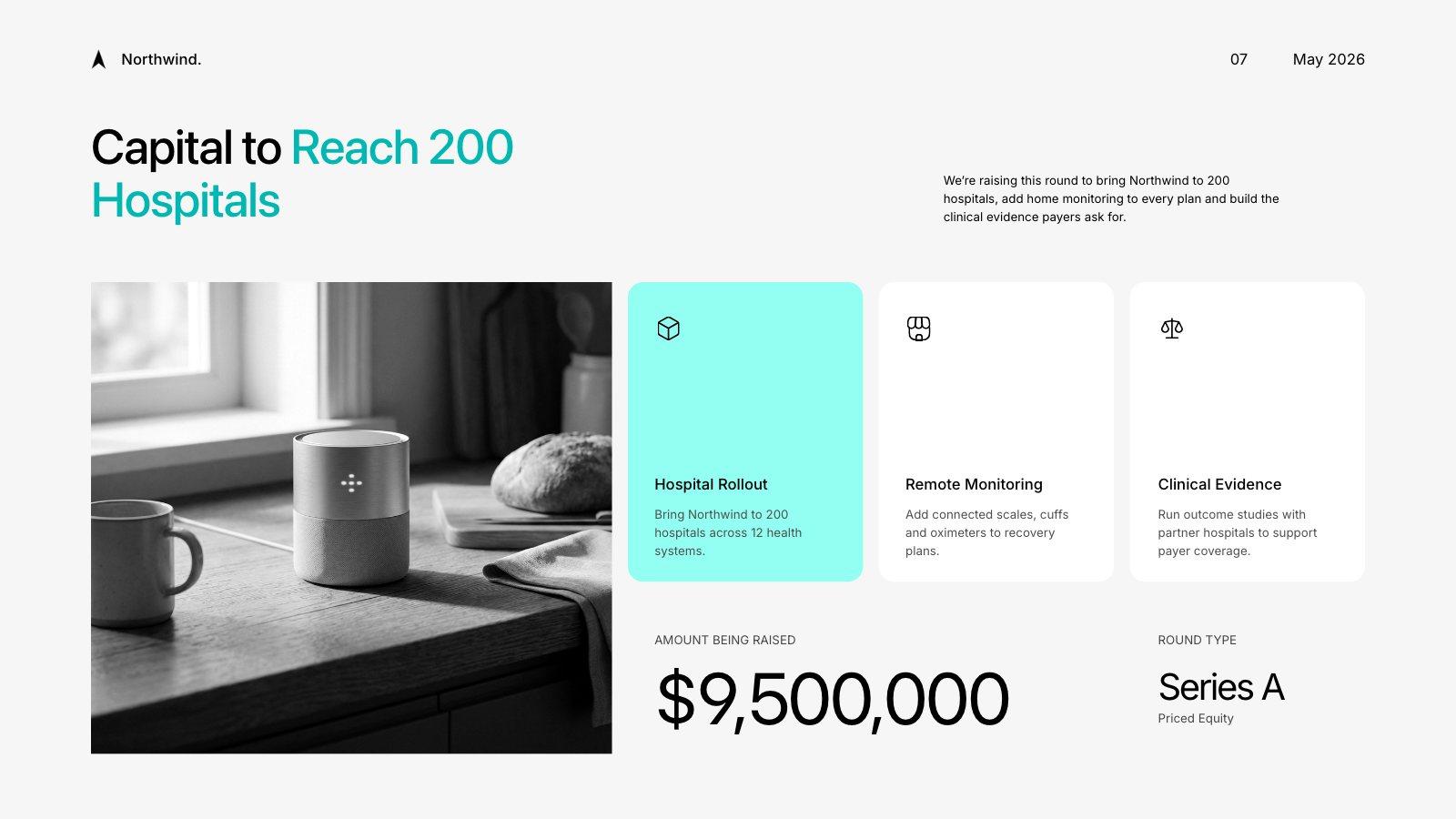
Slides from an example Series A pitch for a made-up health company, built in Slicess
How it works
From prompt to presentation in three steps.
Write a prompt
Who it’s for, what it should do and roughly how long: “a 10-slide board update on Q3 sales” is enough.
Add your sources
Optional: attach up to 8 files (PDF, DOCX, TXT, MD, PNG, JPG, SVG, WebP) and Slicess takes the facts from them.
Generate
Watch it outline the story and build the slides one by one, then edit anything on the canvas.
What you get
A planned deck, not a wall of bullets.
The generator works the way a designer would: the story first, then a layout for each slide, then the words and pictures to fill it.
- An outline with an opening, the points that matter and a close
- A layout chosen for each slide, not one template for all
- Facts from your PDFs, docs and notes, not invented
- AI images where a picture helps the story
- Your Brand Kit’s voice on every plan; colors, fonts and logos on bigger plans
| Inputs | A prompt, up to 8 files and a brand |
| Time | Usually 20 to 60 seconds |
| Deck length | Up to 8 on Free, 15 on Pro, 25 on Plus, 40 on Ultra slides |
| Cost | 15 credits, 3 per slide, 30 per AI image |
| PDFs | 5 MB on Free, 10 MB on Pro, Plus and Ultra; 55 credits for every 25 pages |
Questions
Generating presentations, answered.
What should I write in the prompt?
Will it make up facts?
What if I don’t like a slide?
Can I generate from Claude or ChatGPT?
More with Slicess
Other ways to start a deck.
Generate your first presentation free.
Describe it, drop in your sources, and get a real canvas back in about a minute. Free to start.
100 free credits every month · No card needed