MCP
Decks, not bullet points.
Connect Slicess to Claude, ChatGPT, Gemini or any AI that supports MCP, and it builds real, designed presentations in your Slicess account.
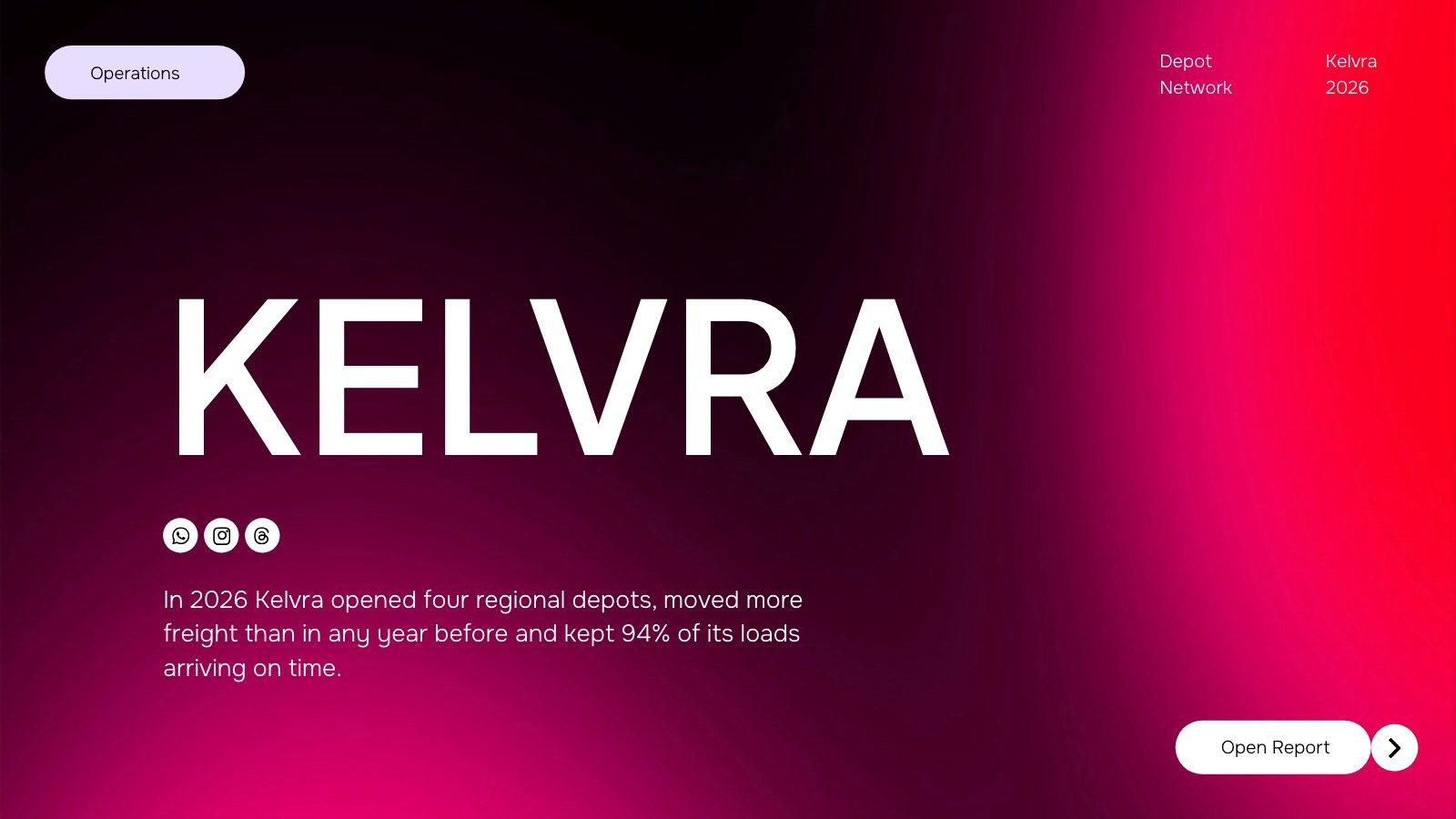
You: Make a 10-slide pitch for Kelvra's seed round, in my brand
list_brandscreate_presentation"Seed round pitch for Kelvra, 10 slides", brand "Kelvra"get_presentation_status"job_7Hq2Lm"get_presentation"Kelvra — Seed Round", slides 1–6
You: Turn this into a deck for Thursday's board meeting
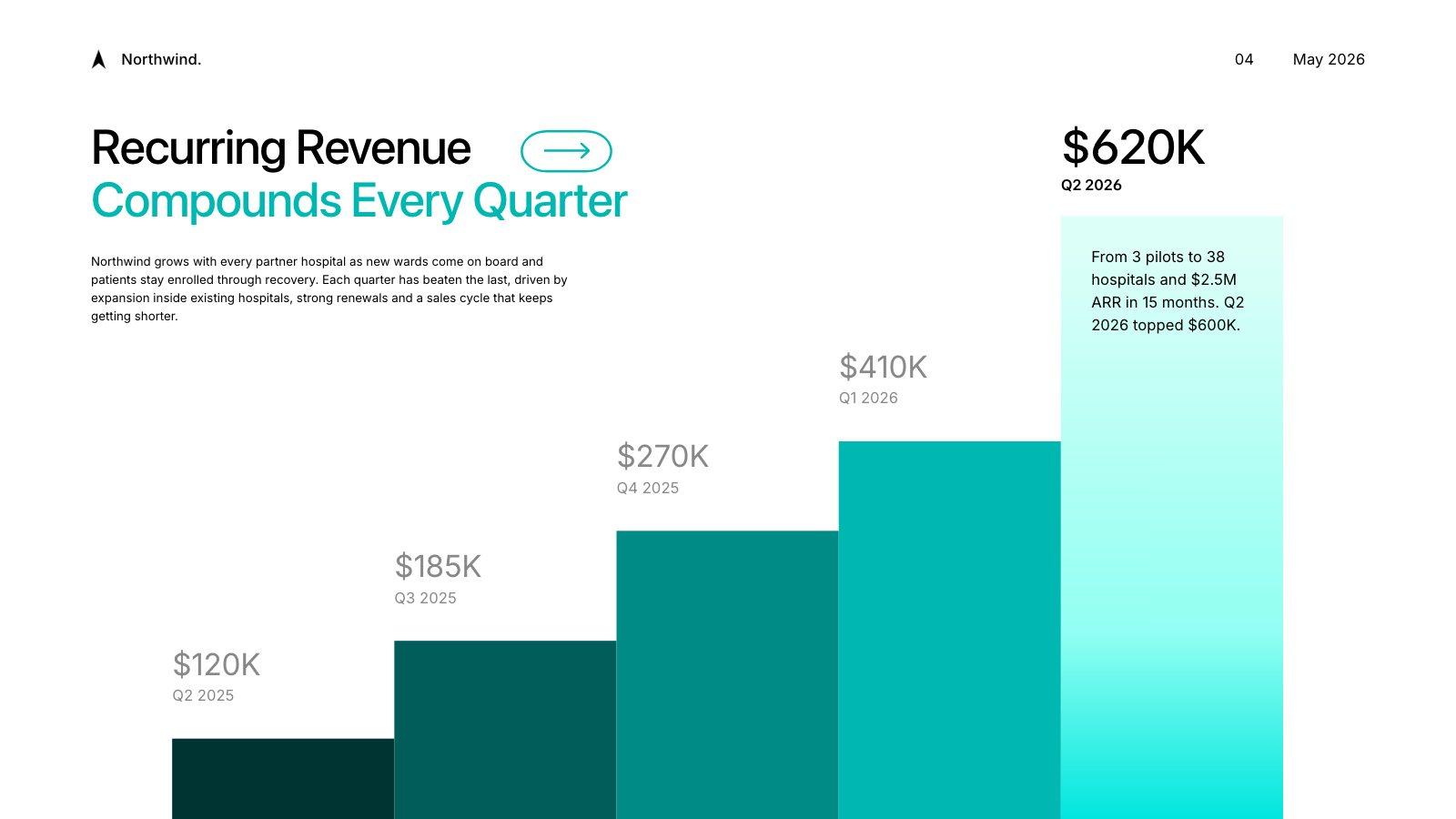
create_presentation"Board update for Thursday", source "q2-board-report.pdf"get_presentation_status"job_Rw4nT8"get_presentation"Northwind — Q2 Board Update", slides 1–6
You: Shorten slide 3 and make the title punchier
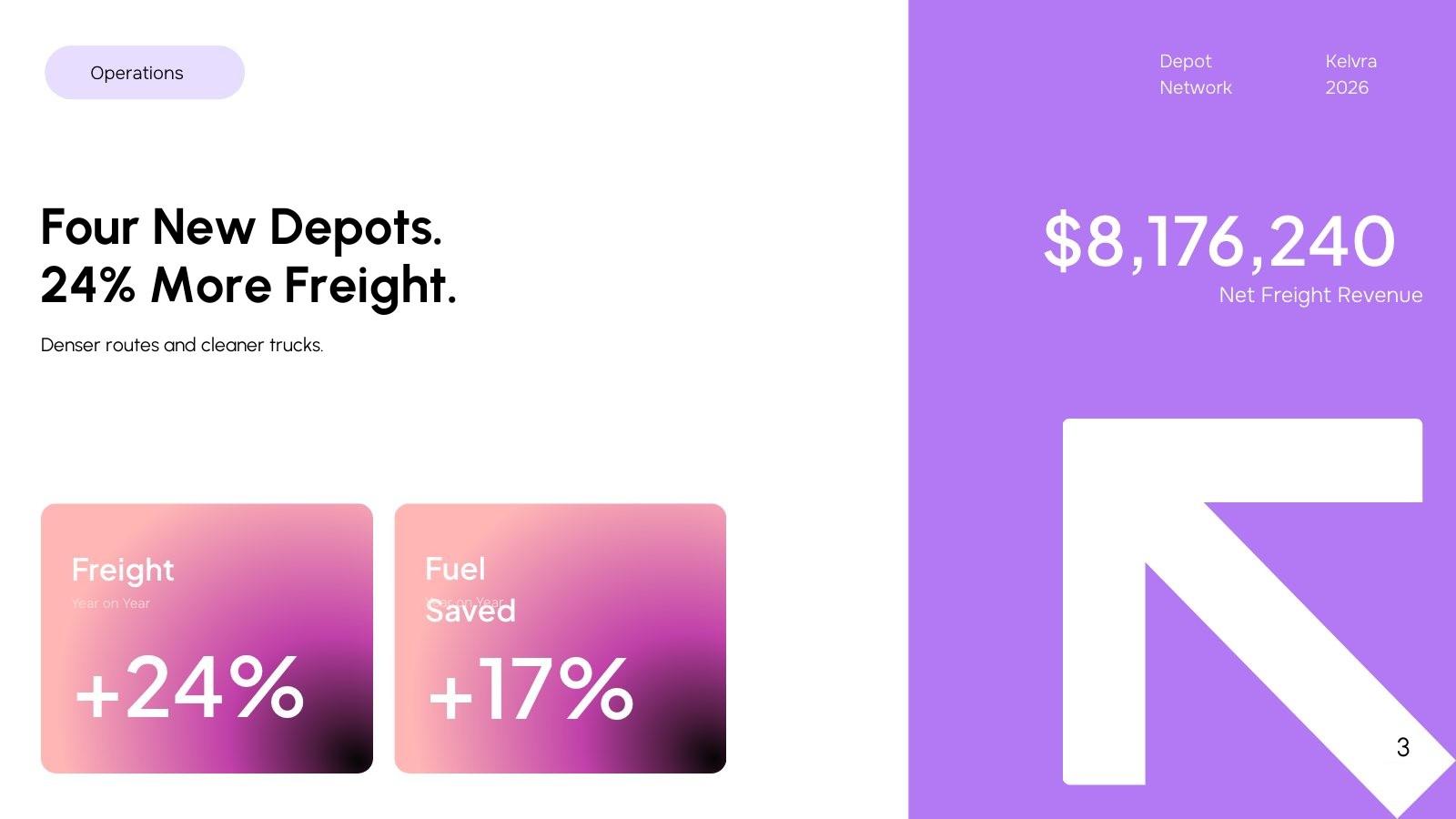
edit_presentation"Shorten slide 3 and make the title punchier", slides [3]get_presentation"Kelvra — Seed Round", slide 3
Kelvra 2026 Review: Four New Depots, Faster Routes and Lower Fuel per Mile
- This year we focused on denser regional coverage, smarter route planning and cleaner trucks that burn less fuel per load
- Freight +24% · Fuel Saved +17%
- $8,176,240 Net Freight Revenue
- Depot Network · Kelvra 2026
You: Share it and send me the PowerPoint
share_presentation"Kelvra — Seed Round", enabled trueexport_presentation"Kelvra — Seed Round", pptx
Here's a view-only link, and your PowerPoint. The file link works for 24 hours.
You: What else can you do in Slicess?
Make, change and ship decks
Make a deck
From a prompt, your notes or a document, written and designed by Slicess.
create_presentationUse your brand
Any brand from your Brand Kit, or none at all.
list_brandsChange it in plain words
Rewrite, shorten, redesign, add, remove or reorder slides. The design stays.
edit_presentationAdd AI images
Ask for a picture on any slide and it’s made for you.
edit_presentationShare and export
A view-only link, a PDF, or PowerPoint on Plus and Ultra.
share_presentation · export_presentationRead your decks
Finds a deck and brings back its text, notes and slide previews.
list_presentations · get_presentation
You: How do I connect it?
Connect in a minute
Claude, ChatGPT, Gemini or any app that supports MCP, as a custom connector
https://app.slicess.com/api/mcpClaude Code, then run /mcp to sign in
claude mcp add --transport http slicess https://app.slicess.com/api/mcpSign in with your Slicess account when your app asks. That's it. No API keys.
Questions
Slicess MCP, answered.
Which plans include it?
What does it cost?
Do I need an API key?
How do my files get to Slicess?
What can my assistant see and change?
How do I disconnect an assistant?
Are my decks used to train AI?
Your next deck is one message away.
Ask the assistant you already use. Slicess writes and designs the deck, and you can open it on a real canvas whenever you like.
100 free credits every month · No card needed