AI presentation maker
The AI presentation maker with a real canvas.
Slicess writes and designs your presentation from a sentence and your files. Then it hands you a real editor: change any text, shape, chart, image or layout yourself, or ask the AI to.
Free to start · 100 credits every month · No card needed
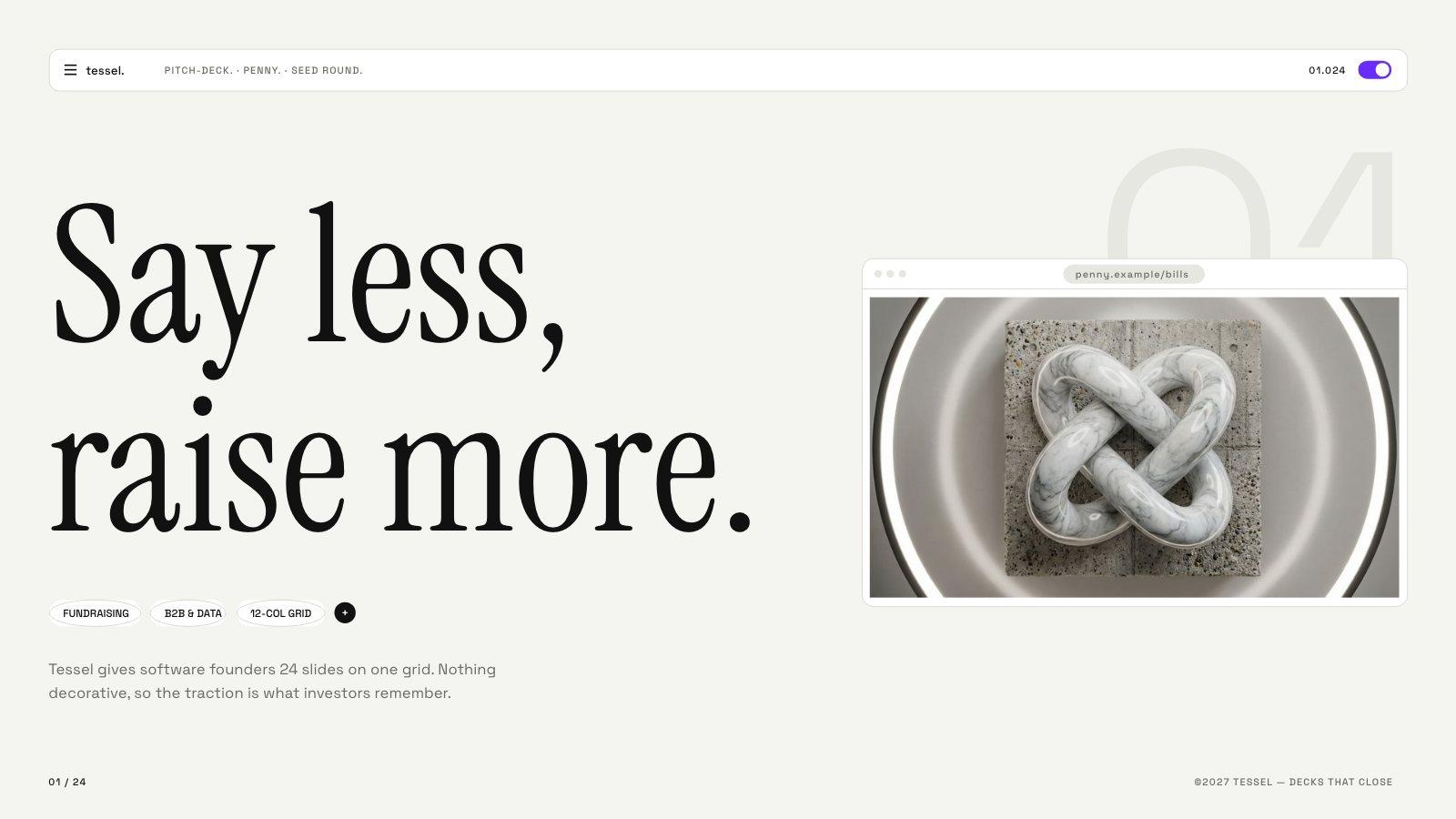
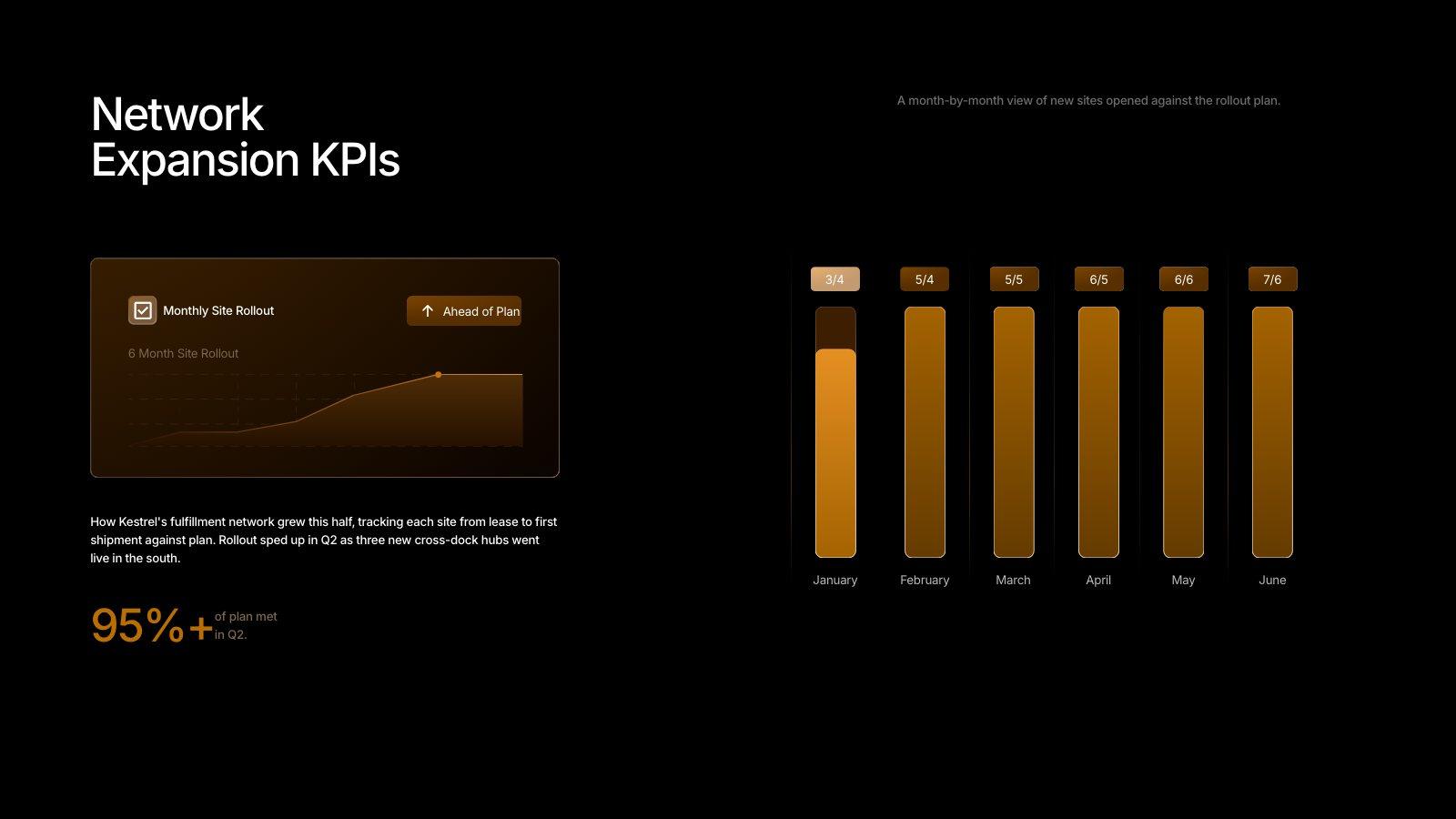
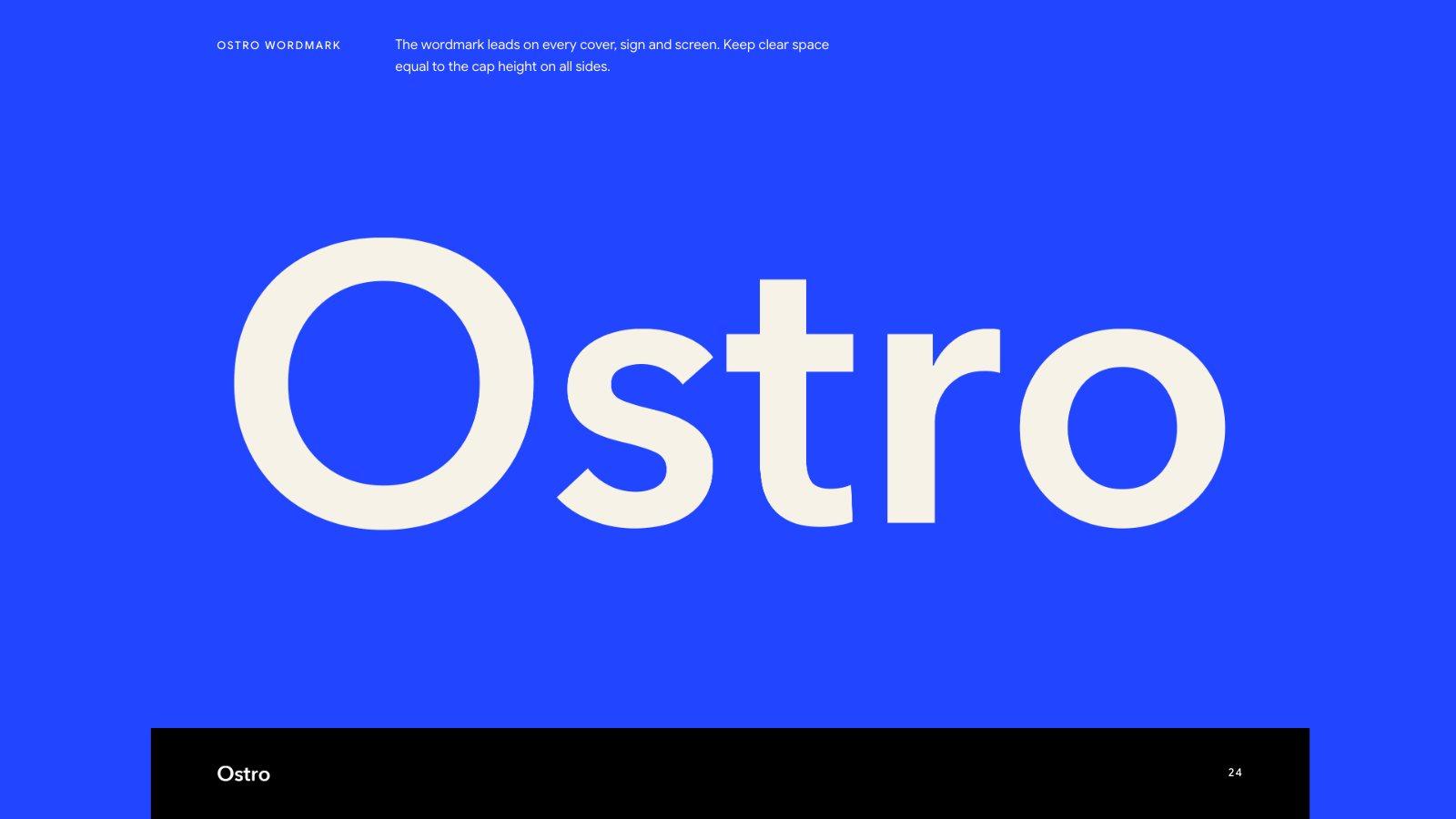
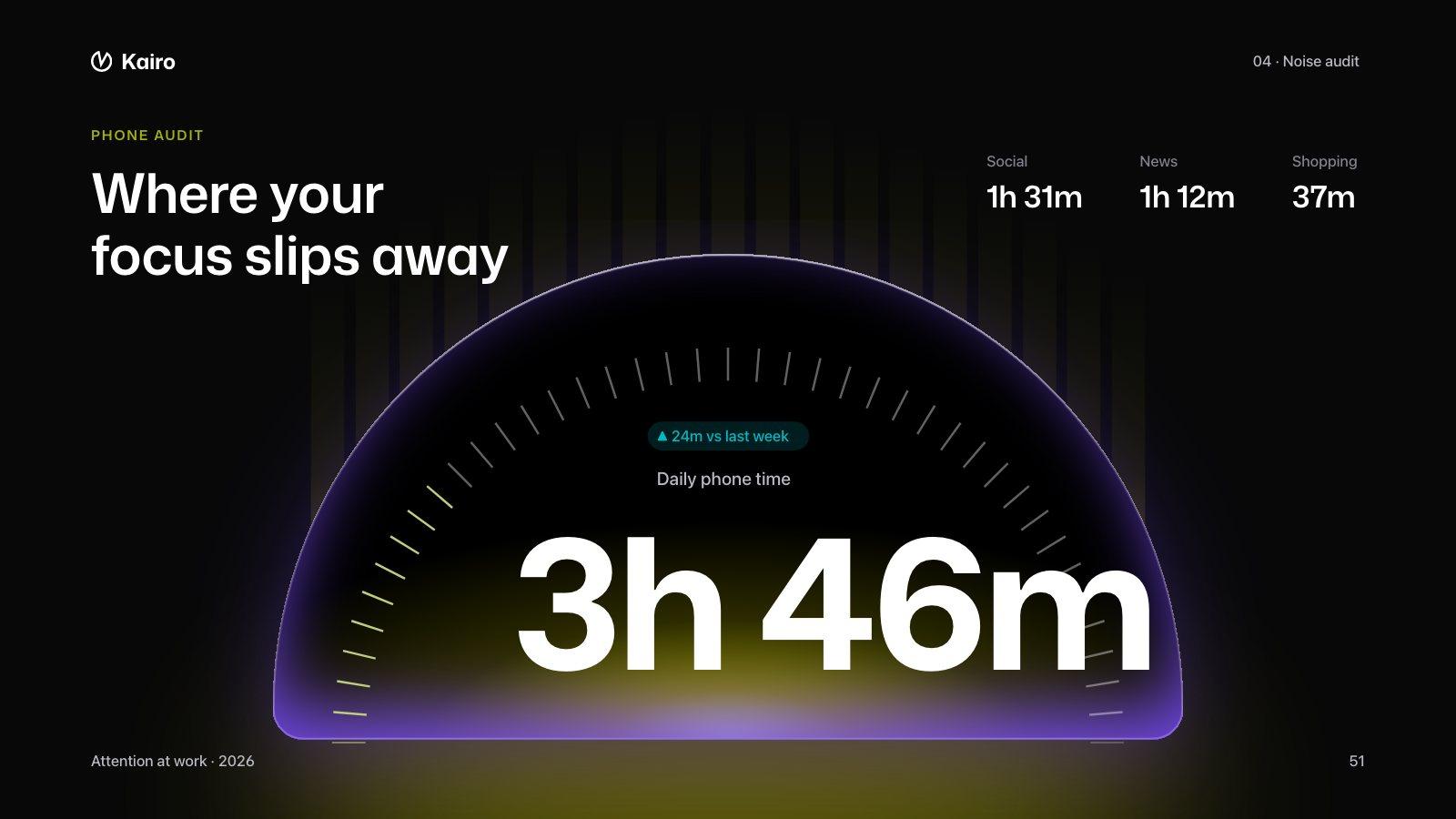
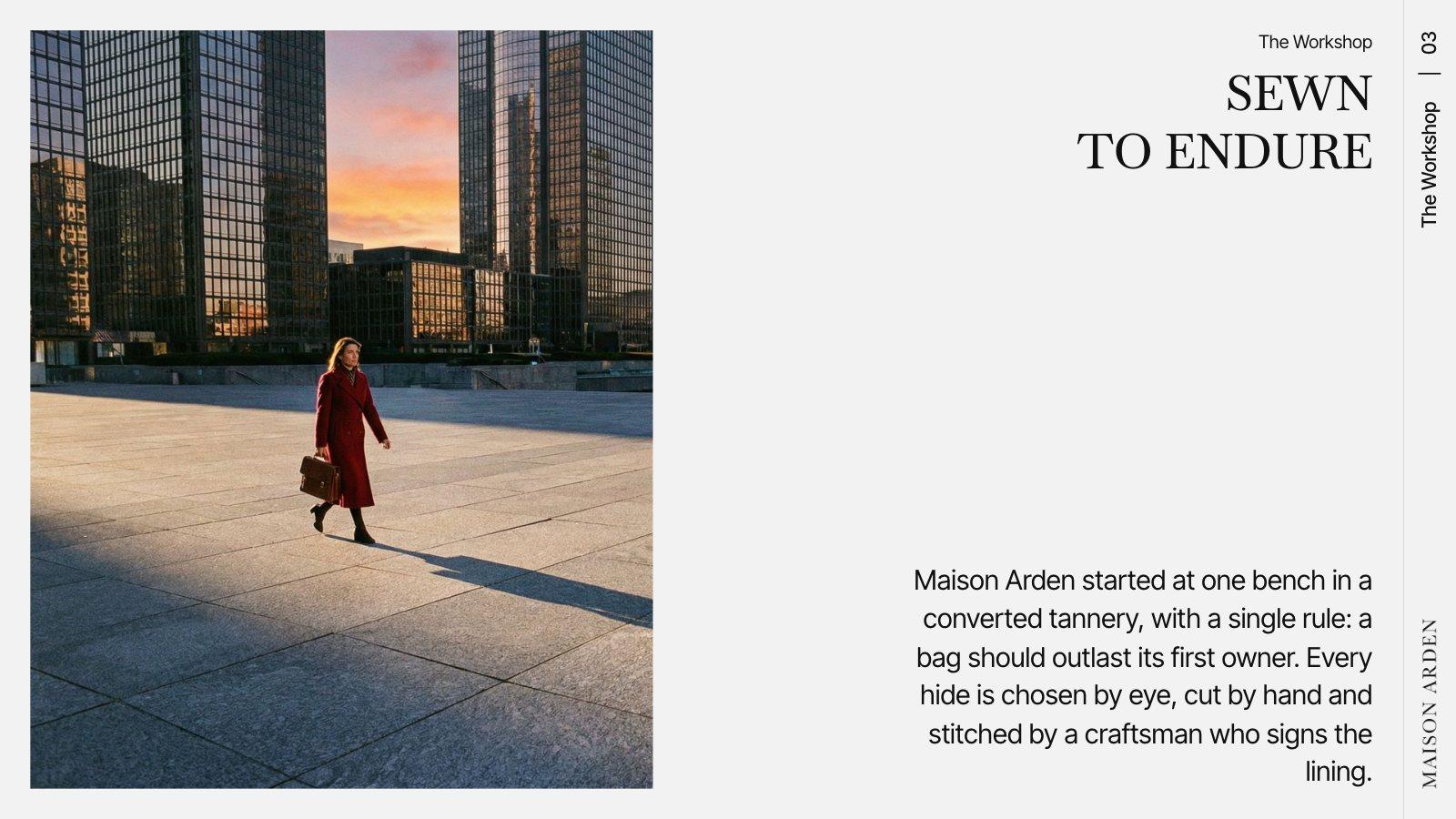
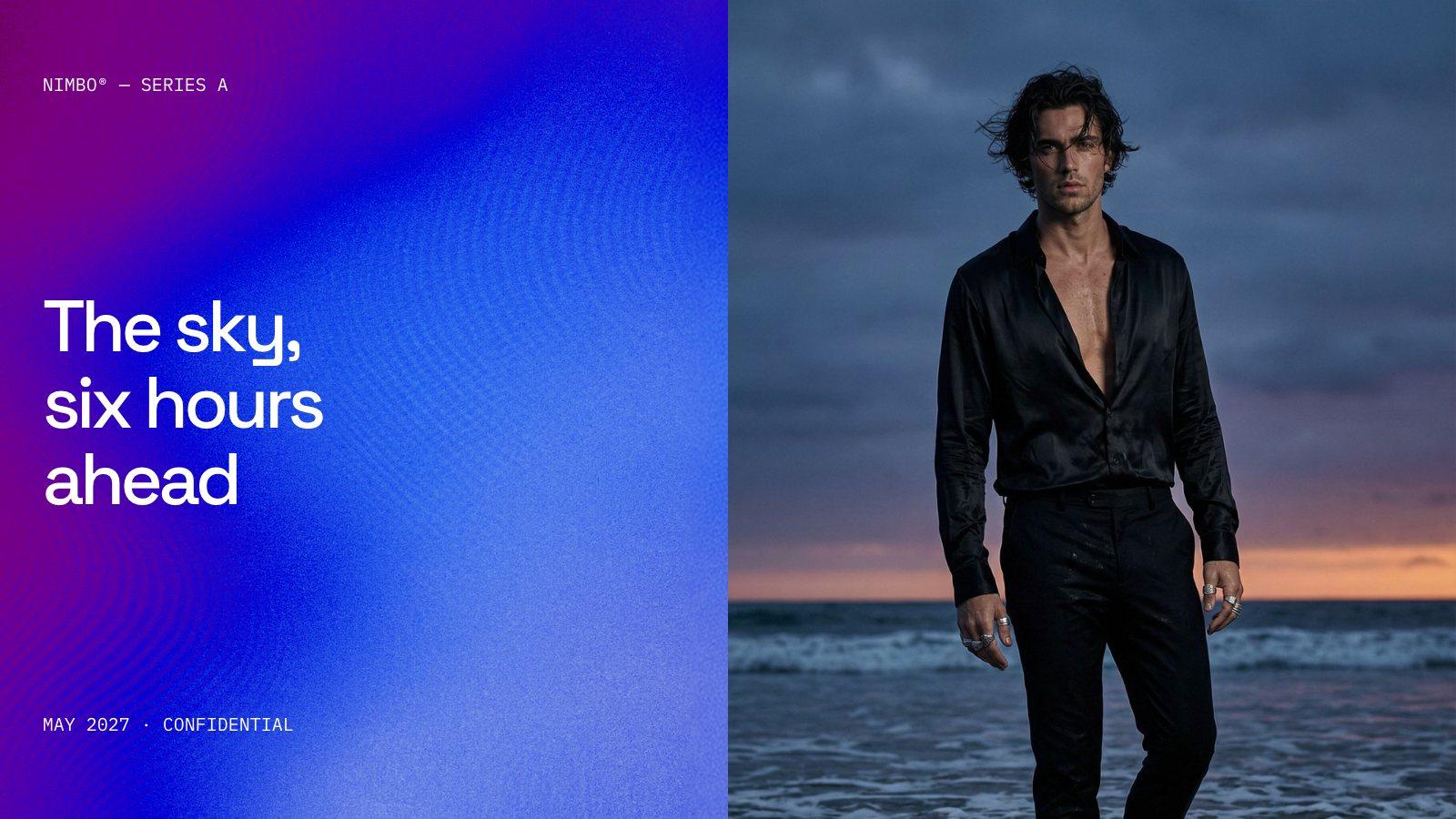
Slides from six designs in the Slicess library, each restyled for a made-up brand
In the editor
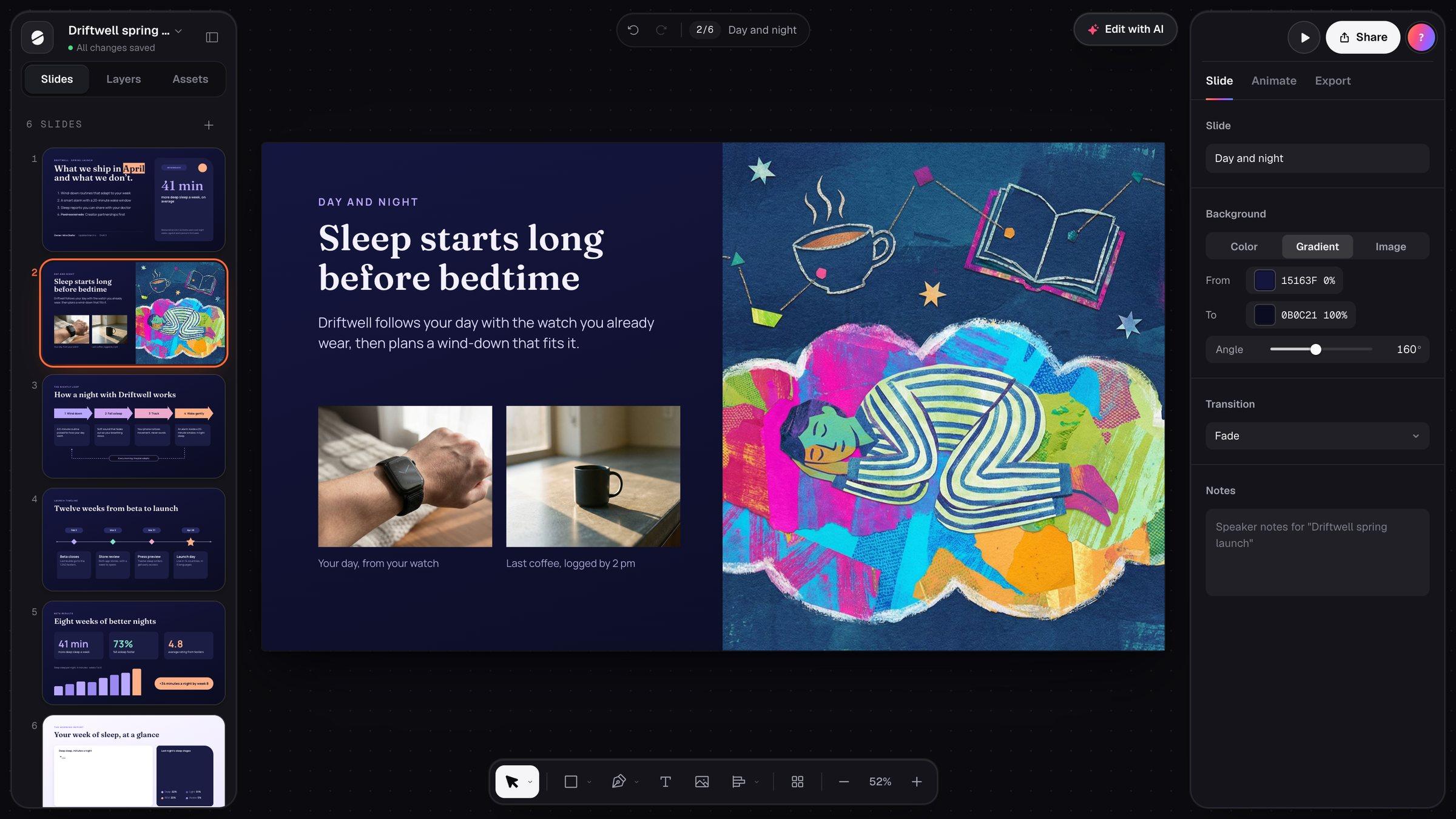
The draft lands on a canvas, not a form.
Beyond the first draft
Finish it in the same app.
Most of the work on a presentation happens after the first draft. These are the tools for it.
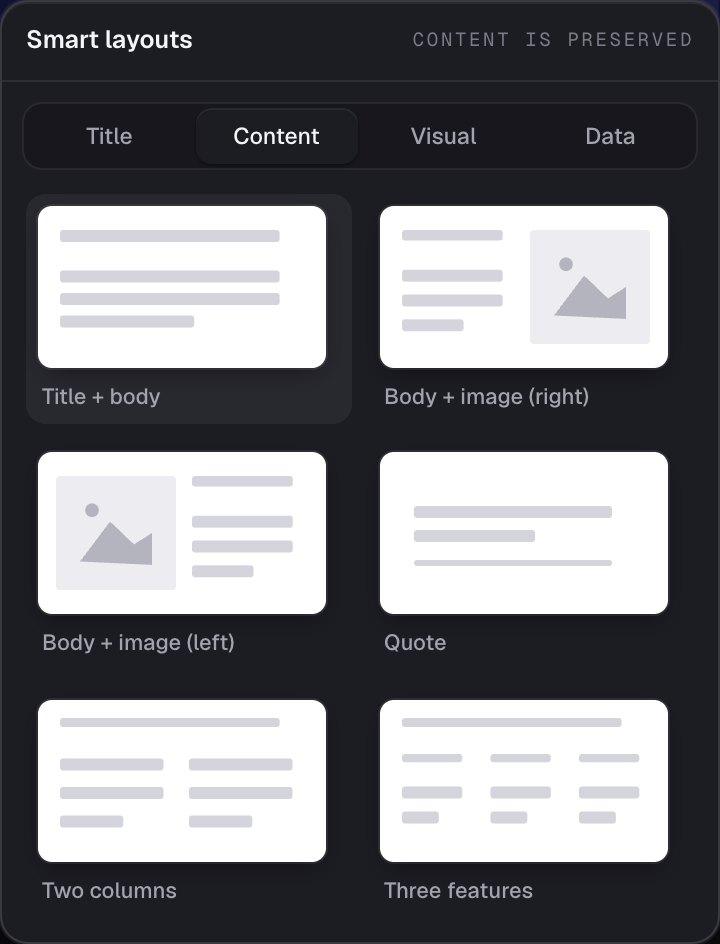
Smart layouts
Pick any of 18 layouts and the slide rebuilds around what’s already on it.
The slide editor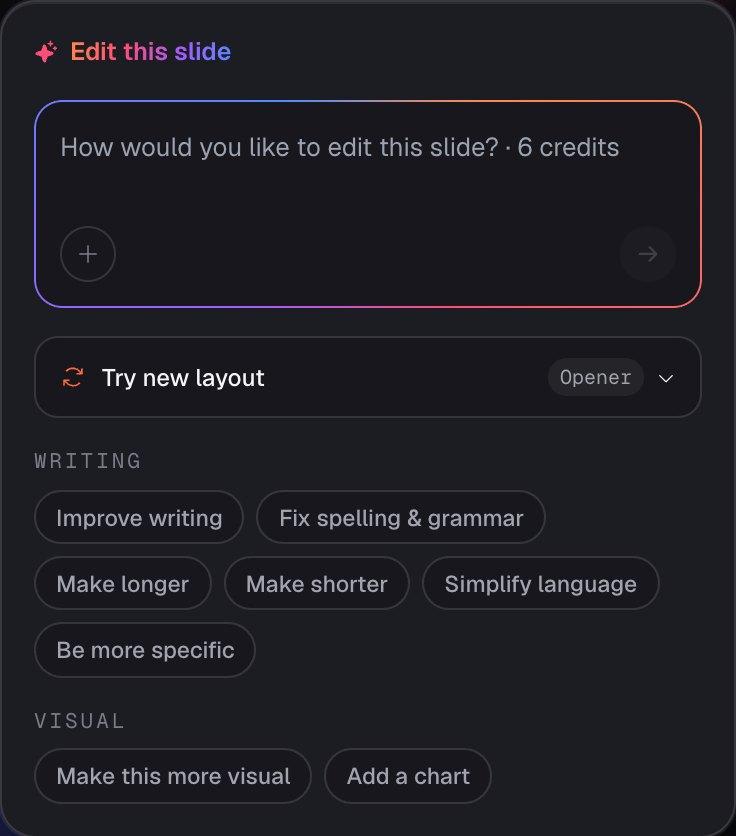
Edit with AI
Point at one slide and say what you want. Slicess reworks it and leaves the rest alone.
How it works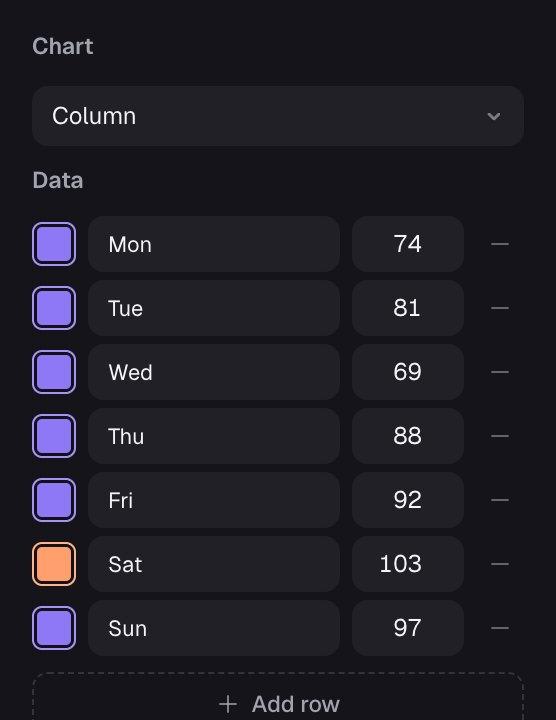
Charts
Bar, column, line and pie charts you can restyle like any shape.
How it works
Make a presentation in three steps.
Describe it
Say what it’s for and who will see it. Attach PDFs, docs or images, and pick one of your brands.
Let it build
Slicess outlines the story, picks a layout for every slide, writes the copy and makes the images.
Make it yours
Edit on the canvas, then present from the browser, share a link or export a PDF or PowerPoint file.
What you get
One tool from first draft to final slide.
The same app writes the presentation, designs it, lets you edit every part of it and presents it.
- A written, designed first draft in about a minute
- A real canvas: move, resize, restyle and layer anything
- 18 smart layouts, and AI edits for any single slide
- Brand Kit: your voice on every plan; colors, fonts and logos on bigger plans
- Present mode, share links, and PDF or PowerPoint export
| Start | Free plan with 100 credits a month, no card |
| Deck length | Up to 8 on Free, 15 on Pro, 25 on Plus, 40 on Ultra slides |
| Sources | Up to 8 files: PDF, DOCX, TXT, MD, PNG, JPG, SVG, WebP |
| Editing by hand | Always free, on every plan |
| Export | PDF on every plan; PowerPoint on Plus and Ultra |
Questions
AI presentation maker, answered.
What does an AI presentation maker do?
Can I change everything it makes?
Is it free?
Can it use my brand?
More with Slicess
More you can do with a presentation.
Make your next presentation in a minute.
Describe it, drop in your sources, and get a real canvas back in about a minute. Free to start.
100 free credits every month · No card needed