Redesign a PowerPoint
Give an old deck a new look.
Bring in a .pptx or a Google Slides link. Slicess turns it into a deck you can edit, with real text, shapes, pictures, tables and charts, so you can redesign it slide by slide with AI and take it back to PowerPoint.
On Pro, Plus and Ultra · 15 credits an import
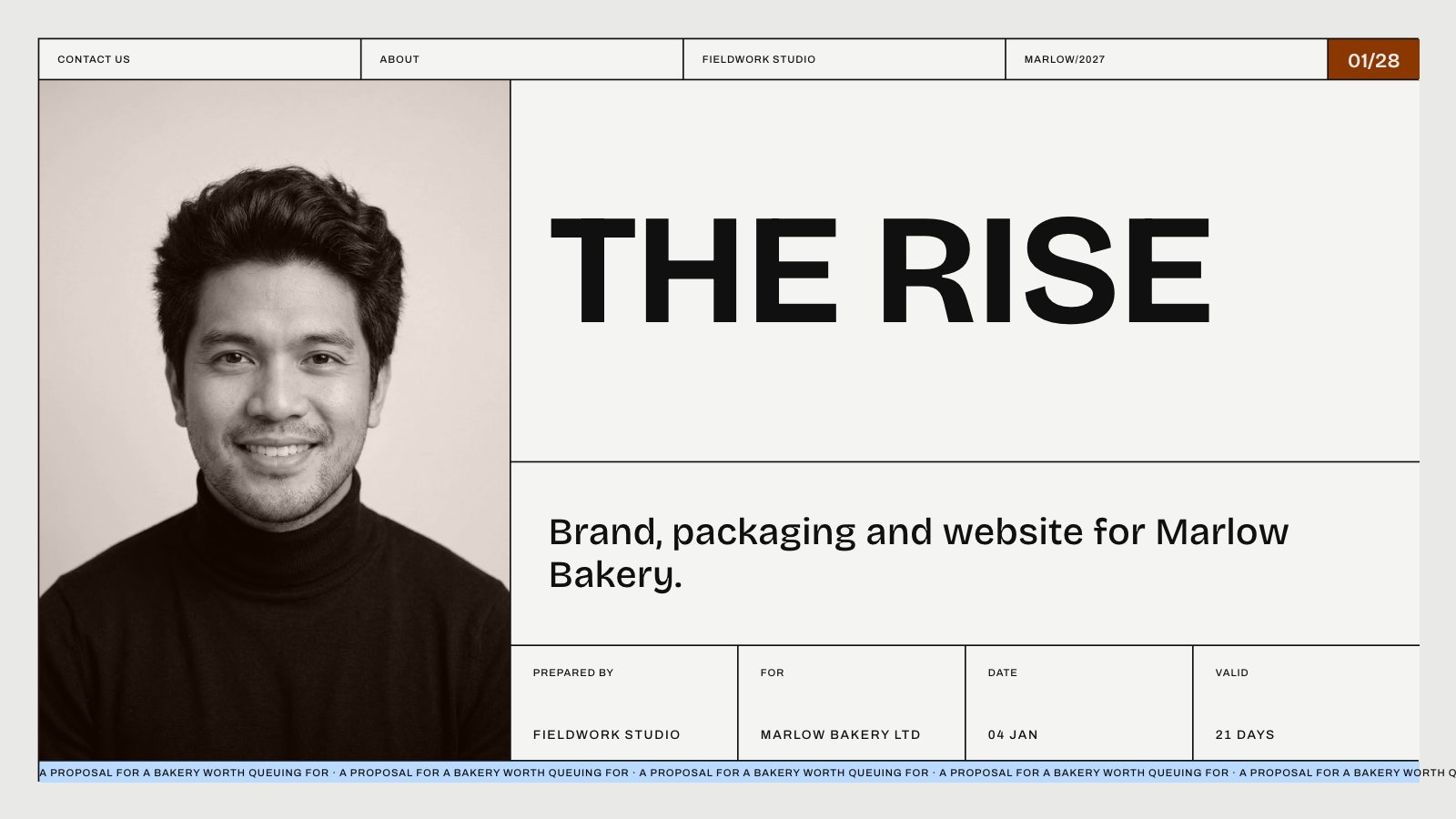
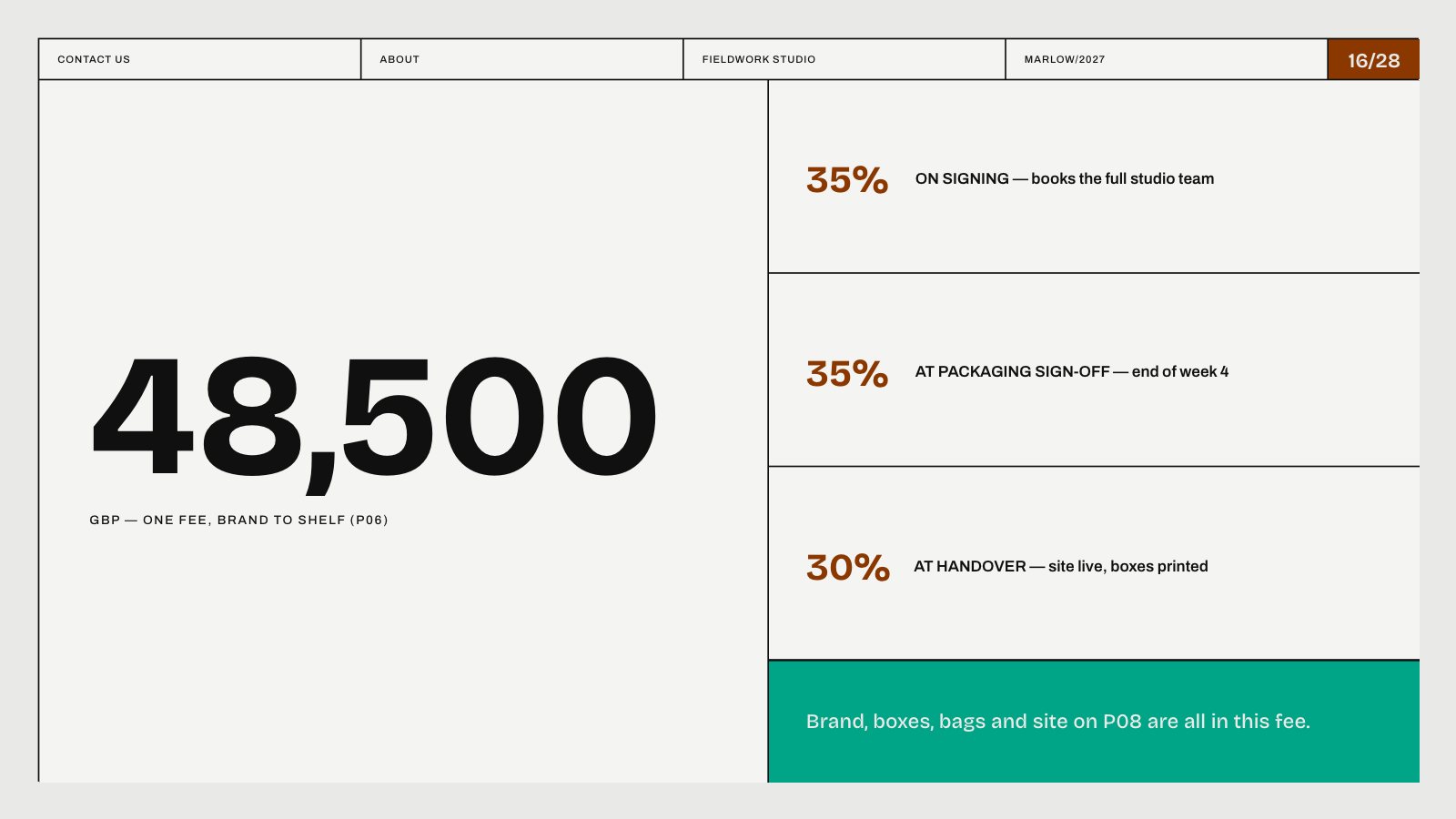
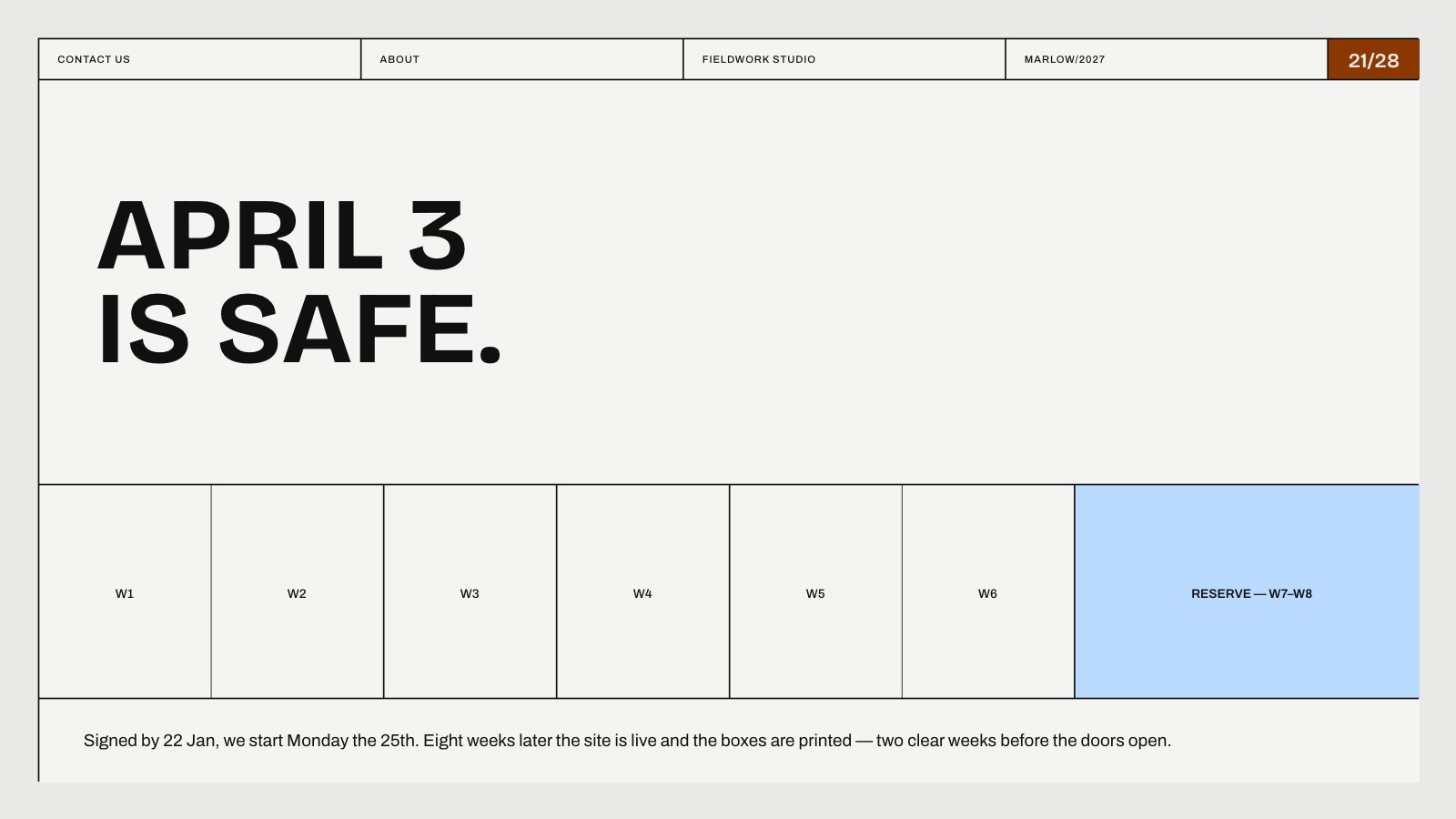
Slides from an example proposal, made in Slicess on a design from its library
How it works
From old deck to new in three steps.
Import your deck
Upload a .pptx up to 50 MB, or paste a Google Slides link that anyone can view. Click Import next to Attach, or drop the file on the prompt box.
Redesign each slide
Select a slide, press Edit with AI and say what you want: “a cleaner layout”, “make this more visual”, “add a chart”. The rest of the deck stays as it is. 6 credits a slide.
Finish and export
Restyle anything by hand on the canvas, then present, share a link, or export an editable .pptx on Plus and Ultra.
What you get
Your deck, ready to rework.
Not a picture of each slide. Text keeps its fonts, sizes, colors, links and bullets, and every shape and picture can be moved, restyled or replaced.
- Imports PowerPoint files and Google Slides links, fully editable
- Edit with AI reworks one slide at a time and leaves the rest alone
- Restyle by hand: fonts, colors, gradients, crop and alignment
- Edit the deck’s photos with AI: remove backgrounds, erase or move things
- A version is saved before every AI change, so you can always go back
| Import from | .pptx up to 50 MB, or a Google Slides link anyone can view |
| Slides per import | 60 on Pro, 120 on Plus, 200 on Ultra |
| Import cost | 15 credits, like any new deck |
| AI slide edit | 6 credits a slide |
| Export | PDF on every plan; PowerPoint on Plus and Ultra |
Questions
Redesigning a deck, answered.
What comes over from PowerPoint?
Can I get a whole new design at once?
Is import on the free plan?
Can I take it back to PowerPoint?
More with Slicess
More you can do with a deck.
Give your next deck a new look today.
Describe it, drop in your sources, and get a real canvas back in about a minute. Free to start.
150 free credits every month · No card needed