Website to presentation
Turn any web page into a presentation.
Paste a link to a product page, an article or a report. Slicess reads the page, picks out what matters and builds an editable deck from it, the same way it reads an attached file.
Free to start · Up to 3 links a deck · No extra credits for links


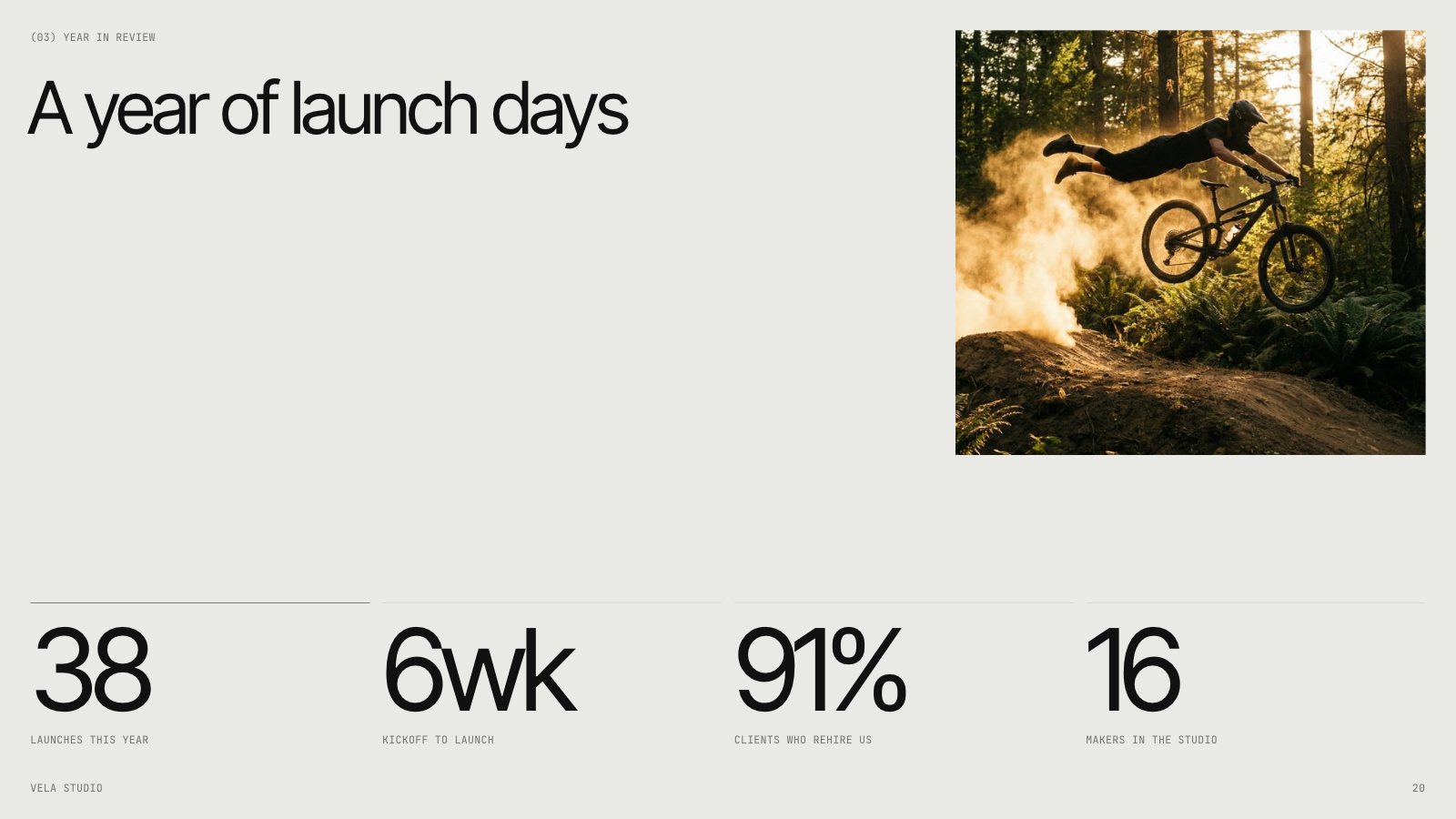
Slides from an example company deck for a made-up product studio, built in Slicess
How it works
From link to deck in three steps.
Paste your links
Put up to 3 links in your prompt: your website, an article, a product or report page. You can attach up to 8 files as well.
Say what it’s for
“A 10-slide intro to our company for new clients” is enough. Slicess works out the rest from the pages.
Edit the deck
You get real slides on a canvas: text, shapes, charts and images you can change, or ask the AI to rework one slide.
What you get
What the page says, as slides you can edit.
Slicess reads each page’s title, headings and main text, leaves the menus and footers out, and plans a deck around what the page says.
- Facts, names and figures come from the pages you link, not invented
- Mix links with PDFs, Word files and notes in one deck
- A page behind a sign-in, or one that blocks readers, is named plainly, and the deck goes on from your prompt
- A design picked to fit your topic and your Brand Kit
- Present, share a link, or export to PDF or PowerPoint
| Links per deck | Up to 3, plus up to 8 files |
| What’s read | Title, headings and main text, up to 20,000 characters a page |
| Cost | No extra credits for links; 15 credits a deck, 3 per slide |
| Plans | Every plan, Free included |
| Deck length | Up to 8 on Free, 15 on Pro, 25 on Plus, 40 on Ultra slides |
Questions
Website to slides, answered.
Which pages can it read?
Can I link to a PDF?
Does it copy the website’s design?
Do links cost credits?
More with Slicess
Other ways to start a deck.
Turn your next link into a deck today.
Describe it, drop in your sources, and get a real canvas back in about a minute. Free to start.
150 free credits every month · No card needed