AI for Google Slides
Give your Google Slides deck an AI editor.
Paste a Google Slides link and Slicess imports the deck as real, editable slides. Redesign any slide with AI, fix the words, then take it back to Google Slides as a PowerPoint file.
Import on Pro, Ultra and Business
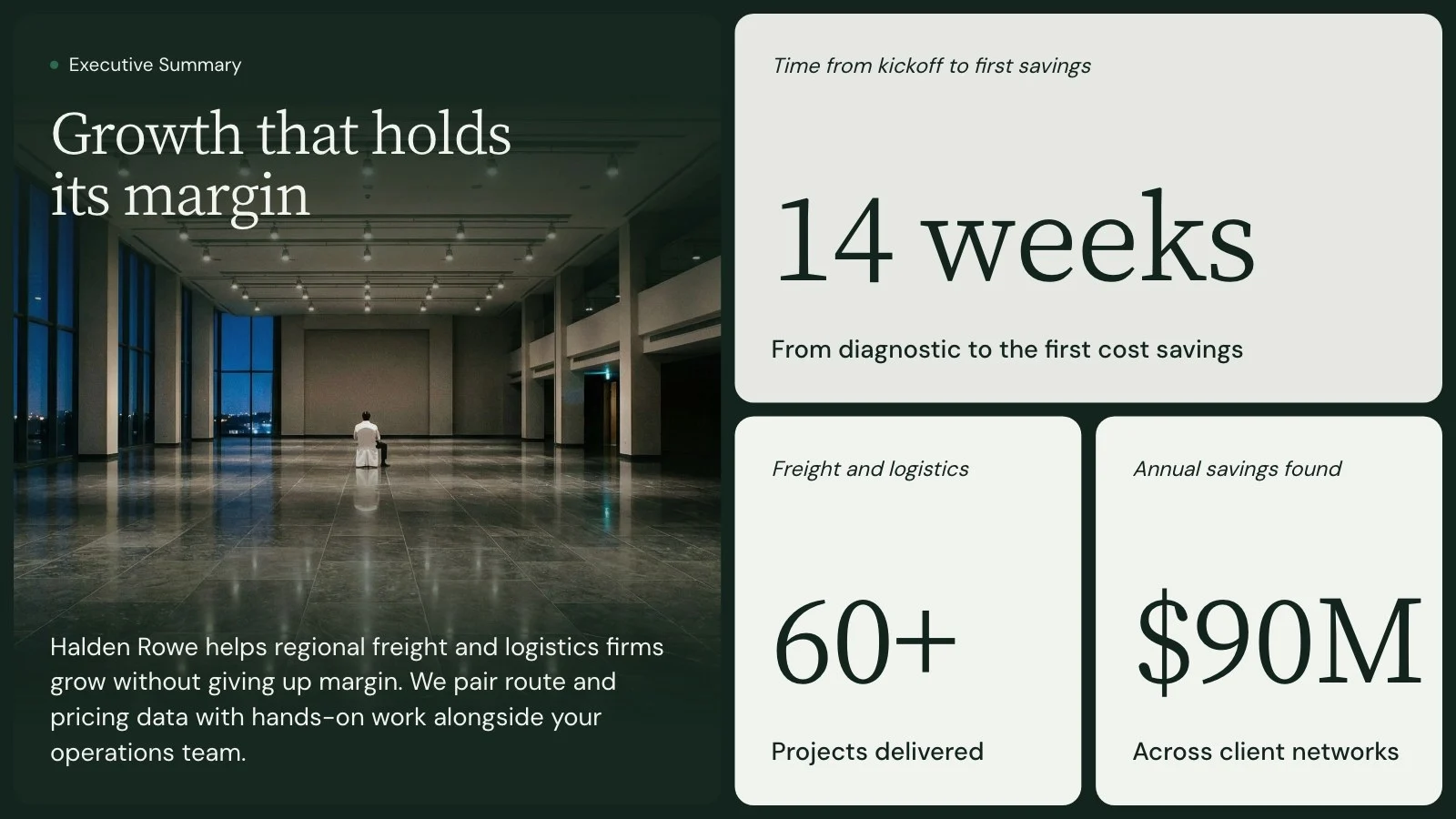
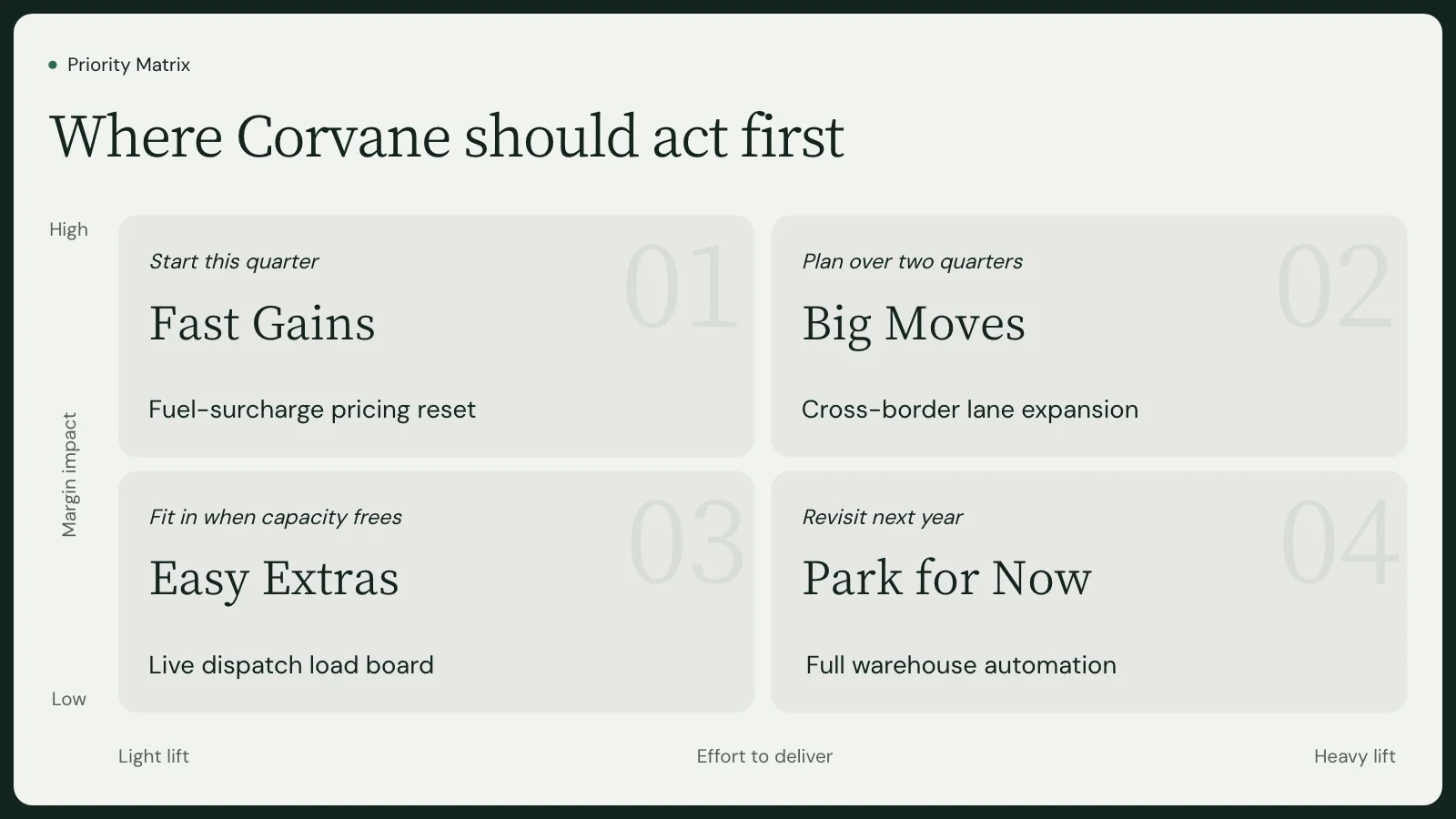
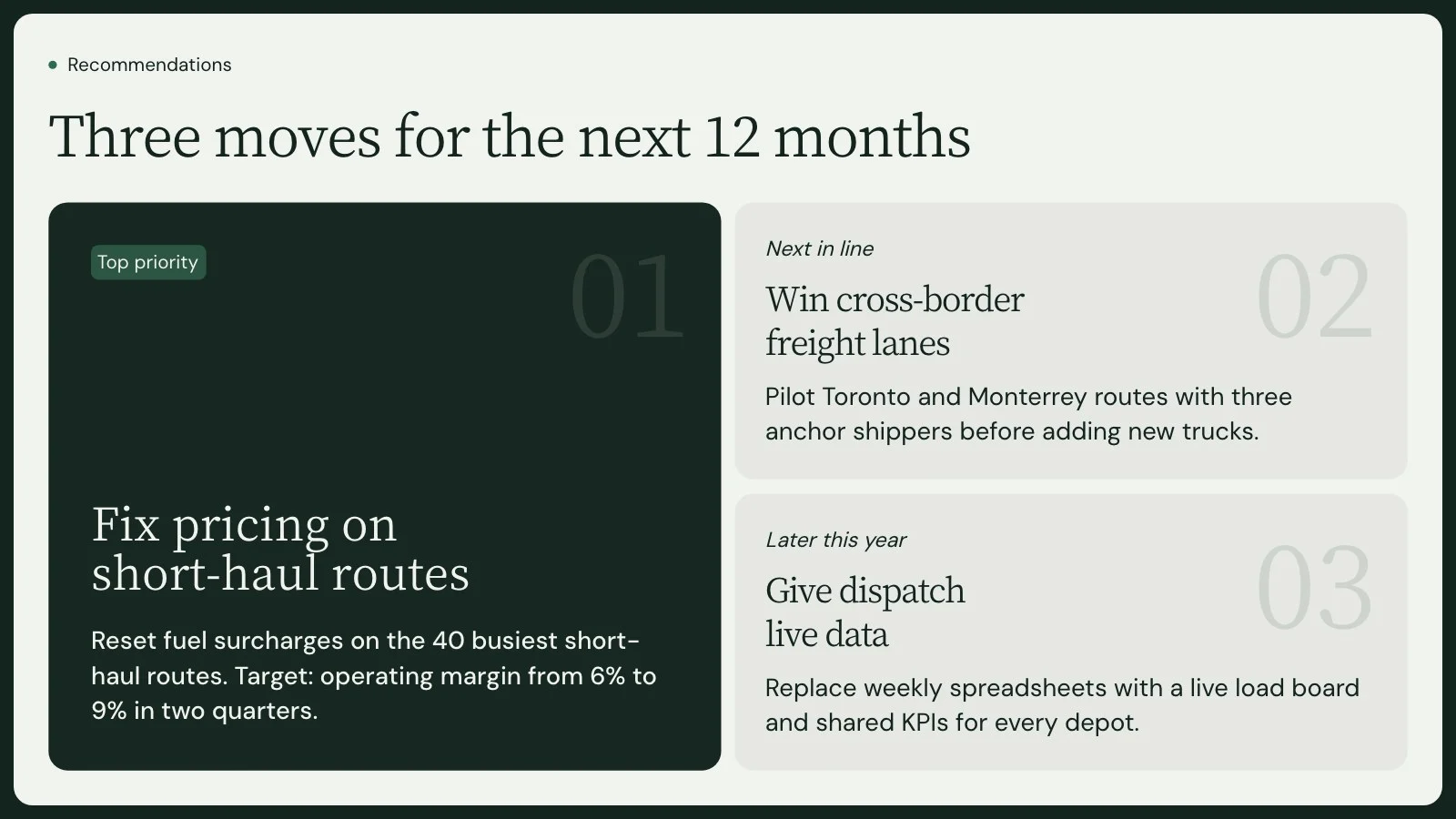
Slides from an example deck by a made-up advisory firm, built in Slicess
How it works
From Google Slides to Slicess in three steps.
Share the link
Set the deck to “Anyone with the link” and paste the link into Slicess, or download it as .pptx and upload the file.
Import
Text, shapes, pictures, tables and charts come in as real objects you can edit.
Redesign with AI
Select a slide and ask Edit with AI to rewrite it, restyle it or rebuild it in your brand.
What you get
Your content, a new design.
Import keeps what your deck says. Slicess’s AI then works on whole slides: the words, the layout and the design.
- Text, shapes, pictures, tables and charts, all editable
- Rewrite, restyle or rebuild any slide with AI
- Your Brand Kit’s colors, fonts and logo
- Google Fonts stay as they are
- Export to PowerPoint and open it in Google Slides again, on Pro, Ultra and Business
| Sources | A Google Slides link (Anyone with the link) or a .pptx file |
| Slides per import | Up to 200 on every paid plan |
| File size | Up to 50 MB |
| Credits | From your monthly credits, like any new deck |
| Back to Google Slides | PowerPoint export on Pro, Ultra and Business |
Questions
Google Slides decks, answered.
Does my deck need to be public?
What comes across?
Can I get it back into Google Slides?
Which plans can import?
Is this an add-on inside Google Slides?
More with Slicess
Other ways to start a deck.
Your old deck is one link from new.
Describe it, drop in your sources, and get a real canvas back in about a minute. Free to start.
1,000 free credits every month · No card needed