Presentations from ChatGPT
Ask ChatGPT for a deck. Get a real presentation.
Connect Slicess to ChatGPT once. Then ask for a presentation in the chat, attach your files, and Slicess builds a designed, editable deck in your account.
Pro, Ultra and Business · No API key needed
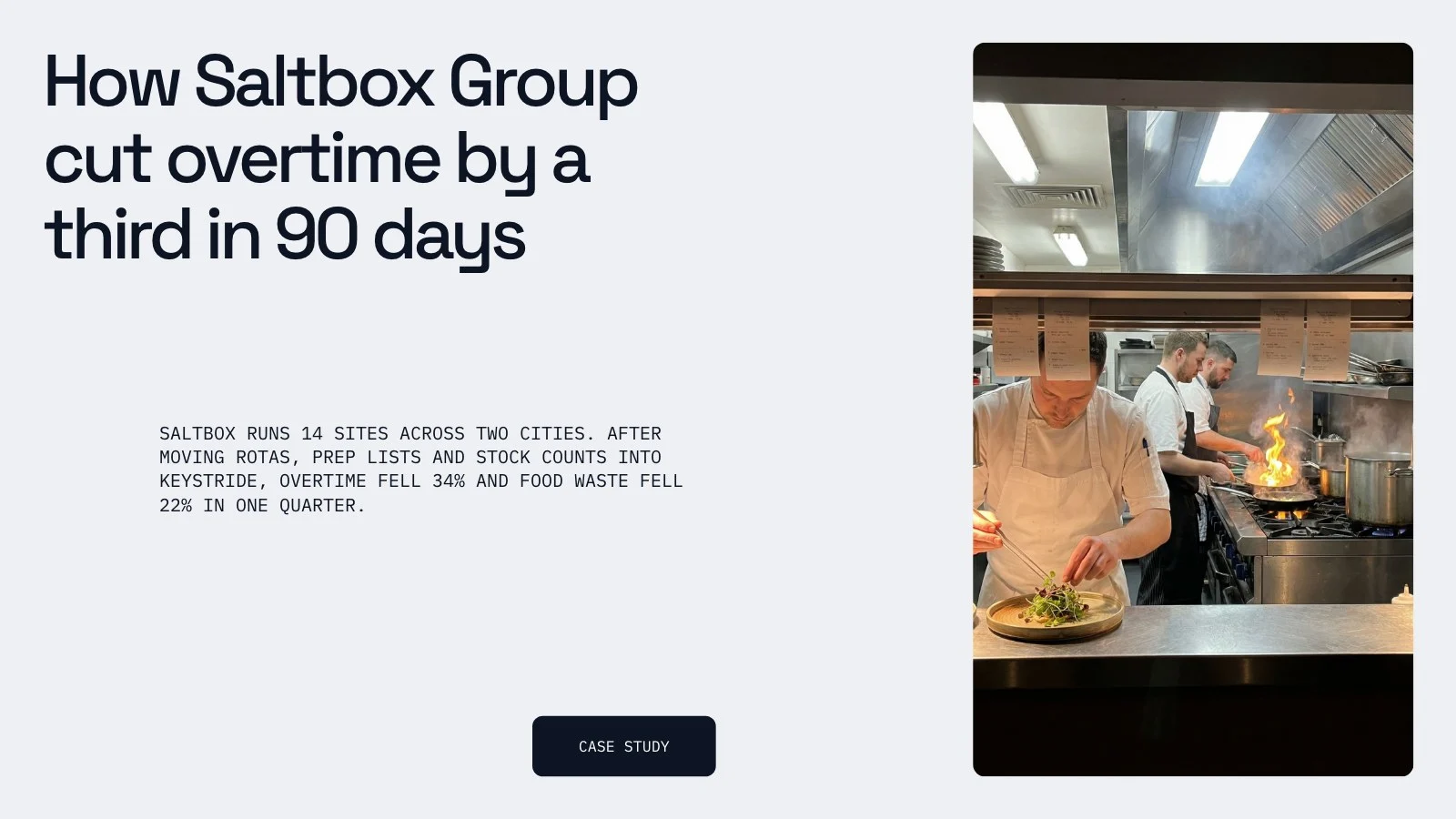
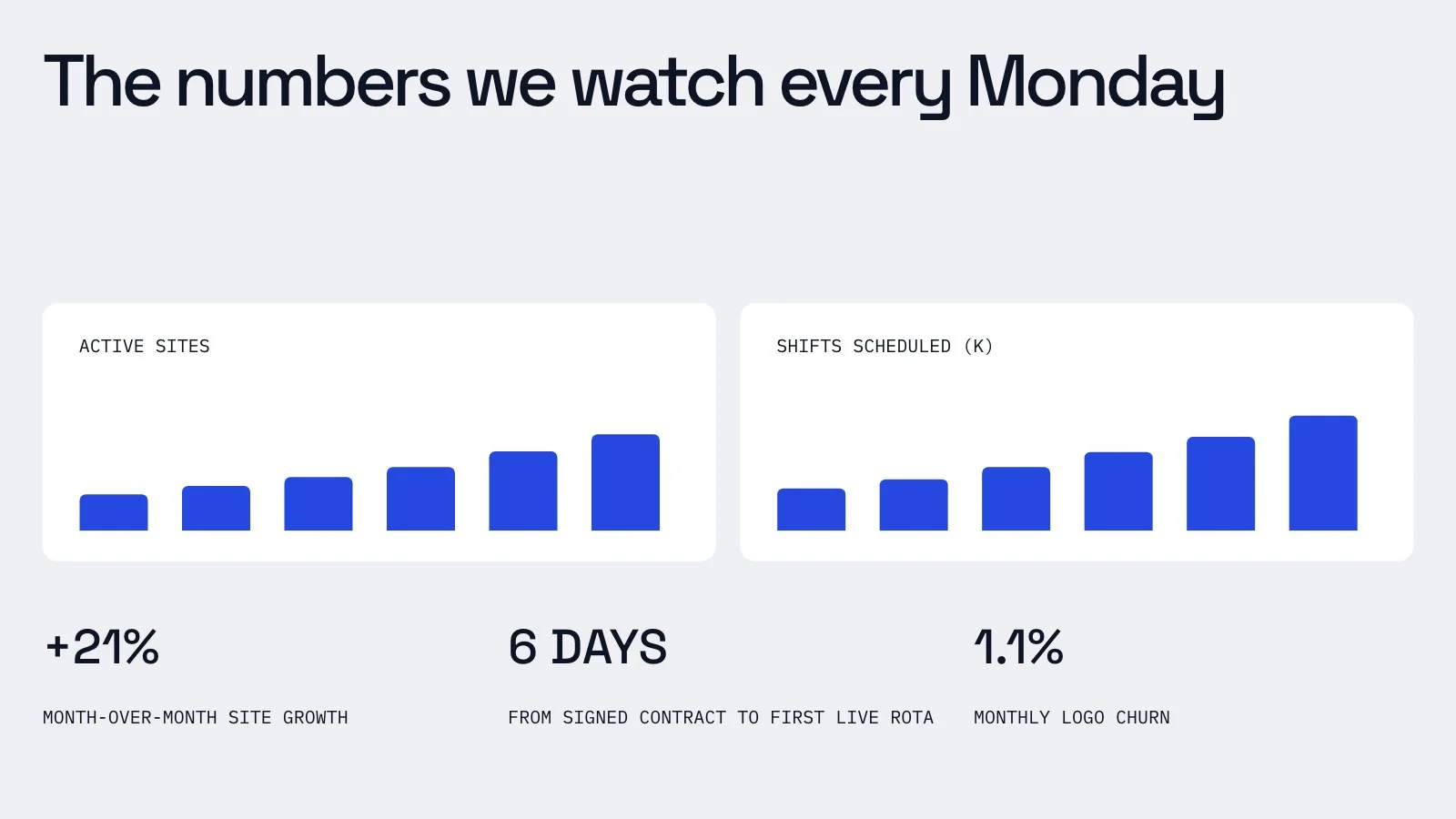
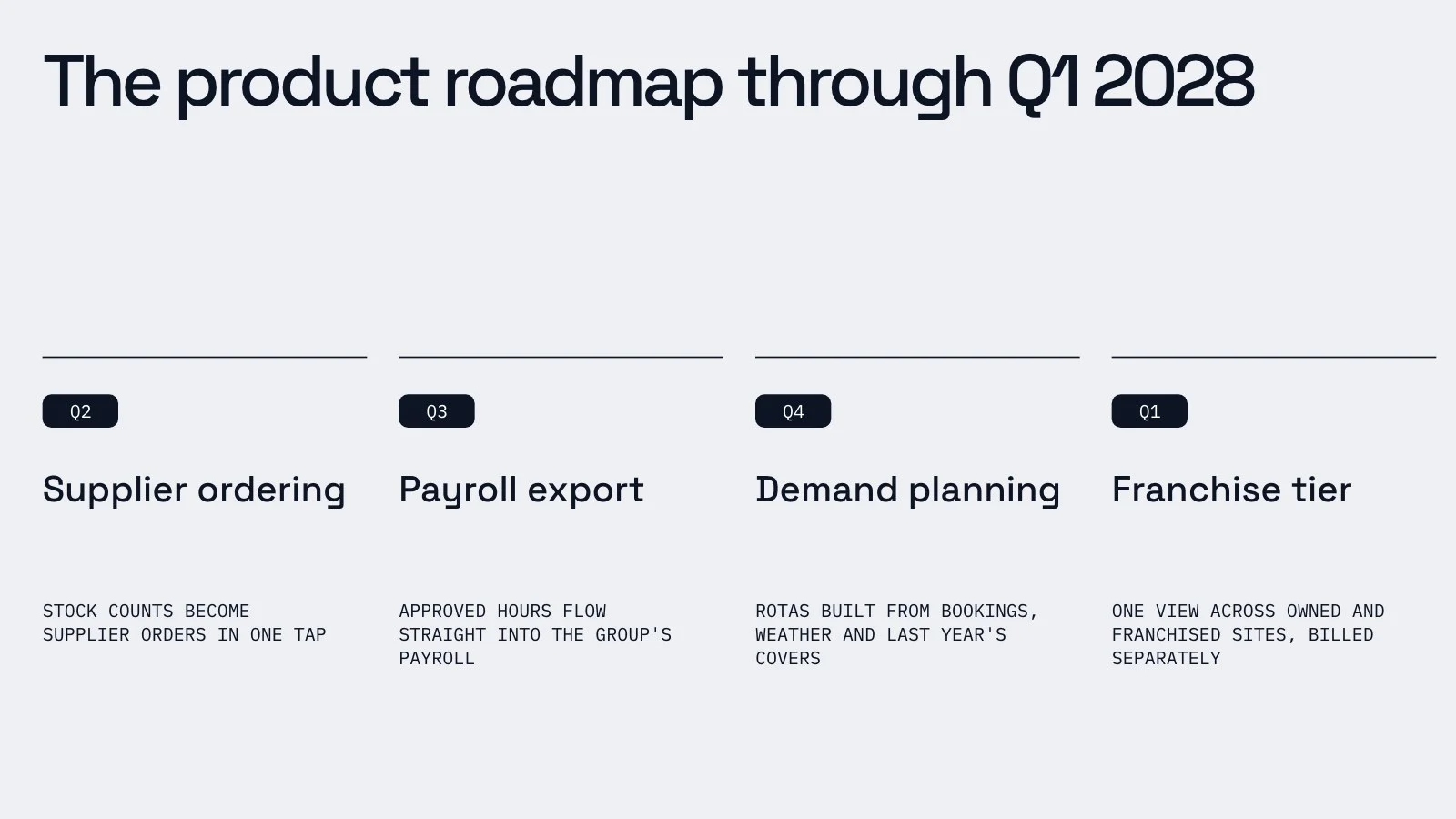
Slides from an example pitch for a made-up restaurant-software startup, built in Slicess
How it works
From chat to deck in three steps.
Add Slicess to ChatGPT
Add a custom MCP server with Slicess’s address, then sign in to Slicess and click Allow. The setup guide has every step.
Ask in the chat
“Make a 10-slide pitch deck from this memo.” Attach files and ChatGPT passes them to Slicess.
Edit, present, export
Open the deck in Slicess to change any slide, present it, share a link or export PDF and PowerPoint.
What you get
ChatGPT plans it. Slicess designs it.
Instead of an outline to copy into slides, you get a finished deck: designed slides, your brand, real charts and pictures.
- Designed slides, not an outline to paste
- Your Brand Kit’s colors, fonts and logo
- Change the deck from the chat: “make slide 3 shorter”
- Files you attach in ChatGPT go to Slicess
- Every deck saved in your Slicess account
| Connects as | A custom MCP server in ChatGPT |
| Slicess plans | Pro, Ultra and Business |
| Credits | The same monthly credits as in the app |
| Sign-in | Slicess sign-in in the browser, no API key |
| Your decks | Saved in your Slicess account, fully editable |
Try asking
What to say in the chat.
Ask the way you’d ask a colleague. ChatGPT turns it into a request Slicess builds.
- 01
“Make a 10-slide pitch from this memo”
A seed pitch from the file you attach.
- 02
“Turn this report into a board update”
Results, risks and decisions, on brand.
- 03
“Build a sales deck for a logistics buyer”
Their problem to next steps.
- 04
“Add a slide comparing our three plans”
A new slide in the deck you just made.
- 05
“Share it and send me the link”
A view-only link, ready to paste.
Read the setup guide: Use Slicess from Claude, ChatGPT and more
Questions
ChatGPT and Slicess, answered.
Which ChatGPT plans can connect?
Which Slicess plans include it?
Does ChatGPT’s own AI use Slicess credits?
What can ChatGPT see and change?
Can I edit the deck afterwards?
More with Slicess
More ways to make a deck.
Your next deck is one message away.
Describe it, drop in your sources, and get a real canvas back in about a minute. Free to start.
1,000 free credits every month · No card needed