For HR, team leads and trainers
Training slides your team will remember.
Attach the handbook, the process doc or your notes. Slicess turns it into a training deck: one step per slide, real examples, common mistakes and a short quiz at the end.
Free to start · No card needed
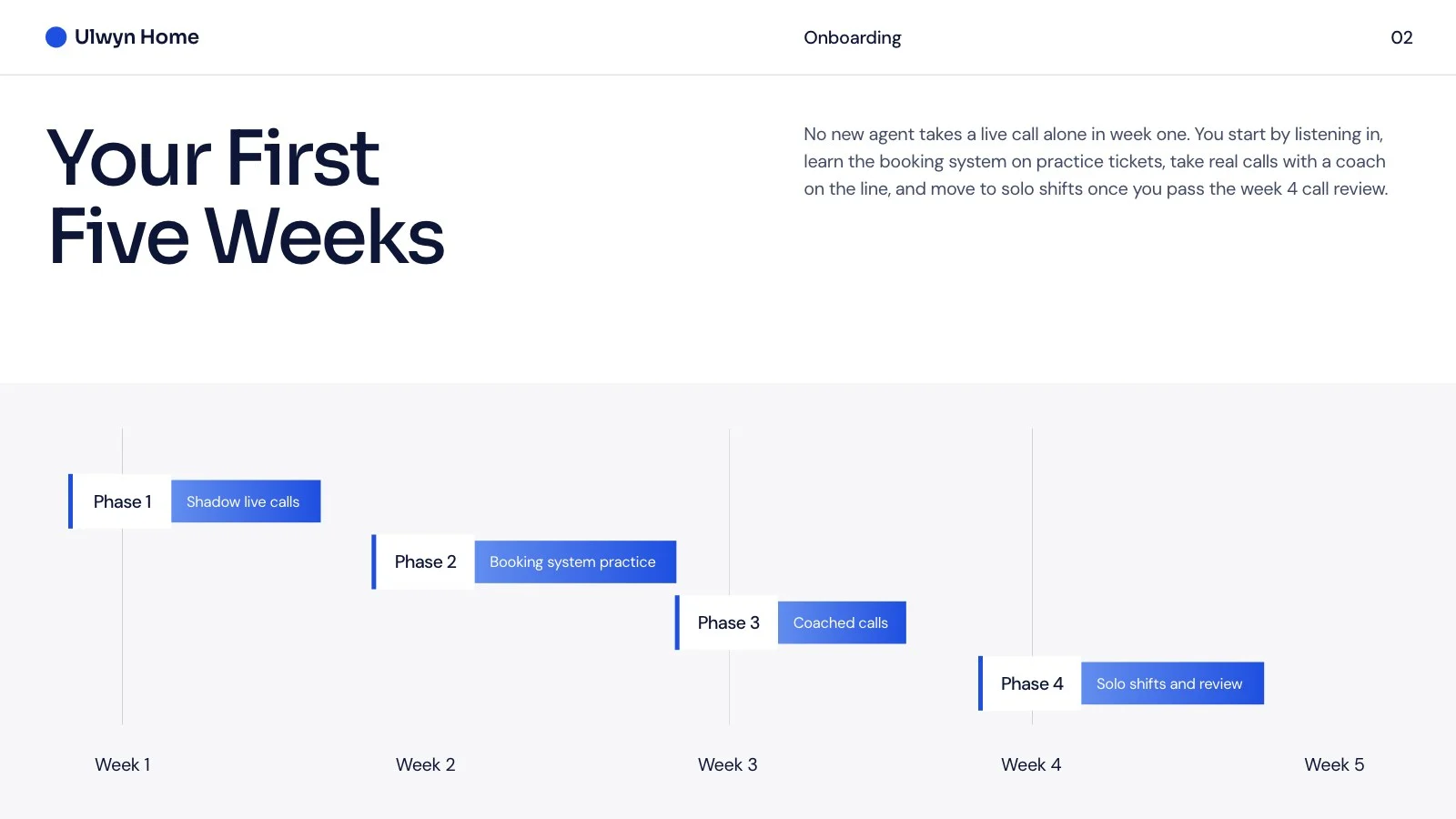
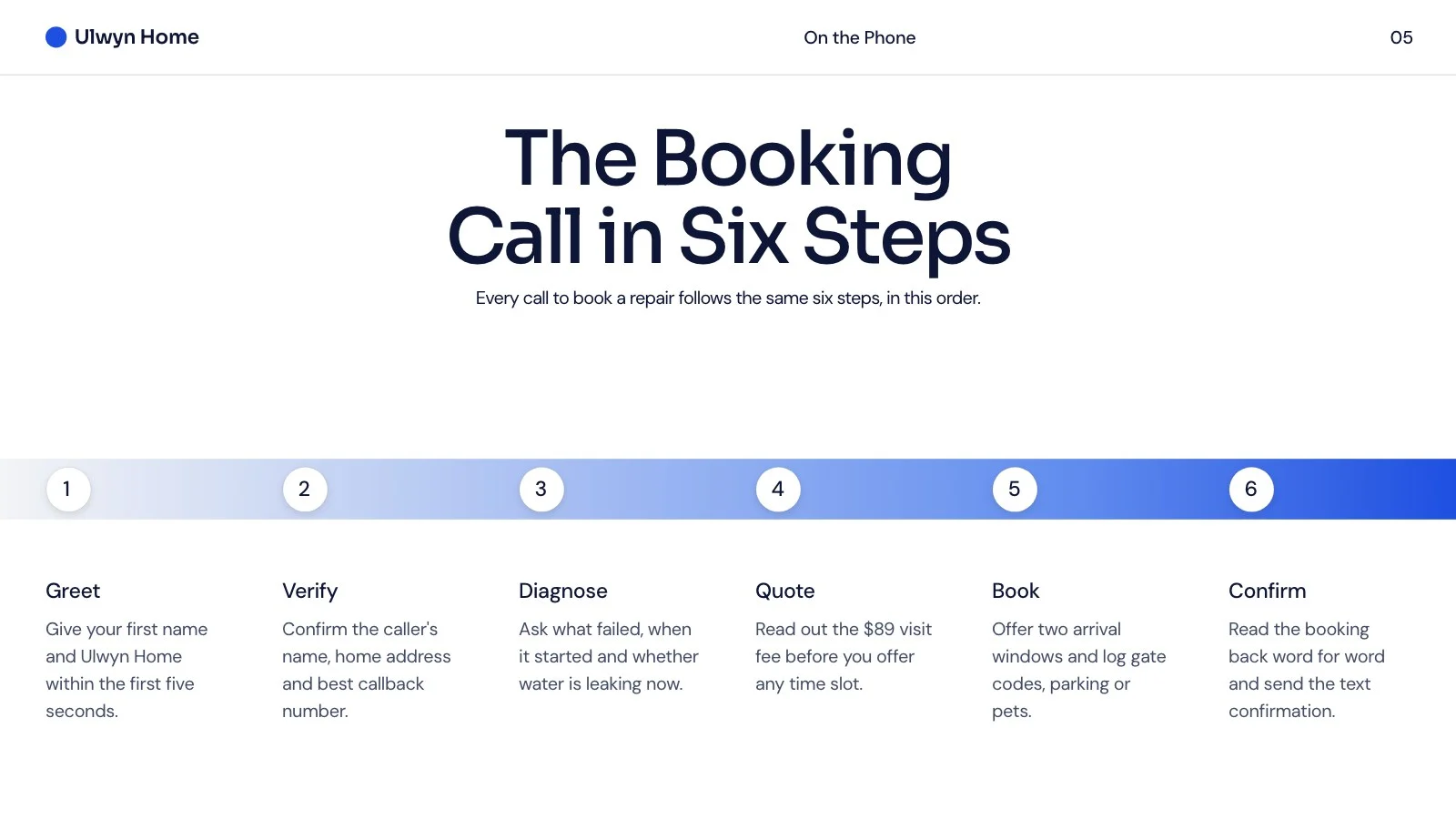
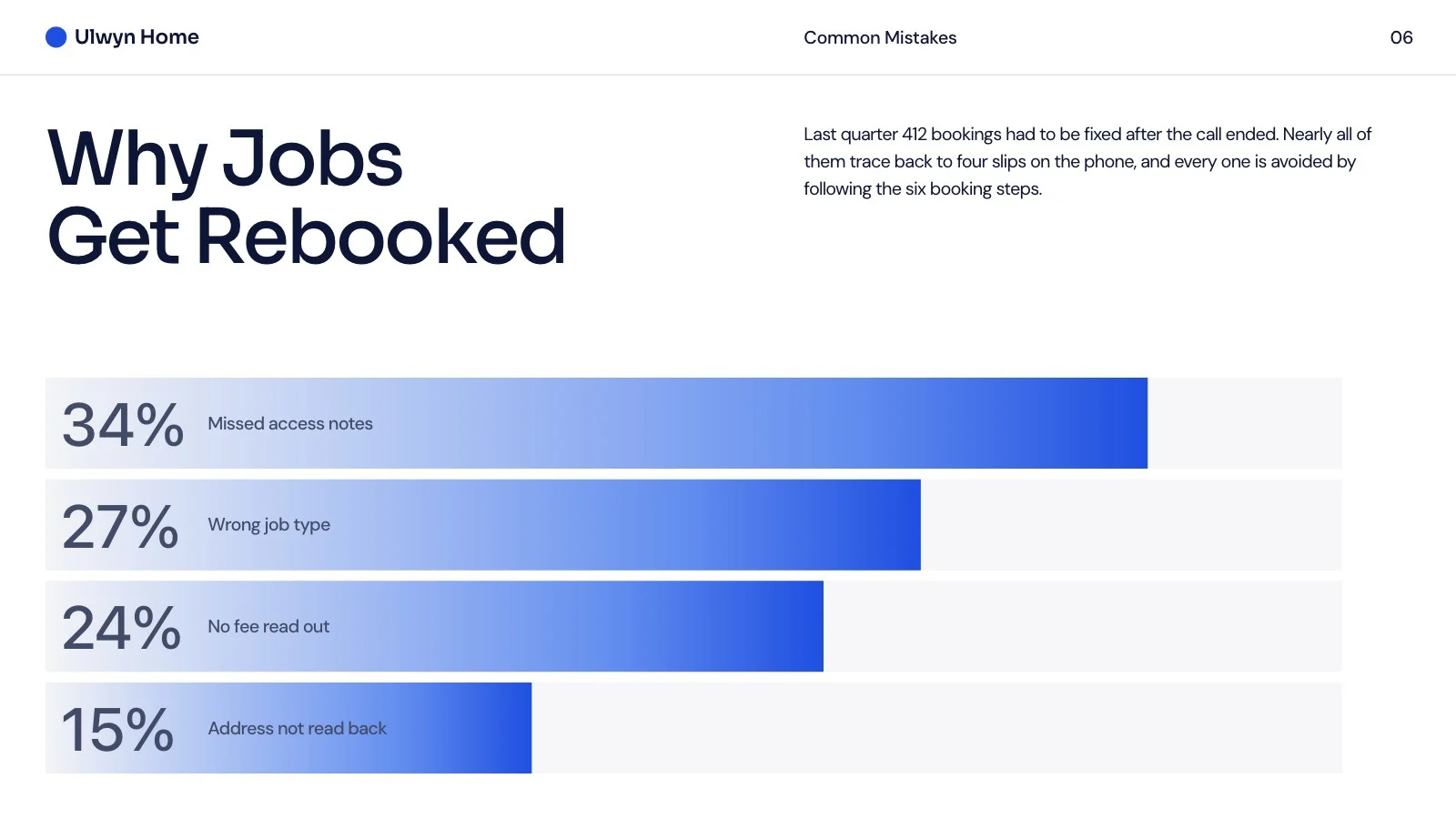
Slides from an example onboarding course for new support agents at a made-up home-repair company, built in Slicess
How it works
From handbook to training deck in three steps.
Attach the material
The handbook, process doc or policy as a PDF or Word file, or your notes. Say who the training is for and how long the session is.
Generate
Slicess breaks it into short steps, adds examples and a quiz, and designs every slide in your brand.
Train with it
Run the session in present mode, or share a view-only link so new hires go through it on their own.
What you get
One idea per slide.
People remember training that shows them what to do, step by step, with an example they’ll meet on the job.
- Goals, steps, examples, dos and don’ts, and a quiz
- Built from your own handbook, process or policy
- Short modules instead of one long deck
- Your brand on every slide
- Present it live, or share a link for self-paced learning
| Sources | Your notes, PDFs up to 5 MB on Free, 10 MB on Pro and Ultra, Word and text files |
| Deck length | Up to 10 slides on Free, 30 on every paid plan |
| Credits | From your plan’s monthly credits |
| Brand | Colors, fonts, logos and photos on every plan |
| Export | PDF on every plan; PowerPoint on Pro, Ultra and Business |
The ten slides
What goes on each slide.
A shape that works for most training sessions. Ask for another in your prompt.
- 01
Cover
The course and who it’s for.
- 02
Why it matters
What goes wrong without it.
- 03
Goals
What people will be able to do.
- 04
The process
The steps at a glance.
- 05
Step by step
One step per slide, with an example.
- 06
Dos and don’ts
The mistakes people make most.
- 07
Practice
A real case to work through.
- 08
Tools
Where to find what they need.
- 09
Quiz
Three questions to check it stuck.
- 10
Recap
What to remember, and who to ask.
Questions
Training decks, answered.
Can it turn our employee handbook into an onboarding deck?
Can new hires go through it on their own?
Can I split a long course into short modules?
Is it free?
More with Slicess
Other ways to start a deck.
Your next training session is one handbook away.
Describe it, drop in your sources, and get a real canvas back in about a minute. Free to start.
1,000 free credits every month · No card needed