Presentations from Claude
Ask Claude for a deck. Get a designed presentation.
Add Slicess to Claude as a connector, then ask for a presentation in the chat. Claude reads your files and plans the deck; Slicess designs it in your account.
Pro, Ultra and Business · No API key needed
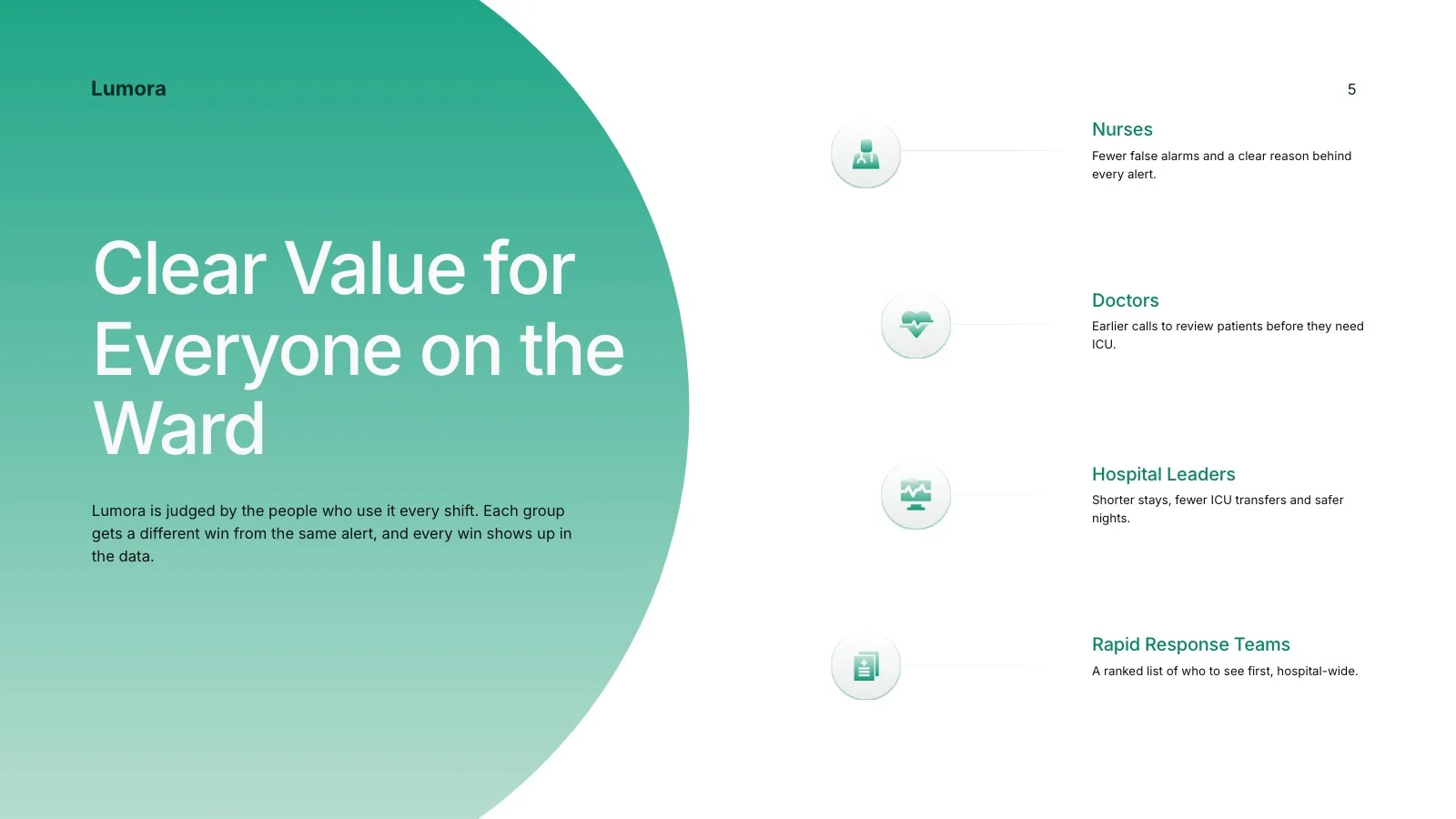
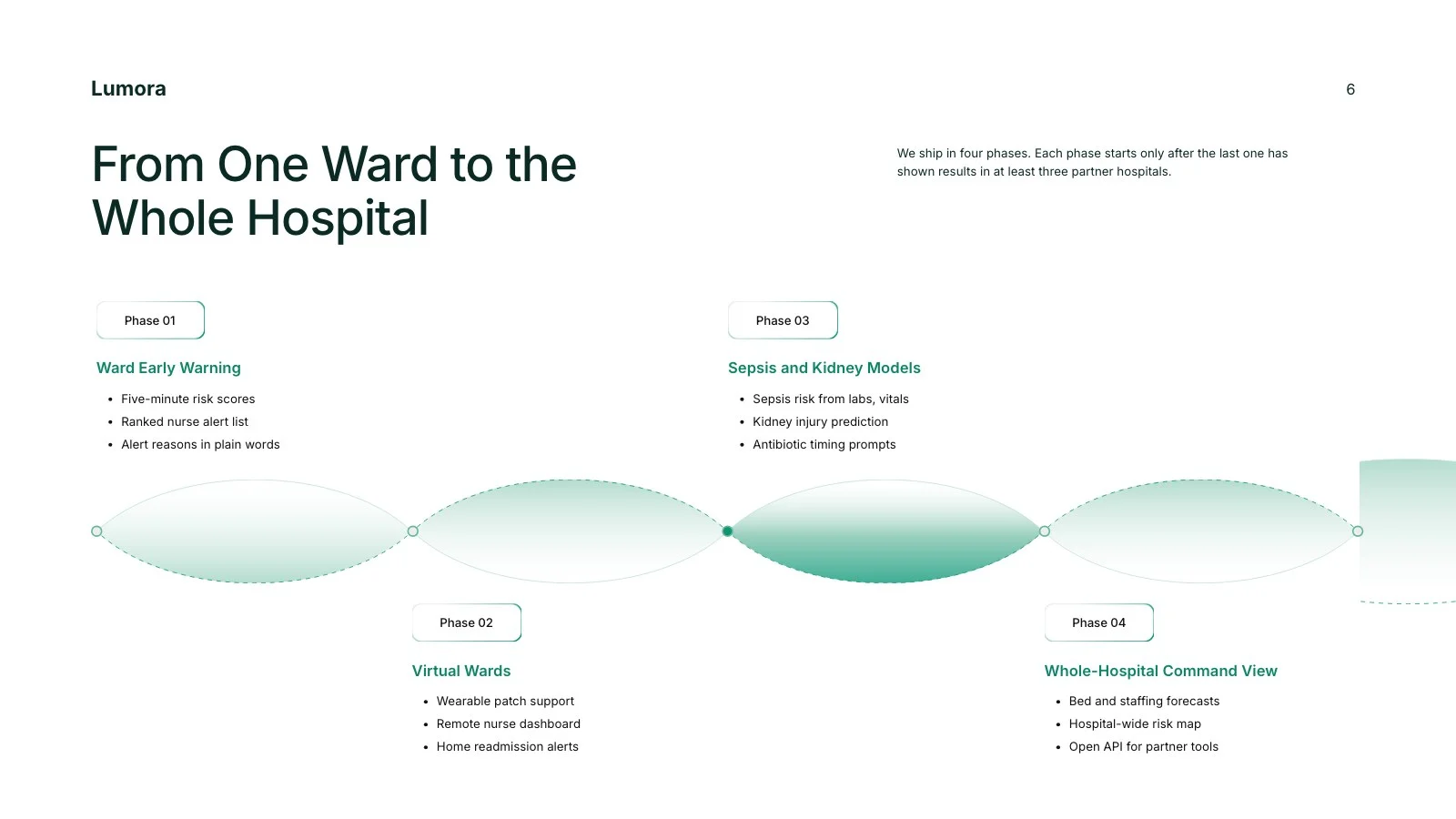
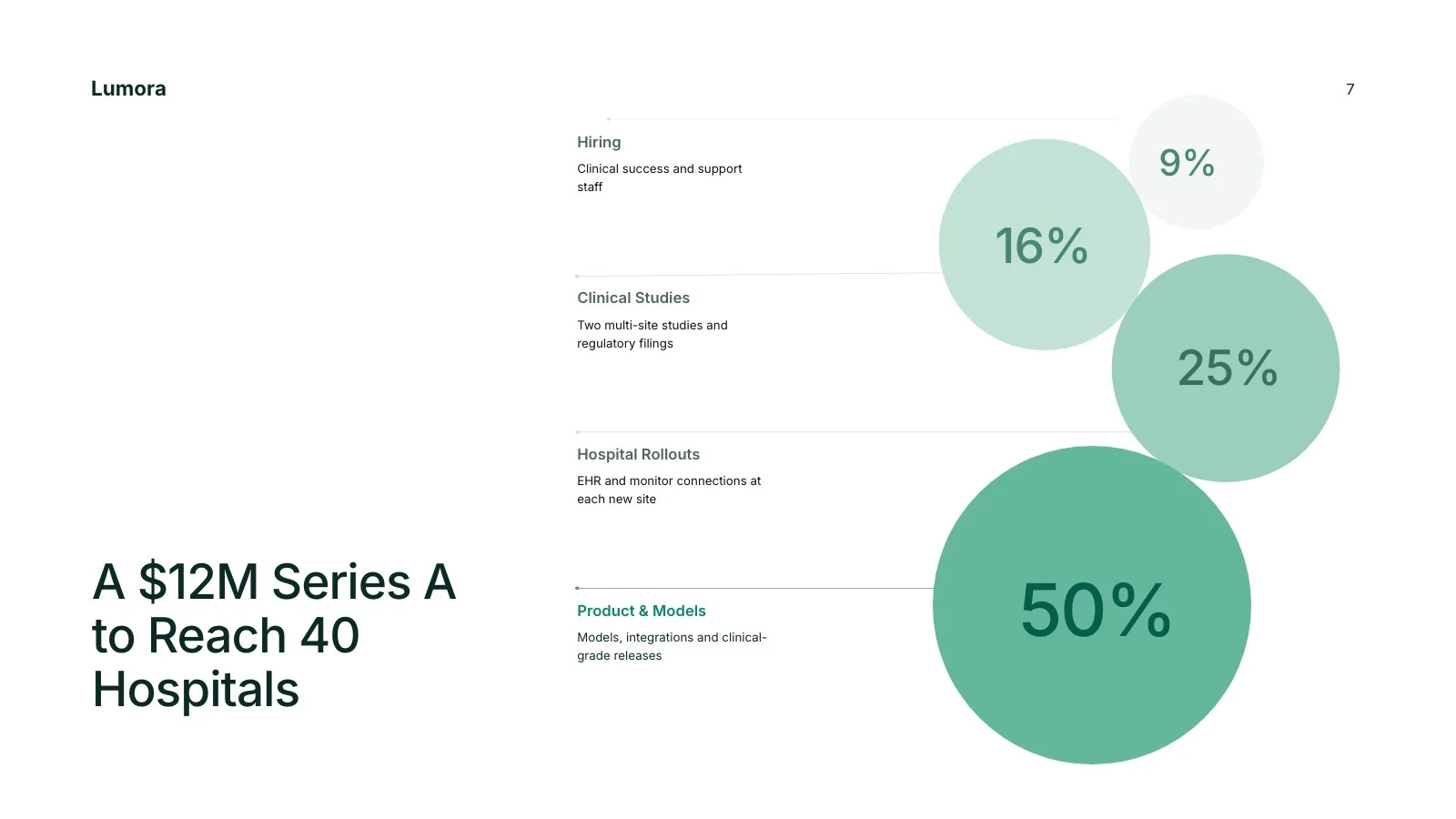
Slides from an example pitch for a made-up hospital-software company, built in Slicess
How it works
From chat to deck in three steps.
Add the connector
In Claude, add Slicess as a custom connector with its address and press Connect. On Team and Enterprise plans, an owner adds it first.
Ask in the chat
“Turn this report into a 12-slide board update.” Attach files and Claude sends Slicess what’s in them.
Edit, present, export
Open the deck in Slicess to change any slide, present it, share a link or export PDF and PowerPoint.
What you get
Claude writes it. Slicess designs it.
Claude does the thinking: your files, your argument, your words. Slicess turns them into designed slides in your brand.
- Designed slides, not an outline to paste
- Your Brand Kit’s colors, fonts and logo
- Change the deck from the chat: “shorter titles on slides 2 to 4”
- Works in Claude on the web, the desktop app and Claude Code
- Every deck saved in your Slicess account
| Connects as | A custom connector (remote MCP) in Claude |
| Works in | Claude on the web, the desktop app and Claude Code |
| Slicess plans | Pro, Ultra and Business |
| Credits | The same monthly credits as in the app |
| Sign-in | Slicess sign-in in the browser, no API key |
Try asking
What to say in the chat.
Ask the way you’d ask a colleague. Claude turns it into a request Slicess builds.
- 01
“Summarize this PDF as a 12-slide deck”
The report’s key points, designed.
- 02
“Make a deck from our meeting notes”
A clear project update from rough notes.
- 03
“Use our brand”
Your Brand Kit’s colors, fonts and logo.
- 04
“Shorter titles on slides 2 to 4”
Changes to the deck you just made.
- 05
“Export it as a PDF”
A file link, ready to send.
Read the setup guide: Use Slicess from Claude, ChatGPT and more
Questions
Claude and Slicess, answered.
Which Claude plans can add it?
Which Slicess plans include it?
Can I use it in Claude Code?
Does Claude’s own AI use Slicess credits?
What can Claude see and change?
More with Slicess
More ways to make a deck.
Your next deck is one message away.
Describe it, drop in your sources, and get a real canvas back in about a minute. Free to start.
1,000 free credits every month · No card needed