For product and marketing teams
Launch decks that make people care.
Describe what you’re launching, who it’s for and when, or paste the product page link. Slicess builds the deck: the problem it solves, what’s new, pricing and the launch plan.
Free to start · No card needed
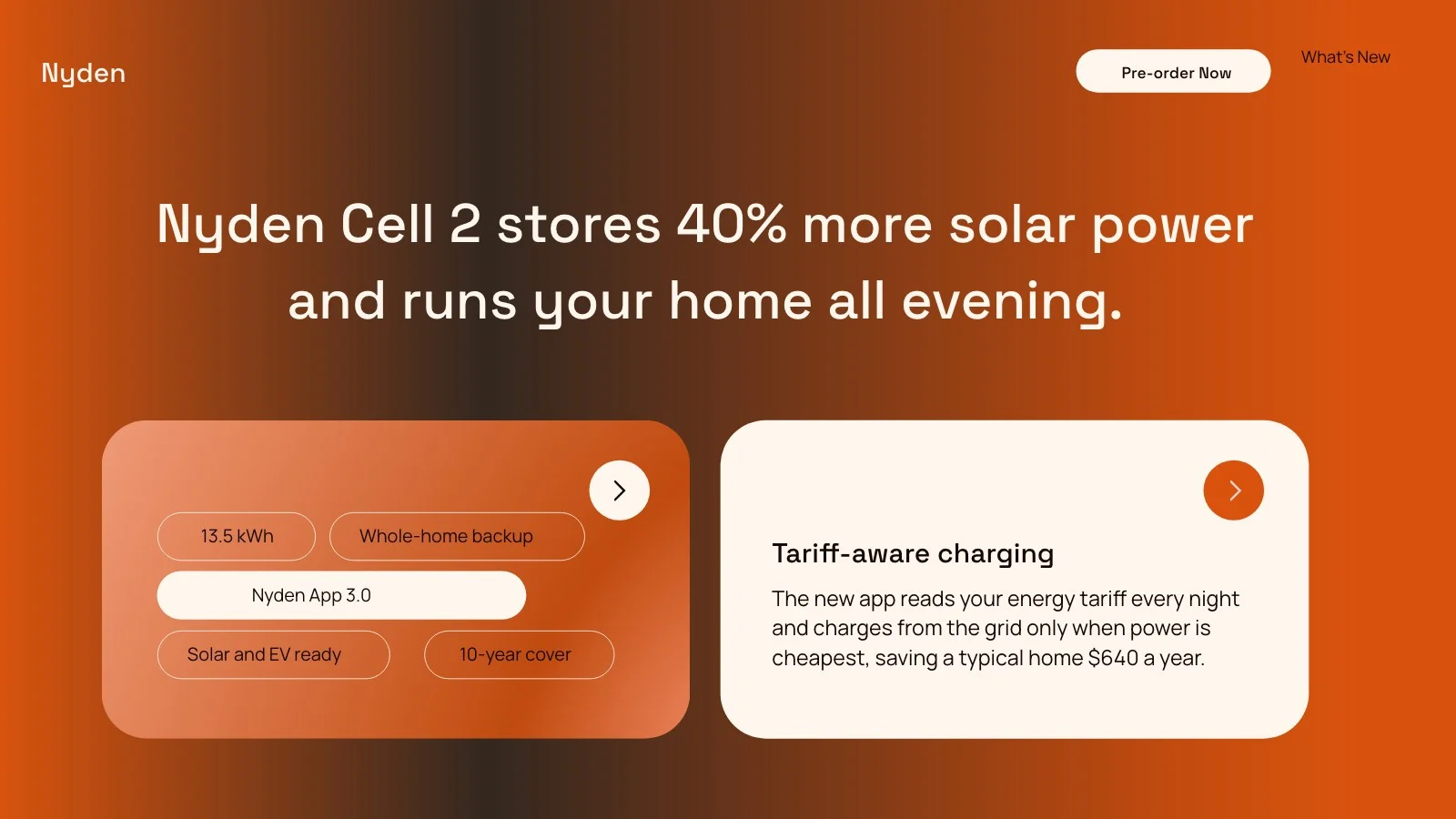
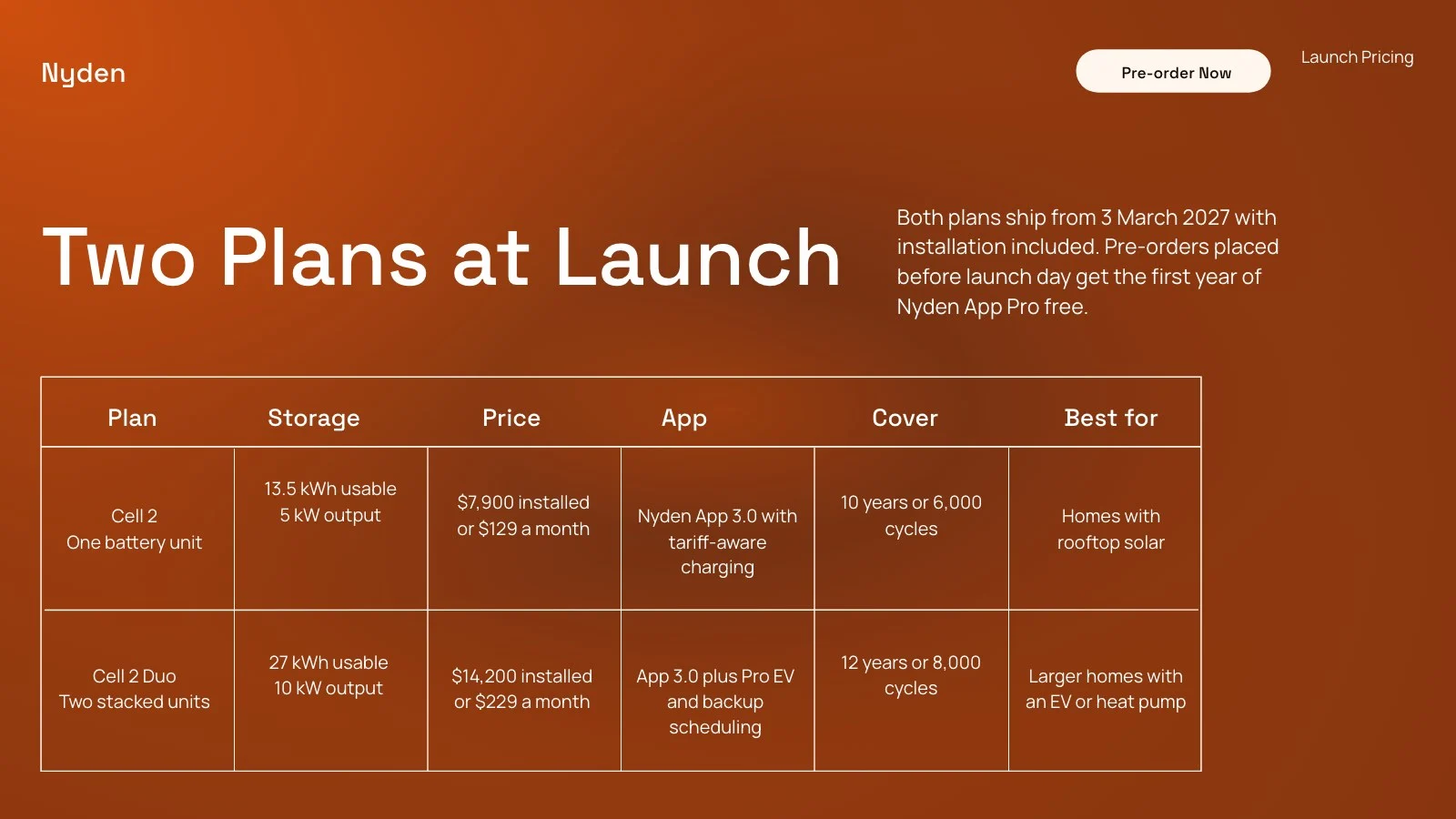
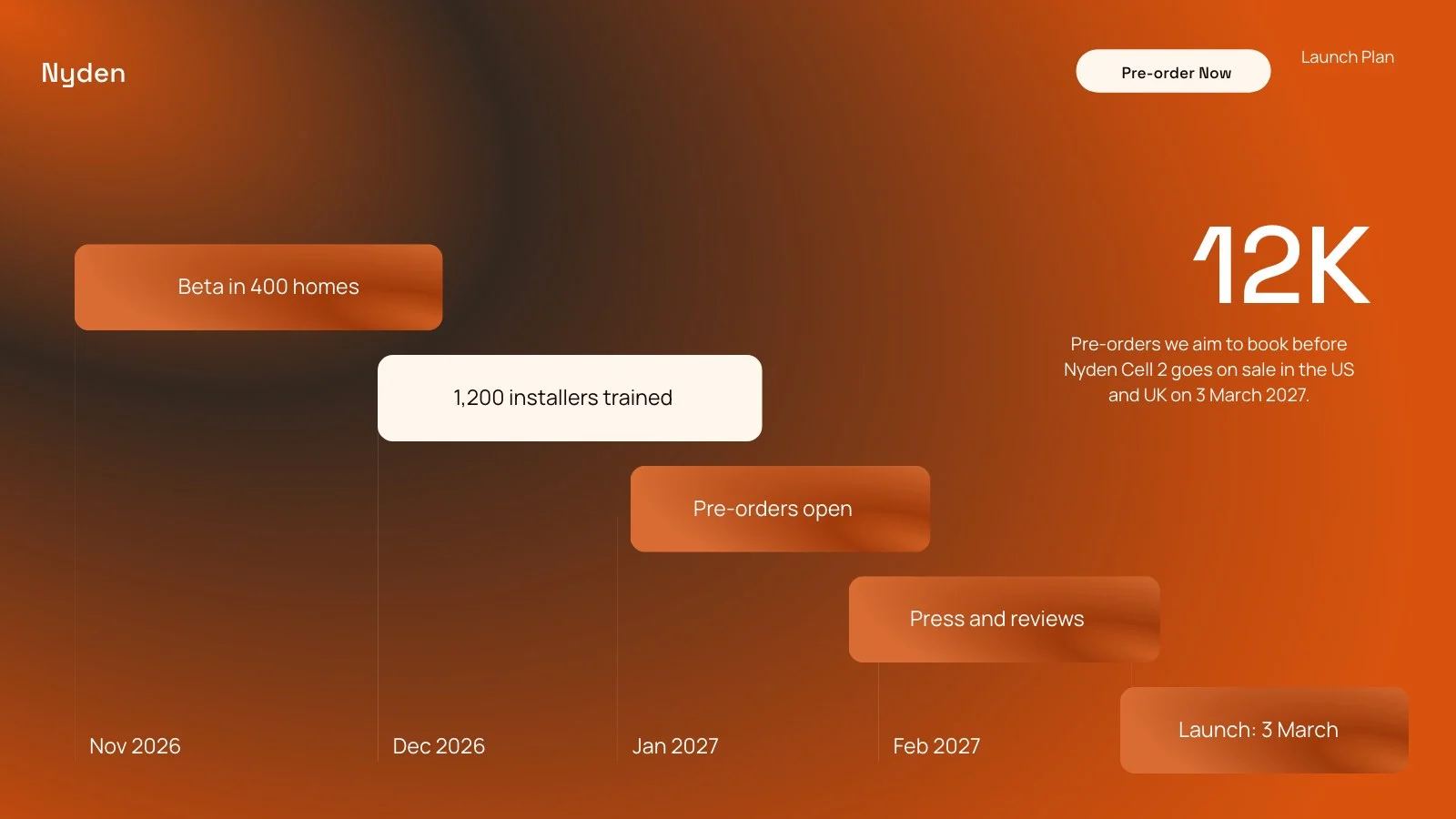
Slides from an example product launch deck for a made-up home battery brand, built in Slicess
How it works
From product to launch deck in three steps.
Describe the launch
What’s new, who it’s for, the price and the date. Paste the product page link, or attach the spec and screenshots.
Generate
Slicess writes the story around the customer’s problem and designs every slide in your brand, with your screenshots on the slides.
Launch it
Present it at the kickoff or the event, share a link with sales and partners, or export a PDF.
What you get
The why before the what.
People care about a product once they see the problem it solves. Slicess opens with the problem and closes with the plan.
- Problem, product, features, pricing, launch plan and timeline
- Built from your product page, spec or notes
- Your screenshots placed on the slides
- AI pictures where a visual helps
- Present, share a link, or export PDF and PowerPoint
| Sources | Your notes, product page link, PDFs, Word files and images |
| Deck length | Up to 10 slides on Free, 30 on every paid plan |
| Credits | From your plan’s monthly credits |
| Brand | Colors, fonts, logos and photos on every plan |
| Export | PDF on every plan; PowerPoint on Pro, Ultra and Business |
The ten slides
What goes on each slide.
Most launch decks follow this order. Name the slides in your prompt, or let Slicess plan them.
- 01
Cover
The product name and the launch date.
- 02
The problem
What people struggle with today.
- 03
Meet the product
What it is, in one sentence.
- 04
What’s new
The three things that matter most.
- 05
Who it’s for
The customers you’re launching to first.
- 06
How it works
The product in a few steps or screens.
- 07
Pricing
Plans and what each includes.
- 08
Launch plan
Channels, events and who does what.
- 09
Timeline
The weeks before and after launch day.
- 10
Success
The numbers you’ll track.
Questions
Launch decks, answered.
Can I make one deck for the team and one for customers?
Can it work from our product page or spec?
Can I add screenshots of the product?
Is it free?
More with Slicess
Other ways to start a deck.
Your next launch is one brief away.
Describe it, drop in your sources, and get a real canvas back in about a minute. Free to start.
1,000 free credits every month · No card needed