For the classroom
Lesson slides, ready before the bell.
Paste your lesson plan, notes or a reading. Slicess turns it into clear slides: learning objectives, the idea step by step, examples, and a recap to close.
Free to start · No card needed
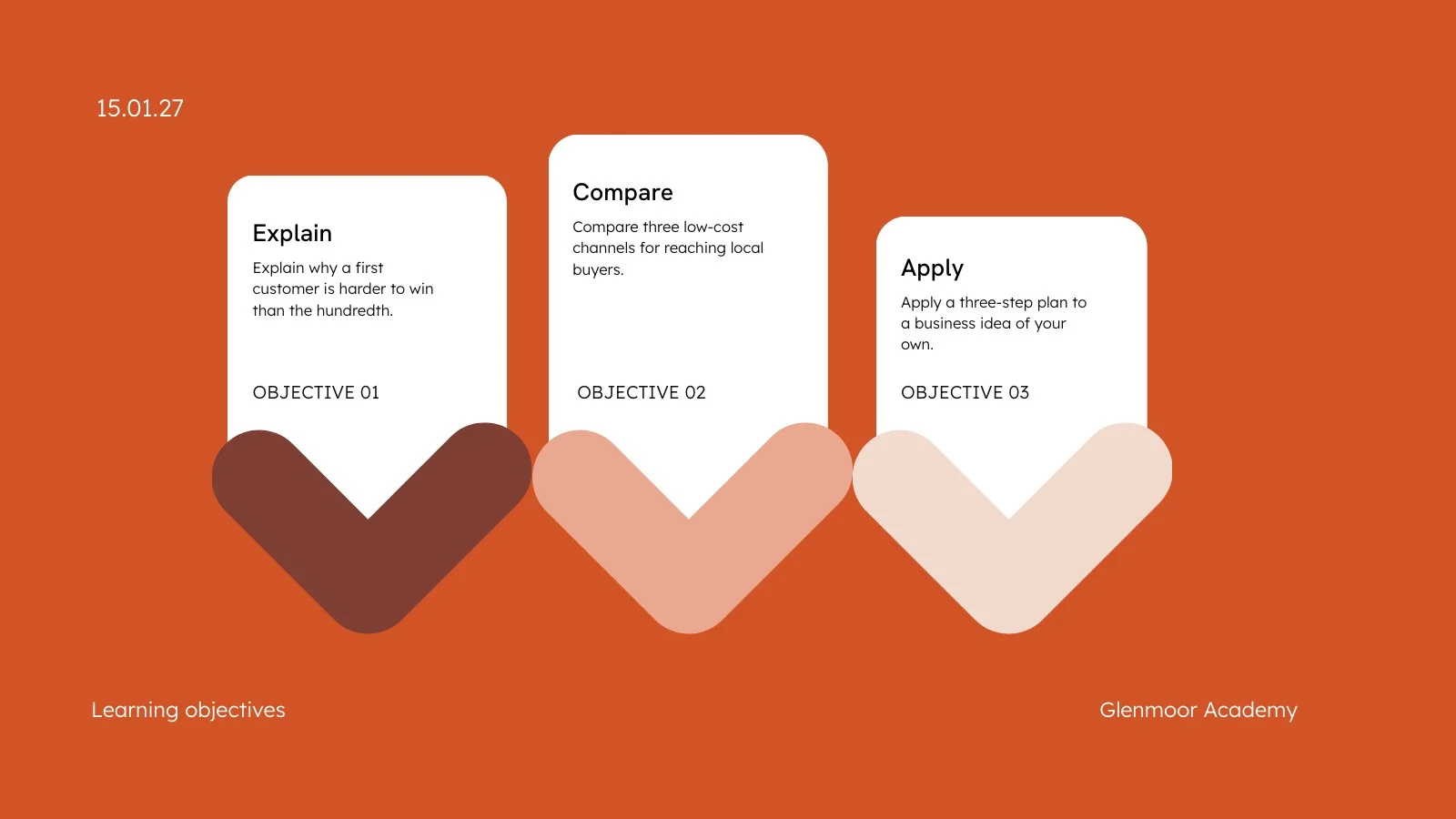
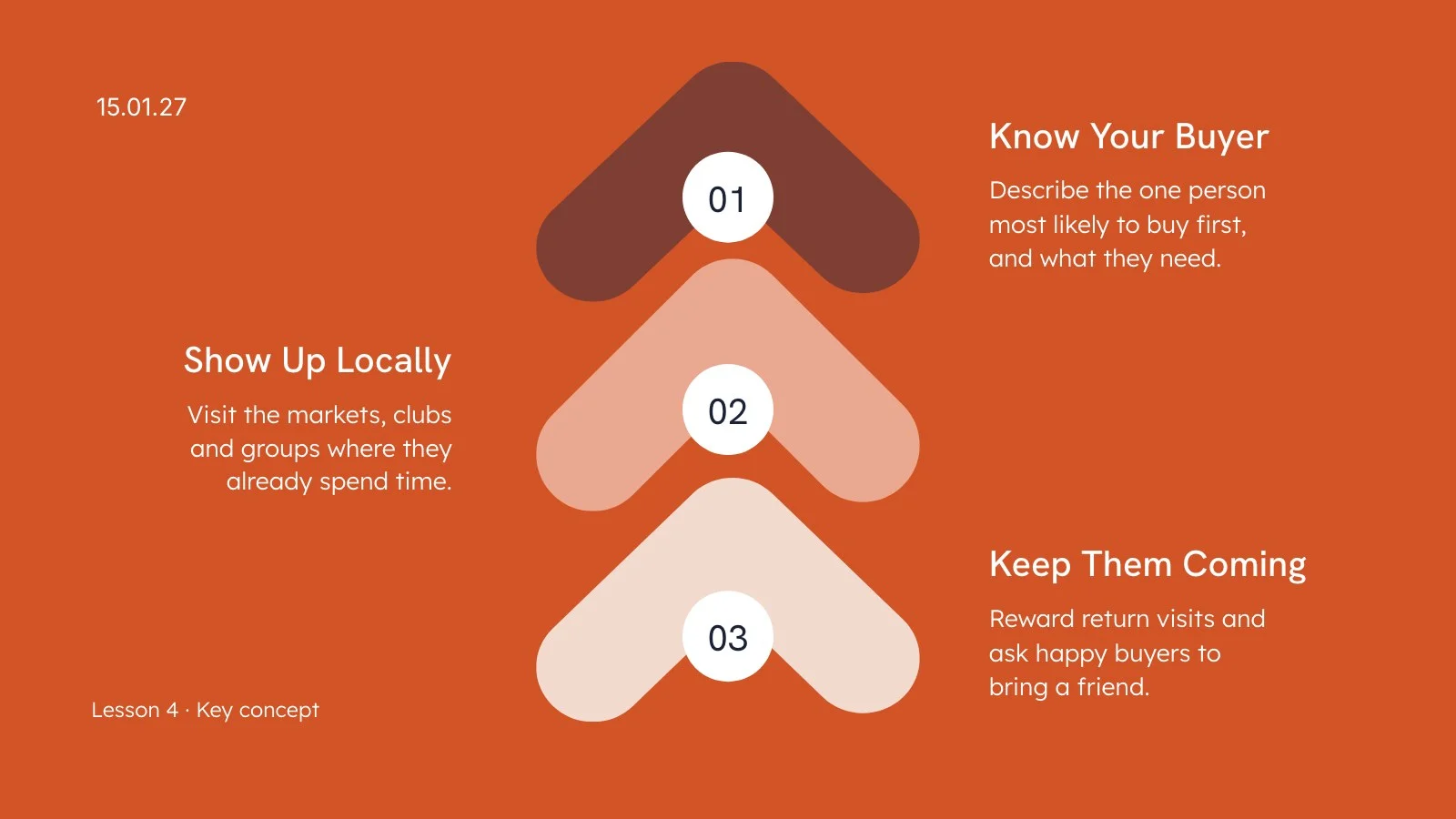
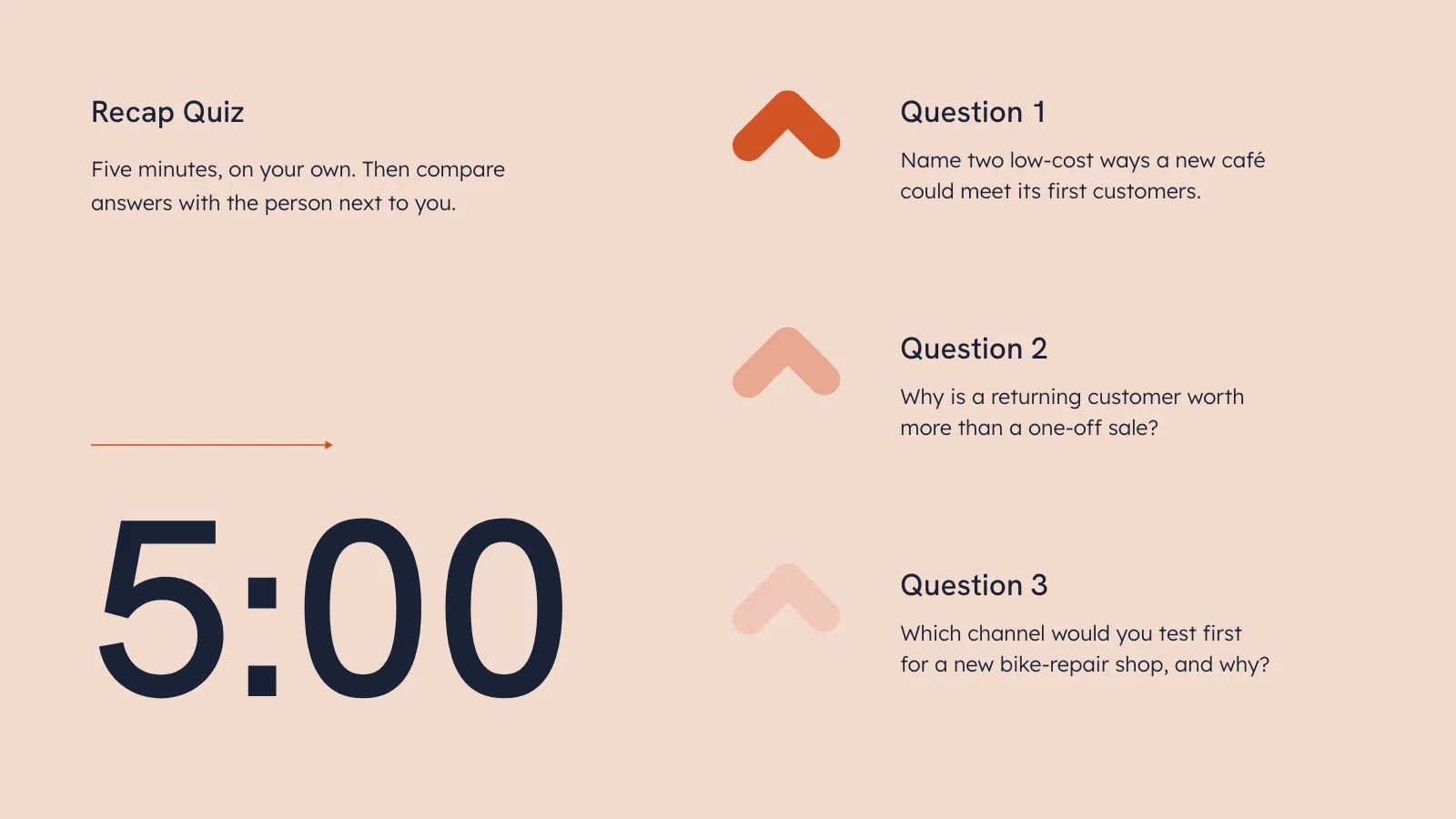
Slides from an example business-studies lesson by a made-up school, built in Slicess
How it works
From lesson plan to slides in three steps.
Bring the lesson
Paste your plan or notes, or attach the reading as a PDF. Say the age group and how long the lesson is.
Generate
Slicess writes slides at the right level and designs them, with pictures where they help.
Teach with it
Present from the browser, share a link with the class, or export a PDF to print.
What you get
Slides that help students learn.
Fewer words per slide, one idea at a time, and a recap at the end.
- Objectives, ideas, examples, activities and a recap
- Written for the age group you name
- Built from your own plan, notes or reading
- AI pictures where they help
- Share a link with the class, or print a PDF
| Sources | Your notes, PDFs up to 5 MB on Free, 10 MB on Pro and Ultra, Word and text files |
| Deck length | Up to 10 slides on Free, 30 on every paid plan |
| Credits | From your plan’s monthly credits |
| Free plan | 1,000 credits every month, no card |
| Export | PDF on every plan; PowerPoint on Pro, Ultra and Business |
The five parts
What goes in a lesson.
A shape that works for most lessons. Ask for another in your prompt.
- 01
Objectives
What students will be able to do.
- 02
The big idea
The concept in one sentence.
- 03
Step by step
The idea broken into parts, with examples.
- 04
Try it
A question or task for the class.
- 05
Recap
What to remember.
Questions
Lesson slides, answered.
Can students use it for class presentations?
Can I make slides from a textbook chapter?
Can I set the reading level?
Is it free?
More with Slicess
Other ways to start a deck.
Tomorrow’s lesson is one sentence away.
Describe it, drop in your sources, and get a real canvas back in about a minute. Free to start.
1,000 free credits every month · No card needed